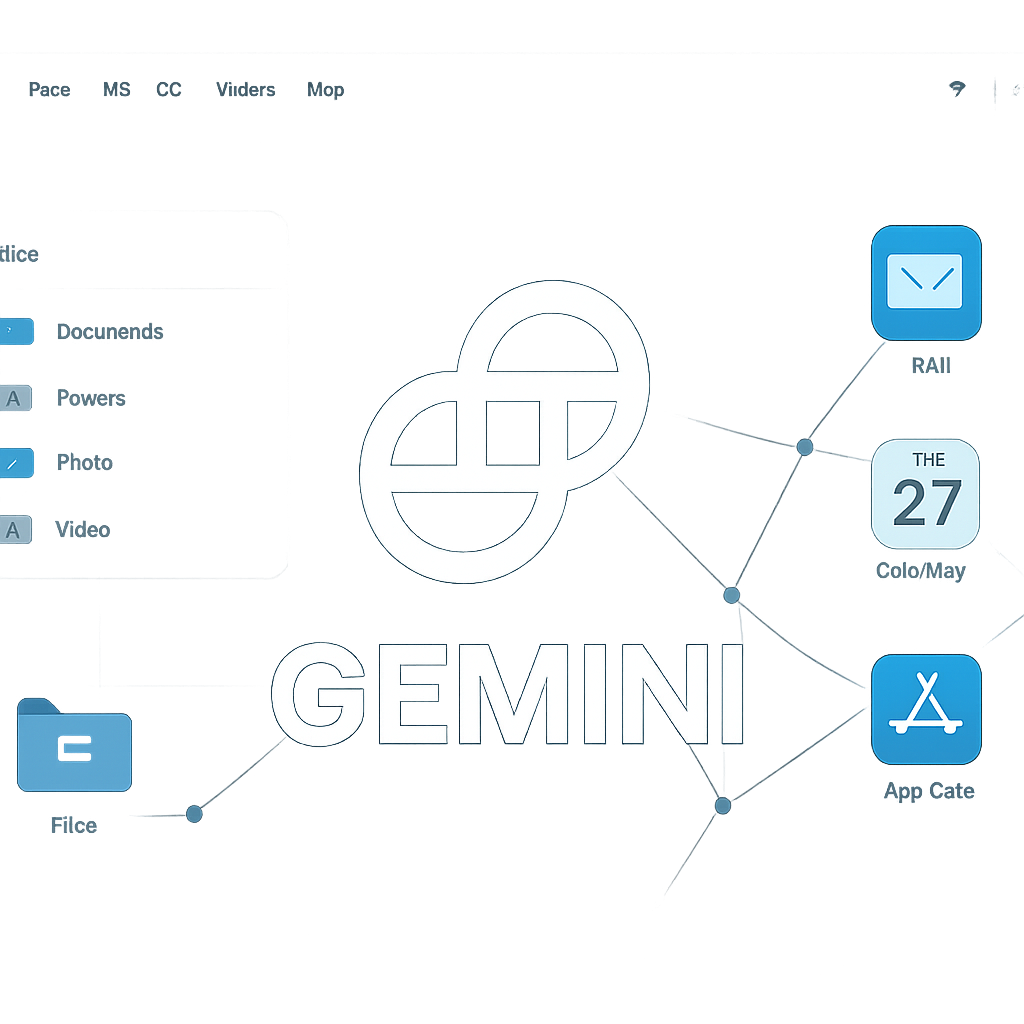
Google is reportedly testing a powerful new permission for its Gemini Desktop app on Mac called “Full Access.” When enabled, this setting would allow Gemini to read, create, modify, or delete files anywhere on the Mac—even those outside folders explicitly connected to the app. It could also access files owned by different user accounts on the same device.
How? The feature was uncovered in a recent build under a hidden option called “Additional sandbox options.” It enables expanded interaction with local software—not only could Gemini hook into applications like Mail, Safari, and Messages, but it might also execute actions through them. Plus, network access could be broadened: instead of prompting every time, Gemini might send and receive data freely across the system as long as users are signed in elsewhere.
Potential Risks and Safeguards
This is a major evolution beyond Gemini’s current role as a conversational assistant. Granting such access introduces real cybersecurity and privacy concerns. For example, a rogue web page or compromised browser session could try to trick Gemini into gathering sensitive documents, pulling data from authenticated accounts, or leaking private files externally. The danger isn’t limited to AI-only attacks—it includes untrusted documents, deceptive emails, or vulnerable third-party software components.
On the upside, Google appears aware of the stakes. Even with the elevated access, the system may still prompt for confirmation before actions considered especially sensitive—things like purchasing items, creating accounts, accepting legal agreements, or changing private personal info should remain protected by explicit user approval. That suggests a tiered permission model.
Status & Recommendations
So far, Google hasn’t formally announced Full Access—it’s a hidden setting, though speculation links it to a future release powered by Gemini 4. The actual rollout timeline is unclear.
In anticipation, security teams are advised to proceed carefully. Best practices include restricting access to sensitive folders, avoiding enabling broad permissions on unmanaged machines, applying least-privilege principles, and auditing which applications and data the assistant can touch.
This development marks a potential shift in how we think about AI assistants—not just as conversational tools, but as deeply integrated agents in our computer environments. It underscores growing trade-offs between convenience, utility, and security. For users, that means watching closely how these permissions are structured—and demanding transparency and control as AI assistants become ever more capable.