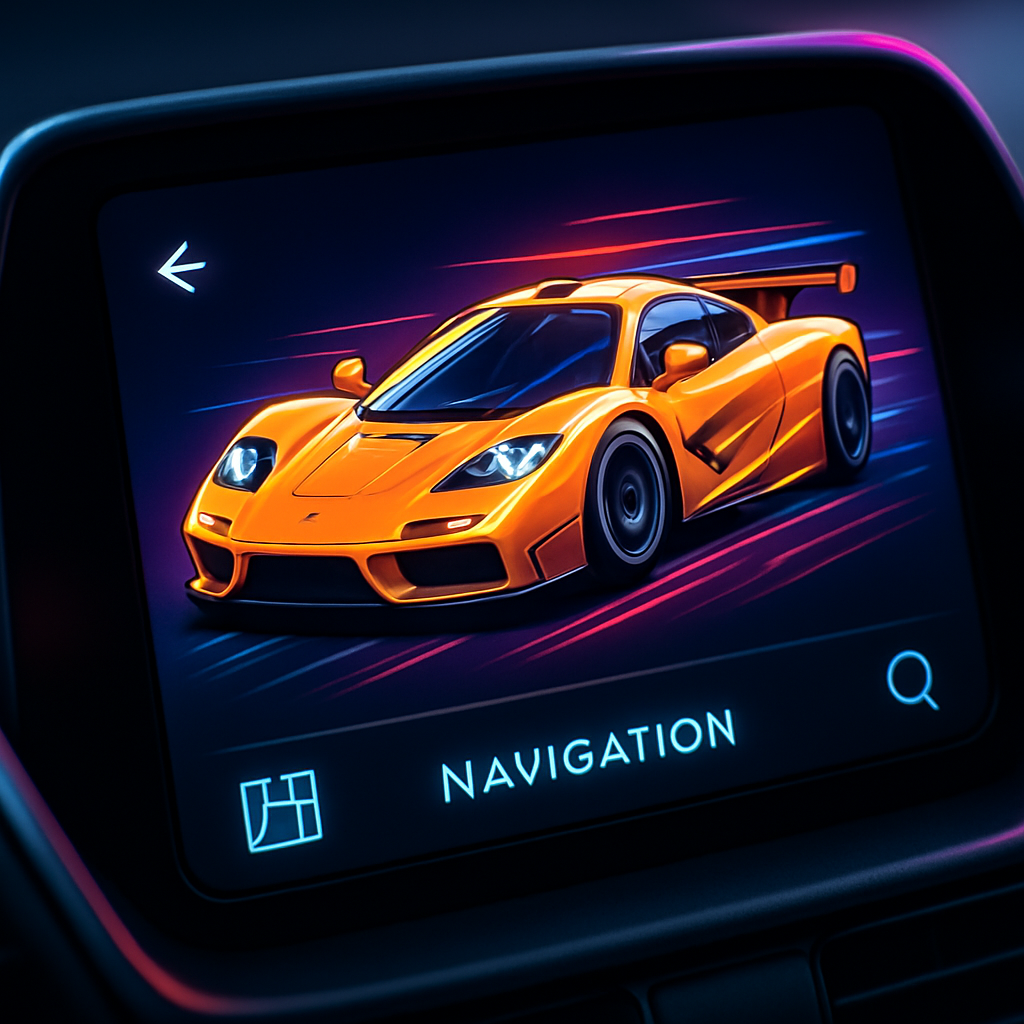
Google Maps has rolled out a striking visual update: users can now transform their driving avatar into the McLaren F1 racing car. This new avatar replaces the standard blue arrow or 3D car options, bringing a high-octane design right into navigation mode.
Limited-Time Feature for U.S. Grand Prix
The McLaren F1 option is available for a short window, celebrating the United States Grand Prix in Las Vegas from October 22–25, 2026. Users can access the avatar through Google Maps settings.
To enable the McLaren icon, open Google Maps and go to Settings > Your vehicles > Driving avatar. The update works across devices—both on your phone and when using Android Auto or Apple CarPlay displays in-car.
Importantly, this avatar rollout is a server-side update. That means it’s not something users install manually—it gradually becomes available to all eligible users. According to Google, the McLaren F1 avatar will be live through November 23, 2026.
Why It Matters
Small customization touches like this have grown increasingly popular across navigation apps. They engage users in fun, unexpected ways—especially tied to sporting events or cultural moments. The timing here syncs directly with a major motorsport event, offering fans and drivers some virtual adrenaline while they navigate real roads.
For folks who regularly rely on Google Maps in their cars, this means you can show off a virtual supercar every time you hit the road. Whether you’re commuting or sightseeing, the McLaren F1 avatar adds flair without altering functionality.
This also demonstrates Google’s ongoing strategy to deepen personalization in Maps. Beyond route optimization or traffic alerts, it’s the small visual rewards—avatars, themed icons—that help build user delight and loyalty.
What to watch: Keep an eye on future themed avatars—there’s potential for similar tie-ins with other major events—plus how this kind of customization might expand. Also interesting to see is how many users will embrace it, especially those using Maps via Android Auto and CarPlay, where screen real estate and usability really matter.