Gmail Introduces AI-Powered Inbox and Enhanced ‘Help Me Write’ Features on Mobile
Google has unveiled significant updates to its Gmail application for Android and iOS, introducing an AI-powered inbox and enhancing the ‘Help Me Write’ feature to offer a more personalized email experience.
AI Inbox Integration
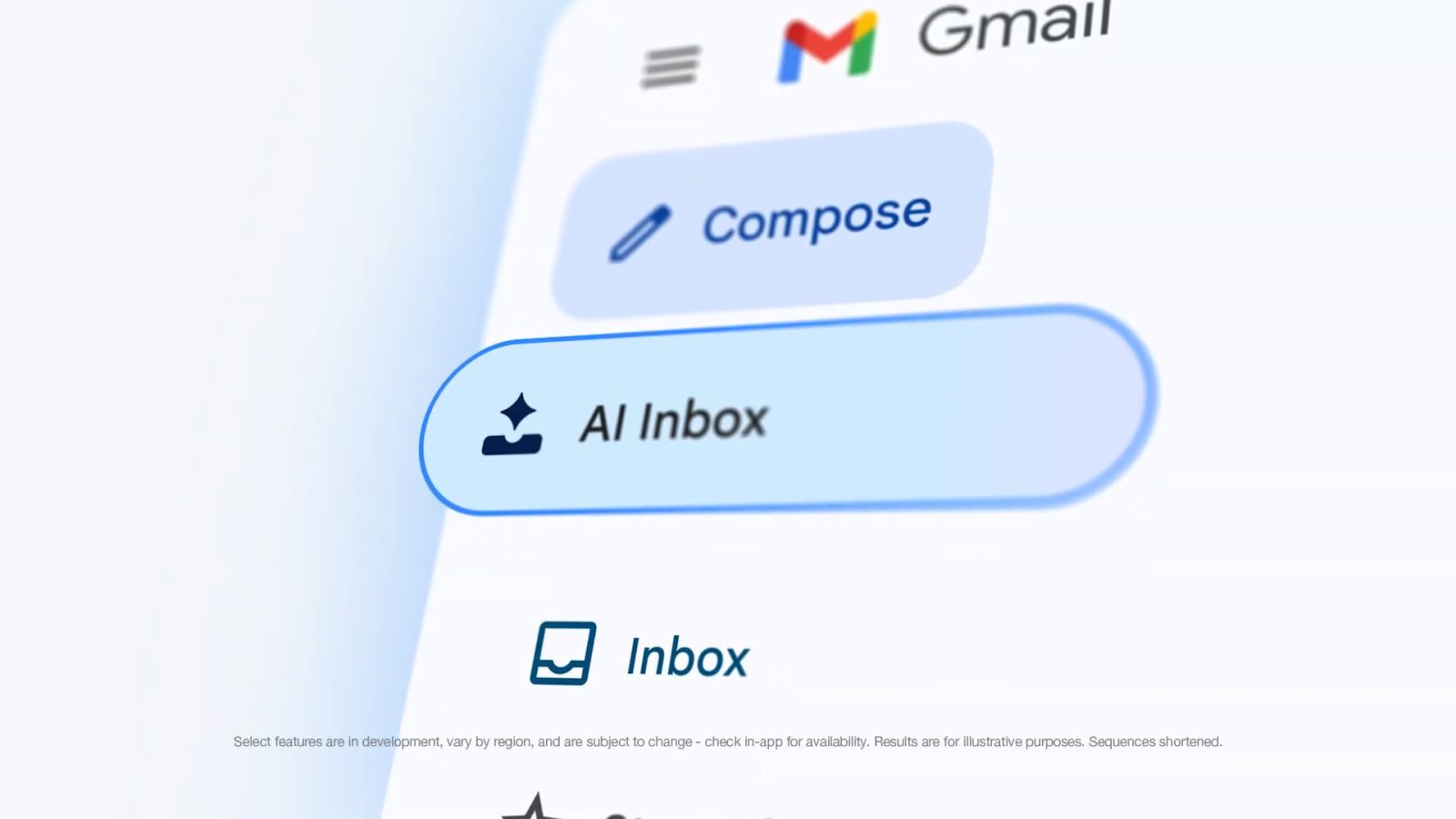
The AI Inbox, previously available on the web, is now accessible on mobile devices. Users will find the ‘AI Inbox’ option in the navigation drawer, positioned below the standard ‘Inbox’ label. Additionally, a new tab has been added to the bottom navigation bar, situated between ‘Gmail’ and ‘Chat,’ resulting in a four-tab layout that includes ‘Meet.’ This strategic placement underscores Google’s vision of prioritizing tasks over individual messages, streamlining the user experience.
The AI Inbox interface mirrors its desktop counterpart, greeting users with a summary of pending to-dos and topics. The primary sections include ‘Suggested to-dos’ and ‘Topics to catch up on,’ facilitating efficient email management. Currently, this feature is available in beta for Google AI Ultra subscribers.
Enhanced ‘Help Me Write’ Functionality
In addition to the AI Inbox, Google has upgraded the ‘Help Me Write’ feature to offer a more personalized and context-aware drafting experience. The enhancements include:
– Topic Contextualization: By connecting to Google Drive and Gmail, ‘Help Me Write’ can now incorporate relevant information directly into email drafts based on user prompts. This integration reduces the need to switch between apps, streamlining the drafting process.
– Tone and Style Personalization: The feature can analyze previously written emails to generate drafts that align with the user’s established tone and style, ensuring consistency in communication.
These improvements aim to minimize the time spent on cross-app navigation, typing, copying, pasting, and formatting. Practical applications include:
– Responding to inquiries from customers and partners
– Distributing information, documents, or materials to collaborators
– Reporting progress, milestones, and project-related issues to leadership
– Seeking assistance or answers from team members
– Providing or requesting feedback from peers
– Sharing team announcements or progress reports within the organization
– Introducing new projects
– Exploring potential partnerships
– Teacher-parent communications
– Grant proposals
The updated ‘Help Me Write’ feature is available to subscribers of Google AI Plus, Pro, and Ultra, as well as users on the following Workspace tiers:
– Business: Business Starter, Standard, and Plus
– Enterprise: Enterprise Starter, Standard, and Plus
– Education Add-ons: Google AI Pro for Education
These advancements reflect Google’s commitment to integrating artificial intelligence into its Workspace suite, enhancing productivity and user experience across platforms.