Google has expanded the capabilities of its Gemini application for macOS by introducing advanced voice control features. This enhancement allows users to interact with their desktops more naturally and efficiently through voice commands.
One of the primary features is intelligent dictation, which transcribes spoken words into polished text. The system is designed to filter out filler words like “um” and “ah,” and it adapts to mid-sentence corrections, ensuring the transcribed text accurately reflects the speaker’s intent. This functionality mirrors the speech-to-text experience found in Gboard Rambler on upcoming Gemini Intelligence phones.
Beyond transcription, Gemini now offers contextual understanding of on-screen content, enabling users to perform complex tasks through voice commands. This opt-in feature requires activation of Gemini reasoning in the app’s settings. Key capabilities include:
Extracting and Summarizing Information
Users can highlight local files, images, or documents and instruct Gemini to process them. For instance, saying, “Read these vet files and summarize my dog’s medical history in an email to the kennel,” prompts Gemini to generate a concise summary suitable for communication.
Composing and Rewriting Text
By selecting text on the screen, users can command Gemini to rewrite or adjust the tone. A command like, “Turn these notes into an executive summary with a TL;DR at the top,” results in a refined summary with a brief overview.
Generating and Editing Images
Users can create or modify visuals through voice instructions. For example, stating, “Take this illustration and generate a dark-mode version of it,” directs Gemini to produce an alternative design.
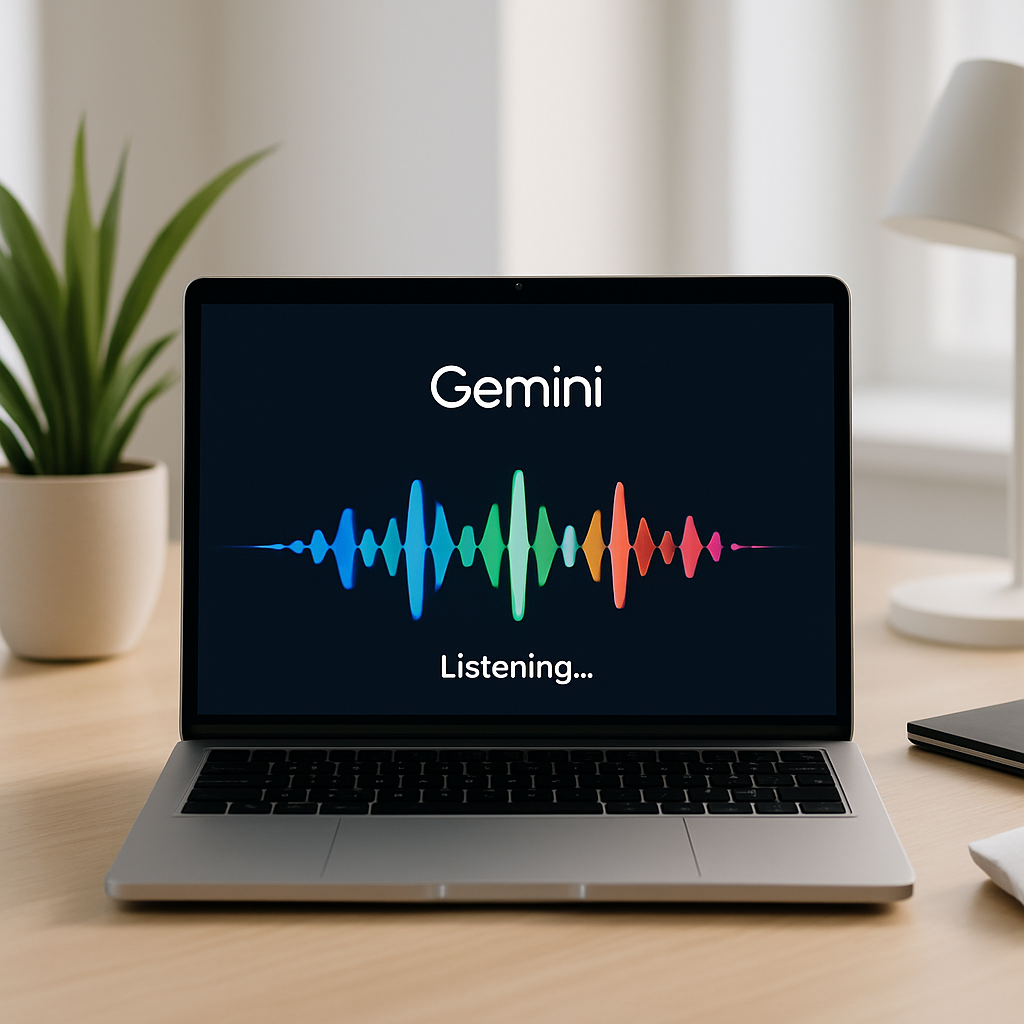
To activate these features, users can long-press the Fn key or click the new screen sharing button in the “Ask Gemini” prompt box. This action brings up a floating interface with a waveform at the bottom of the screen, indicating readiness for voice input.
To access these new capabilities, ensure that Gemini for macOS is updated to version 1.88. The voice control features are currently rolling out globally in English, with support for additional languages expected in the near future.
Integrating advanced voice control into Gemini for macOS signifies a significant step toward more intuitive human-computer interactions. By enabling users to perform complex tasks through natural language, Google is enhancing productivity and accessibility. As these features become more refined and support additional languages, they have the potential to transform how users engage with their devices, making digital workflows more seamless and efficient.