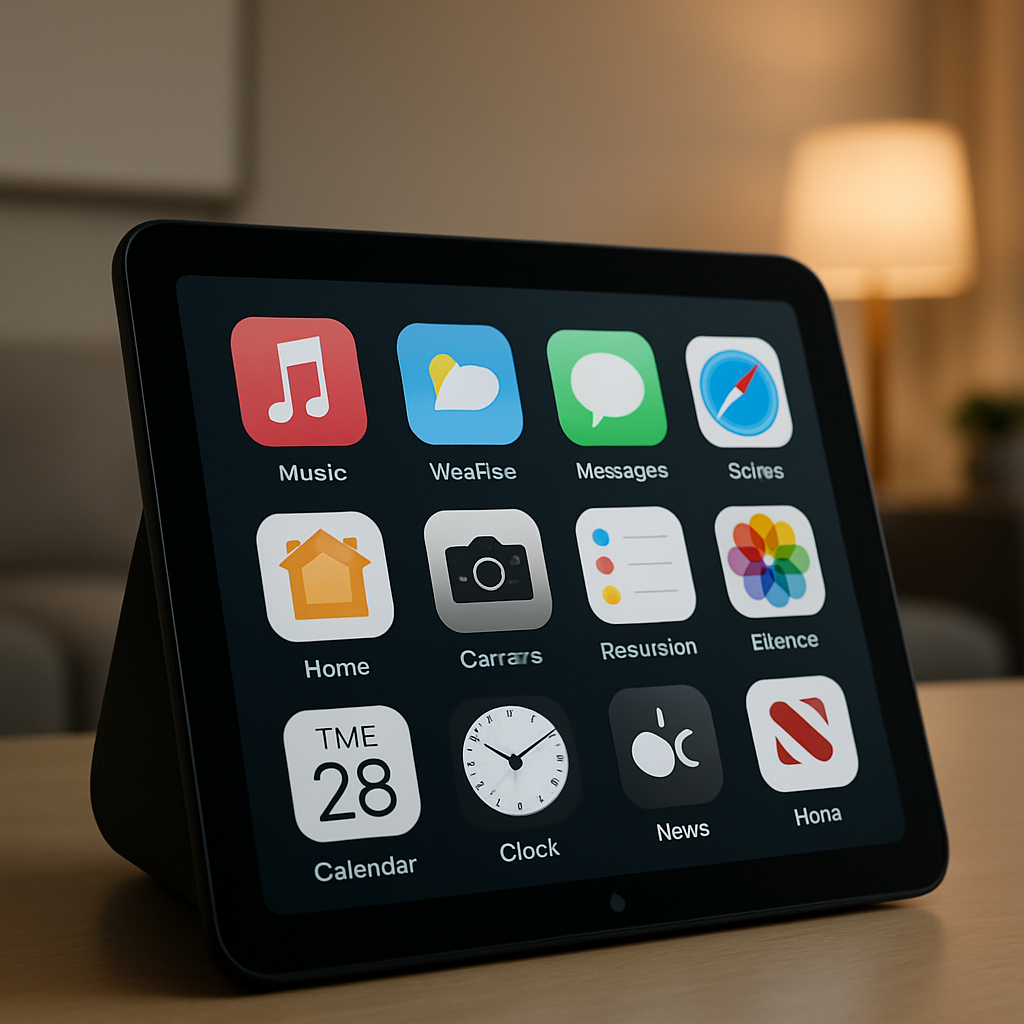
Apple’s upcoming device, HomeView, is set to begin shipping November 13, following preorder availability. It introduces an expanded software experience that blends AI-powered voice control via Siri with a conventional Home Screen grid of apps.
Core Apps Included at Launch
On day one, HomeView will come with a broad suite of built-in Apple applications. Users will find utility and media staples like Alarms, Calendar, FaceTime, Messages, Safari, Settings, and Weather, alongside audio/video-oriented options such as Music, Podcasts, and TV. Other essential tools, like Reminders, Find My, Home, Intercom, News, Timers, Classical Music, Audiobooks, World Clock, and News are also included. These apps will cover a wide range of daily tasks directly out of the box.
Dependence and Third-Party Support
While most of those apps are preinstalled and fully functional, four are designed to work in tandem with an iPhone—specifically, Audiobooks, Classical Music, News, and TV. They’ll rely on connectivity when both devices are on the same Wi-Fi network. Full behavior will be better understood once hands-on reviews begin.
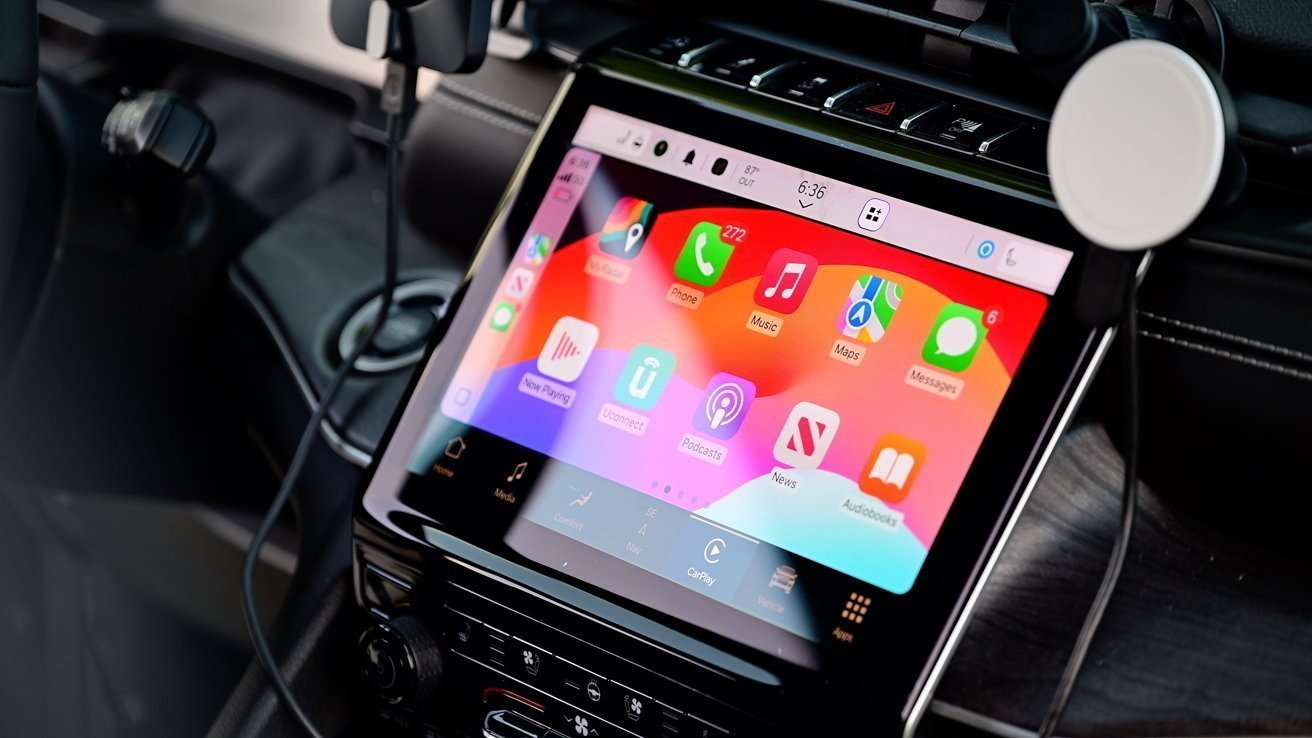
Beyond Apple’s own lineup, HomeView will support third-party apps that already exist in CarPlay and fall under audio or video categories. Streaming platforms like Spotify are expected to be available from day one through this compatibility.
Notably missing is a dedicated Photos app. Although HomeView includes photo faces—perhaps via frames—and widgets, there’s no standalone function for browsing photo libraries yet. Some users may find this a gap in multimedia usefulness.
Because HomeView blends novel input methods—voice, face widgets, gaze—with a traditional app grid, Apple is stepping into uncharted territory. Its success will hinge on how well these apps work hands-free, and whether users find the set of launch titles sufficient.
Analytically, this app lineup means HomeView is clearly aimed at being a hub for living-room lifestyle tasks: media consumption, communication, home automation, and quick info checks. It’s not designed as a photo or creative workspace—at least not yet. What to watch: whether Apple fleshes out the app ecosystem post-launch, how well the phone-dependent experiences perform, and whether the omission of core media functions like Photos becomes a friction point for users who want more than just passive display.