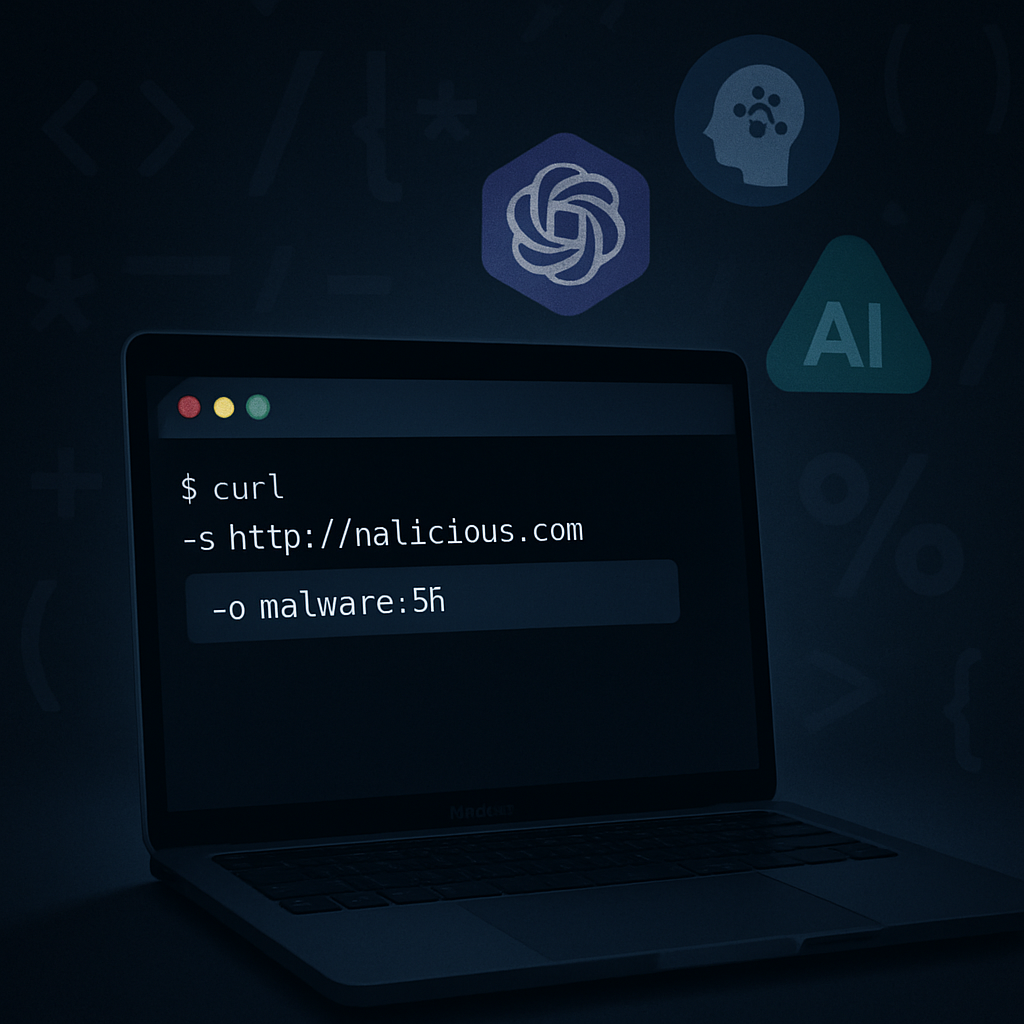
A new wave of malware is targeting macOS users by mimicking legitimate AI tools. Disguised as installers for Claude or ChatGPT, fake applications are being pushed via manipulated search results and sponsored ads. Once users land on these counterfeit pages, they’re tricked into running commands in Terminal—directly infecting their Macs with MacSync, a password-stealing malware. The campaign doesn’t exploit software vulnerabilities; instead, it leverages social engineering to deliver dangerous payloads.
How the Trickery Works
The attack begins when users search for desktop AI tools and accidentally click on fraudulent download links inserted through paid advertising or SEO manipulation. These landing pages don’t offer real.app or.dmg files; instead, they display prompts claiming something went wrong—such as a CAPTCHA failure or a broken connection. Users are then instructed to copy a command from the website into the Mac Terminal. That single command acts as the infection vector, providing attackers access.
After execution, the command kicks off a stager that runs in the background, beyond the user’s clear view. MacSync proceeds to pull more malicious tools from attacker infrastructure. One component masquerades as system processes and even acquires shell scripts in memory—bypassing obvious file drops. These scripts request sensitive permissions like screen recording and harvest data from browser logins, session cookies, the Mac Keychain, SSH keys, cloud credentials, messaging history, and crypto wallet data.
Depth of the Threat
MacSync is not a lone-wolf malware strain. It operates as Malware-as-a-Service (MaaS), developed in 2025, with criminal groups licensing the toolkit and infrastructure to perform the attacks. Persistence tactics include creating LaunchAgents or helper programs to start on login and hide in plain sight. When data is stolen, MacSync uploads it in encrypted chunks, retries failed transfers with increasing intervals, and afterward removes temporary files to make detection more difficult.
Investigators have documented numerous Indicators of Compromise (IoCs) tied to this campaign. Notable artifacts include file identifiers and hashes for malicious binaries, compromised domain names acting as command-and-control (C2) points, and persistence files like “com.google.keystone.plist” or “com.apple.sync.plist” masquerading under trusted names.
How to Defend Against It
Users are urged to download software only from trusted sources or by typing in official URLs directly. Avoid clicking on ads or links that seem to lead to AI tools, especially if redirected to pages asking to run commands in Terminal. Be highly skeptical of prompts that claim errors, require “fixing,” or demand input that seems technical but ambiguous.
Security teams should monitor for unusual Terminal usage initiated by browser sessions, review installed launch agents, and watch for new permissions such as screen recording requests. If a device is compromised, reversing damage means revoking credentials, rotating exposed keys, resetting logins, and conducting a full forensic check for persistence mechanisms—not just changing passwords.
What this means:Social engineering is proving to be the weakest link in Mac security. This MacSync campaign highlights how fake AI branding—Claude, ChatGPT—is being weaponized to trick users. As AI becomes more integrated into daily workflows, consumers must treat every download with scrutiny. IT professionals and everyday users alike should demand better safeguards around installer authenticity and build in distrust by default. Watch closely for changes in how browsers and ad platforms vet and label sponsored AI tool links, because those shifts could make or break prevention of these attacks.