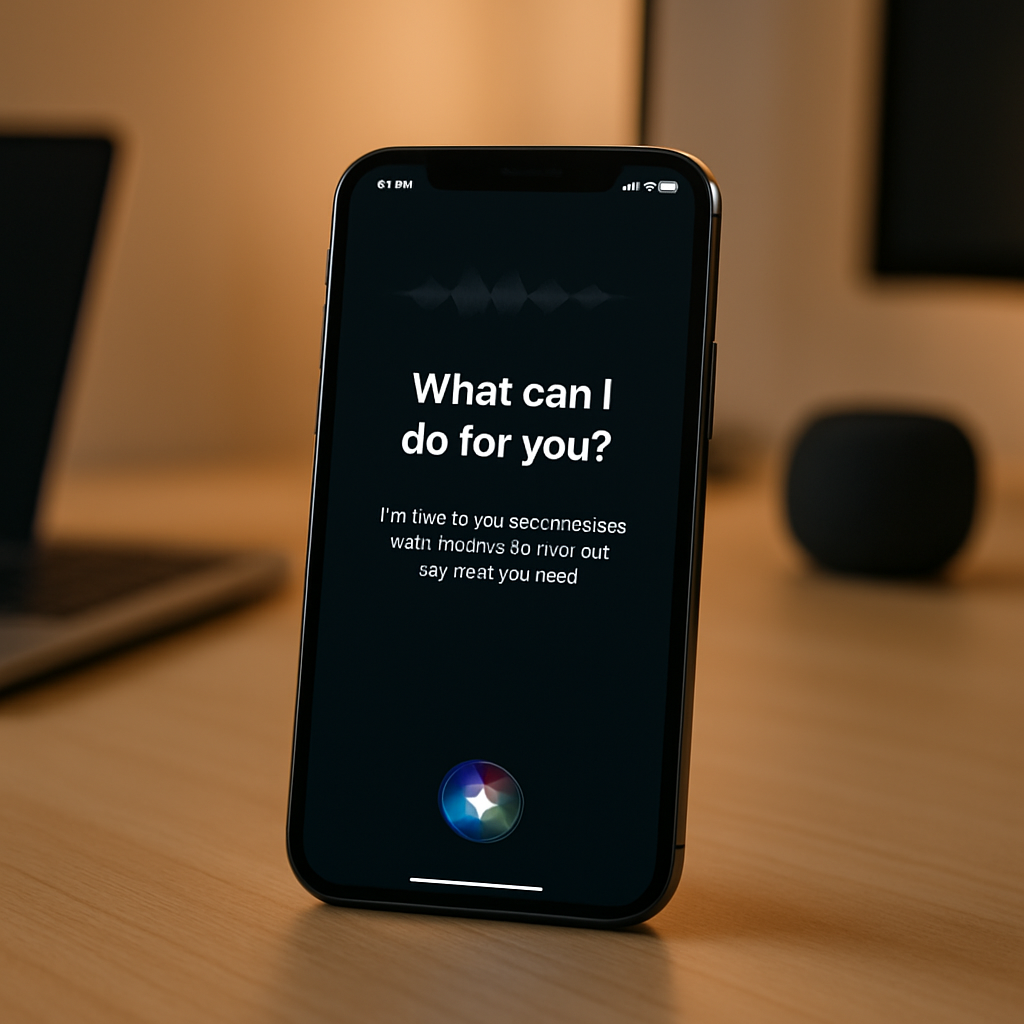
With the arrival of iOS 27, Apple has reimagined Siri—introducing a sophisticated AI assistant capable of far more than setting timers or texting while you drive. An extensive set of tests revealed over 100 prompts that the updated Siri pulls off—or flubs—offering insight into how users will rely on it in daily life. Here are the biggest takeaways.
What Makes Siri AI in iOS 27 Different
This isn’t just a polish on existing features. Siri AI in iOS 27 observes your context, pulls from Mail, Messages, and Reminders, and takes action even when instructions are vague. In one trial, asking “What are people waiting on me for?” had Siri scan across these apps and list items the user forgot about. Another request: “What’s the apartment number!?” delivered complete info even though the user didn’t specify which apartment or when.
In testing by veteran tech writer David Pogue—who ran 125 real-world prompts—Siri nailed almost every task. That success ranged from deleting dozens of alarms in a single command to figuring out party details from minimal cues. The misses? A few permissions-tangled third-party requests, such as processing payments via Venmo. Those seem likely to improve once third-party apps update for full compatibility with Siri AI.
Examples that Stand Out
Here are some of the most striking examples of what Siri AI can now do with less direction:
- Create synthesized to-do’s across apps: pulling pending tasks from Mail, Messages, Reminders.
- Infer details without context: answer dinner invitation questions without knowing the date, party, or location explicitly.
- Bulk actions with clear feedback: like deleting dozens of alarms at once after confirmation.
These tests expose how Siri AI handles nuance. In many cases, it acts like a virtual assistant that’s reading between the lines, not just executing rote commands. But the shortcomings—especially with apps that haven’t adopted its extensions—show there’s still room to grow.
When Siri AI Still Struggles—and Why
Some commands failed because Siri couldn’t connect with third-party services. For example, when asked to send money via Venmo, the request didn’t go through—suggesting Siri’s reach depends heavily on how quickly external apps bake in Siri AI support. Also, vague prompts can still confuse it when context isn’t enough for inference.
So while most errors aren’t dramatic, they hint at where users may misplace trust: expecting Siri to handle everything smoothly when, in fact, some apps or requests may require manual control or confirmation.
Why This Matters
For years, Siri has been good for simple utility: setting timers, sending messages, playing music. iOS 27 seems to rewire the baseline for what a voice assistant should do, leveraging AI to interpret loose commands, infer from your data, and keep multiple apps in its scope. It shifts expectations—from needing exact phrasing or solid commands to simply expressing intent.
The trade-offs are familiar: privacy, dependency, and occasional mistakes. Siri’s new AI pulls information from personal data (Mail, Messages, Reminders), which raises privacy questions—though Apple maintains its on-device controls and transparency. Users will also need to decide which apps can integrate with Siri AI, and how much control they want versus how much convenience they hand over.
Siri AI in iOS 27 feels like a milestone—for Apple, voice assistants, and for all of us who’ve yearned for more natural interaction with our devices. What to watch from here: how third-party developers respond, how Siri handles diverse dialects, complex personal schedules, and whether occasional glitches affect trust long term. This could be where voice interfaces cross from novelty to necessity.