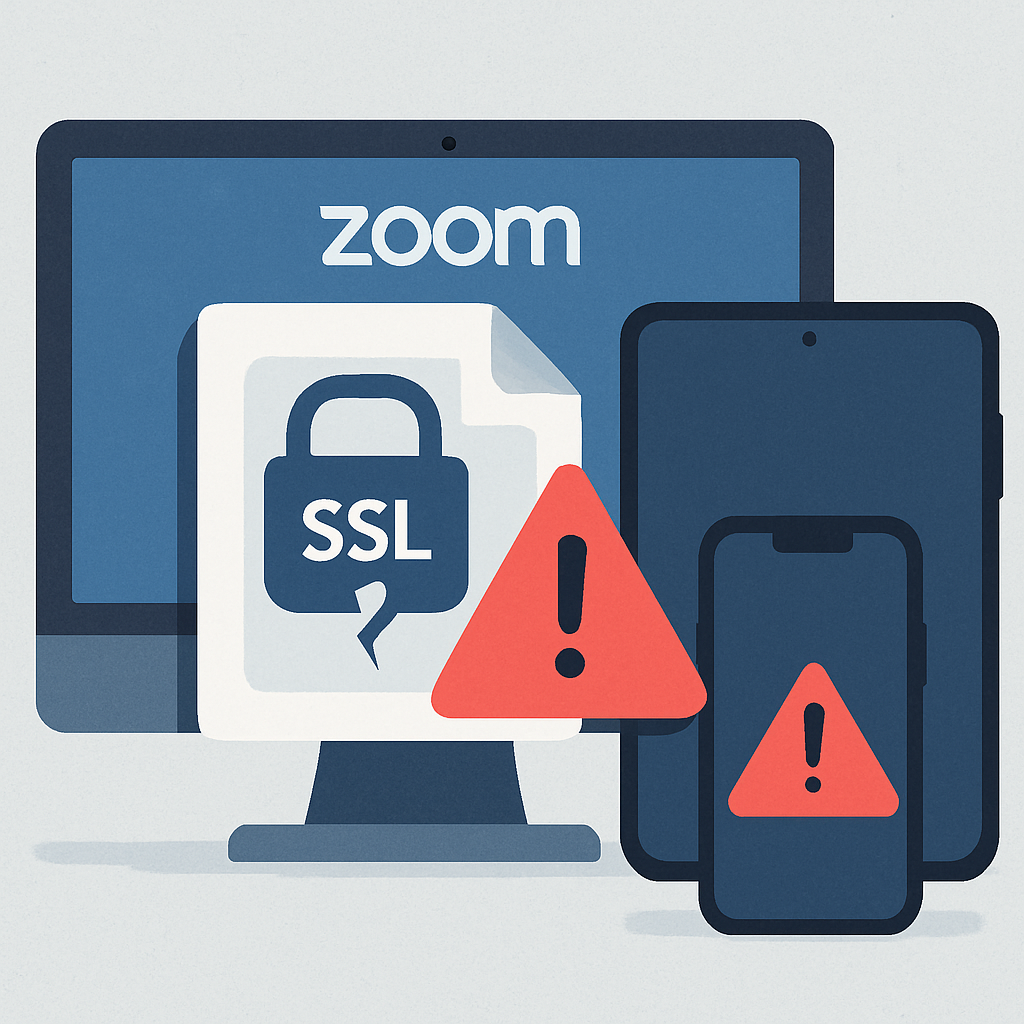
Zoom has disclosed two serious vulnerabilities in its client software—CVE-2026-108184 and CVE-2026-108185—that allow attackers to obtain sensitive information over a network without needing login credentials. These issues, each rated 7.4 on the CVSS v3.1 scale, target certificate validation in Zoom Workplace and the “My Notes” feature across desktop, mobile, Windows, macOS, Linux, and virtual desktop interfaces.
What the Flaws Are
Certificate validation ensures that an application is talking to a trusted server. These flaws occur when that validation breaks down, potentially allowing malicious actors to spoof services or access protected data. Although Zoom’s advisories identify the risk as information disclosure, they don’t specify what data might be exposed—or whether these vulnerabilities have been exploited in the wild.
The first flaw, CVE-2026-108184, impacts Zoom Workplace on Windows. Affected versions span from 7.0.0 up to—but not including—7.2.0 and 7.1.9, depending on the release branch. The Workplace VDI Client for Windows is also vulnerable between versions 7.0.11 and 7.0.13. Zoom Rooms for Windows fall within versions 7.0.0 through just before 7.1.7. The second flaw, CVE-2026-108185, affects “My Notes”: Windows clients begin at version 7.1.5, macOS and Linux at 7.0.5; mobile platforms (iOS and Android) likewise are vulnerable starting at 7.0.5, with safe versions lying at or beyond 7.2.0 or 7.1.9, depending on branch.
What Users and Admins Should Do
All impacted users and organizations should immediately check installed Zoom versions. For CVE-2026-108184, updating Windows clients running Workplace, VDI, or Rooms is essential. For CVE-2026-108185, the upgrade spans multiple OSes and platform types. Zoom’s advisory does not confirm whether disabling “My Notes” alone protects against this risk—so updating across platforms remains the primary defense.
IT teams should include every deployment—desktops, mobile devices, virtual desktop environments, and meeting room systems—when assessing exposure. Ensuring that all devices are aligned to the safe, nonaffected versions is critical.
These certificate issues follow earlier security lapses in Zoom products, including vulnerabilities involving arbitrary code execution and account takeover risks. While those flaws differ in impact, the recurrence underscores how certificate validation weaknesses remain a recurring problem.
Zoom’s security bulletins are now online, listing each affected version range and guidance to update through the official download center. The disclosure urges systems be kept current so that security fixes are applied promptly.
Analysis: SSL and certificate validation flaws are some of the most insidious because they can compromise the foundation of trust in secure communication. In this case, the lack of detail—about whether the attack relies on failing to check server identity versus certificate expiry, for example—makes it hard to assess exact exposure. Still, the breadth of platforms affected means potential risk is high. Monitoring Zoom’s upcoming patches, watching for possible exploit disclosures, and applying updates ASAP should be top priorities.