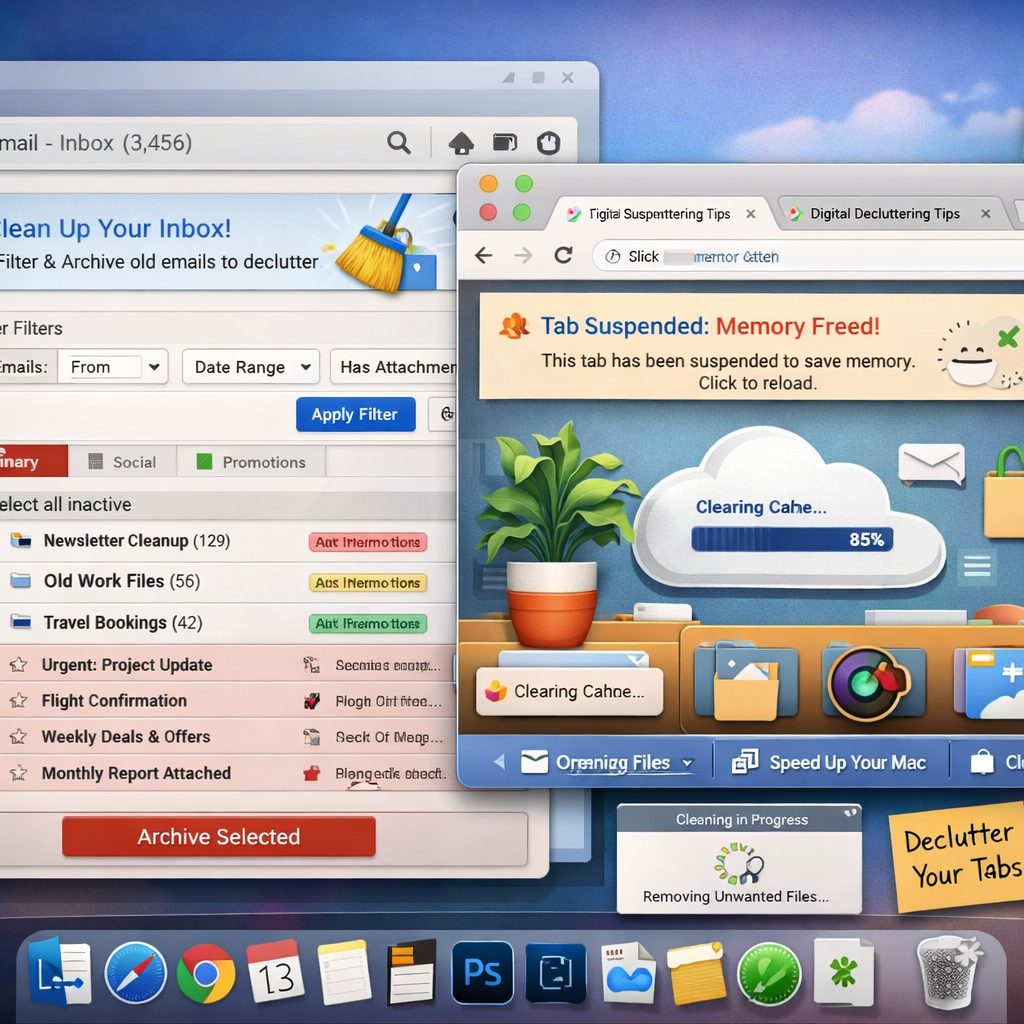
CleanMyMac has expanded beyond its core suite of macOS maintenance tools with two major new features: Email Cleanup and Browser Care. These additions aim to tackle digital clutter more broadly—beyond system junk—by targeting Gmail and Google Chrome specifically.
New Tools for Email and Browser Management
Email Cleanup gives users power over Gmail clutter by allowing bulk deletion of unwanted messages, unsubscribing from mailing lists in one go, and filtering emails by sender, category, attachment size, or year. It also helps identify messages eating into shared storage—across Gmail, Google Drive, and Google Photos—so users can free up space by removing those emails for good.
Browser Care, meanwhile, is focused on optimizing Google Chrome usage. Through a new Chrome extension that syncs with CleanMyMac, users can monitor memory usage in near-real time, suspend tabs that are resource hogs, spot duplicate tabs across windows, and locate tabs that’ve been open for long stretches without interaction. The aim is to cut down on performance drains and visual distraction.
Privacy, Control, and Availability
According to the announcement, all actions taken by both tools require user confirmation. Email Cleanup won’t touch anything without explicit consent, and Browser Care only suspends or closes tabs after the user gives the go-ahead. MacPaw also clarified that web page titles, content, and history remain local to the Mac; the extension does not store those elsewhere.
Both features are available immediately for users with an active CleanMyMac subscription. These updates represent the latest in the app’s evolution from a system utility into a more comprehensive workspace cleaner for macOS users.
As more people spend hours in browsers and juggle ever-growing email backlogs, these tools could make a real difference. CleanMyMac’s move reflects a broader trend toward integrated digital wellness features inside productivity and maintenance apps. It’ll be worth watching how well these features perform in day-to-day use—especially whether they strike the balance between automation and user control without compromising security.