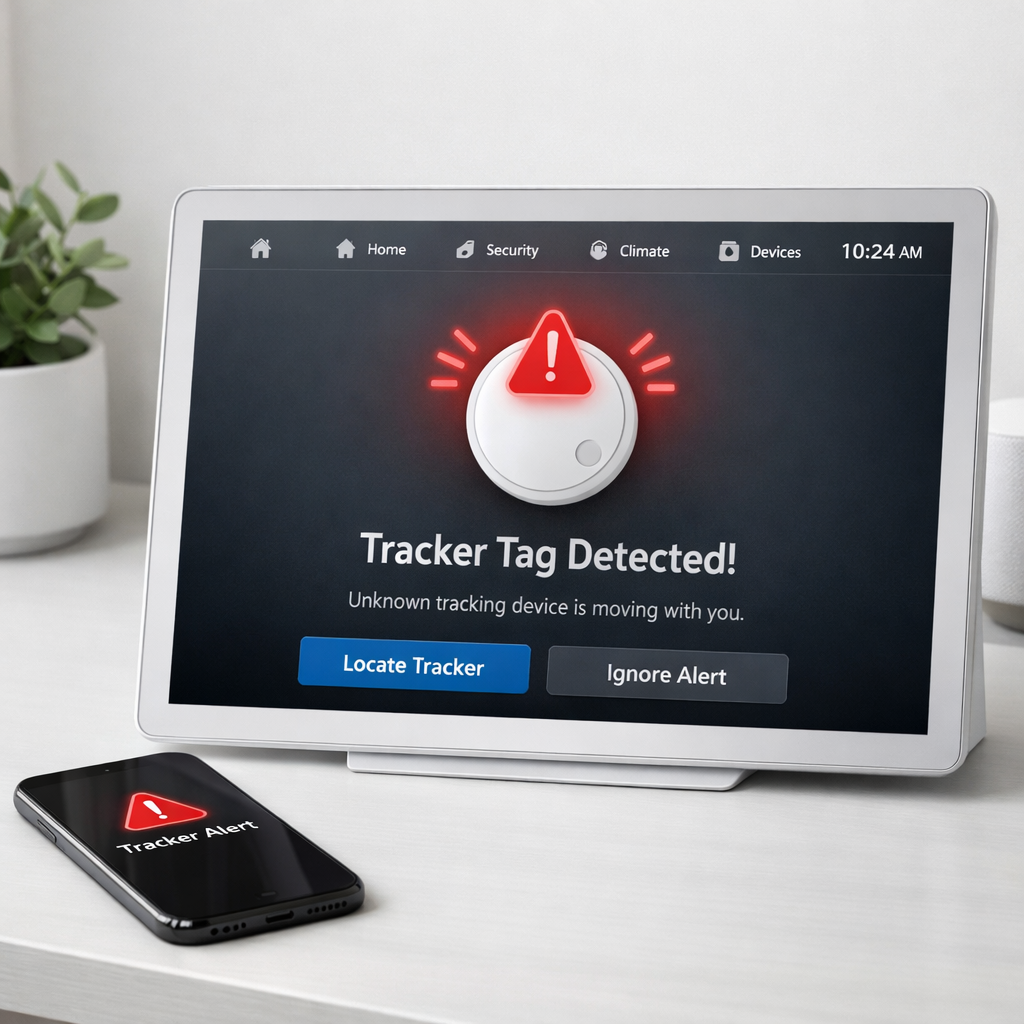
Google has introduced a “Notify when left behind” alert to its Find Hub app on Android, enabling users to receive notifications whenever a paired tag or tracker is removed from their phone’s proximity. The feature (also referred to as a left-behind or leave-behind alert) aims to prevent losing important items like wallets, bags, or keys.
How It Works and Where to Find It
Once the latest version of Find Hub for Android (version 3.1.787-06) is installed, users can open the app, select any supported tracker or tag, and tap the gear icon in the top-right corner of the bottom sheet. Inside settings is a new “Notify when left behind” section, accessible for trackers like Moto Tag and Chipolo. If enabled, this notification fires when the tag gets separated from your phone. Users can opt out of this alert for their home address, which is already excluded by default using their Google Account’s stored address in Google Maps.
Supported Tags, Scope & Limitations
The new alert is confirmed working with Chipolo trackers and the Moto Tag in both the United States and Europe. It hasn’t been rolled out yet for items like headphones or other non-tag devices. The update appears to be limited to certain devices and models so far, not universally across all accessories tied to Find Hub.
Origin & Future Additions
This wasn’t a surprise—Google first teased the new leave-behind alerts in recent Google Play services release notes under “Left-Behind Reminders.” They’re part of a broader registration flow overhaul that introduces features like category icons (such as Bike, Wallet, or Luggage) and tag renaming. On top of that, Google is also preparing to add NFC support for tags. Once live, users should be able to tap a tag with their phone to pull up details, settings, or possibly locate lost tags.
As Find Hub’s tag-and-track ecosystem has matured, the lack of a leave-behind alert felt like a missing piece. This update brings the app closer to parity with other tracker platforms that already offer separation warnings. Users should look out for it in the latest app update and check whether their specific trackers are supported.


