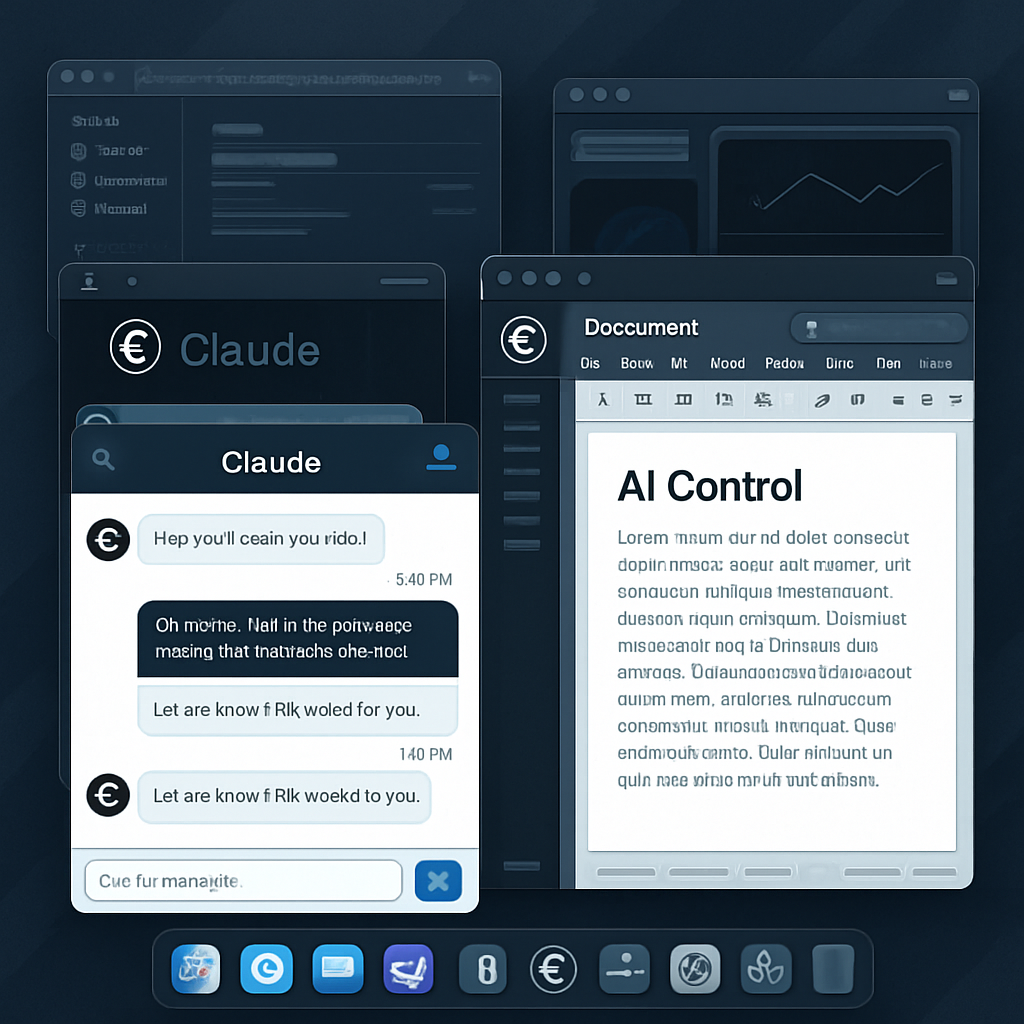
Anthropic has rolled out a major update for its Claude AI agents. Now, through the Claude Desktop app, Claude Cowork and Claude Code can perform actions in the background on macOS—opening apps, clicking, typing—while users carry on with other work up front. That multitasking arrives today for Macs running macOS 15 or newer. Windows support is in the mix too, though less fully enabled than on the Mac side.
What’s New & How It Works
Until now, Claude needed to take over visible windows to manipulate apps or files. With this update, background mode ensures Claude’s operations don’t interrupt whatever you’re doing—instead it runs in separate windows off-screen. It doesn’t grab control of your mouse or keyboard during your own input, though it may request full-screen access the first time it absolutely must. These new capabilities are accessed via a toggle in Settings → General → Desktop app, and they’re off by default for users who haven’t enabled desktop-based tasks before.
The agents still favor safer, higher-level integrations when available—if you’ve connected Gmail, Slack, Microsoft 365, or Google Drive, Claude will use those rather than simulate screen-level interactions. Only when no such connectors or browser-based paths exist does Claude fall back to interacting directly with the screen. That fallback mode is powerful, but it’s also the riskiest.
Why There’s Risk—and Why It Matters
Screen-level access carries greater exposure than sandboxed execution or permissioned file access. Because Claude in background mode interacts with whatever’s on the desktop, a malicious file, link, or compromised dashboard could influence what the AI does next. Anthropic flags this explicitly in its safety documentation.
For organizations, this new feature should be treated like any privileged automation tool. That means careful review, testing, and strict scope controls. Before deploying in enterprise environments, background execution should be audited just as you would an identity with high privileges.
Anthropic highlights use cases such as processing local research files, debugging apps in simulators, and navigating internal dashboards lacking formal APIs—where agents sorting through file systems or specialized tools are especially helpful.
Bottom line: The update vastly improves Claude’s utility, letting it act more independently while users stay focused. But with that power comes real responsibility around security, controls, and oversight.
Analysis: This shift in controlling the desktop positions AI toward operating systems with deeper automation—and with that, deeper risk. As Claude’s permission expands into opaque screen-level interactions, the usual security blind spots grow larger. What to watch next: how access is audited, how prompt engineering and input validation evolve, and whether malicious actors can trick agents into acting on rogue prompts. These issues could define whether this becomes a breakthrough or a weak link in the enterprise chain.