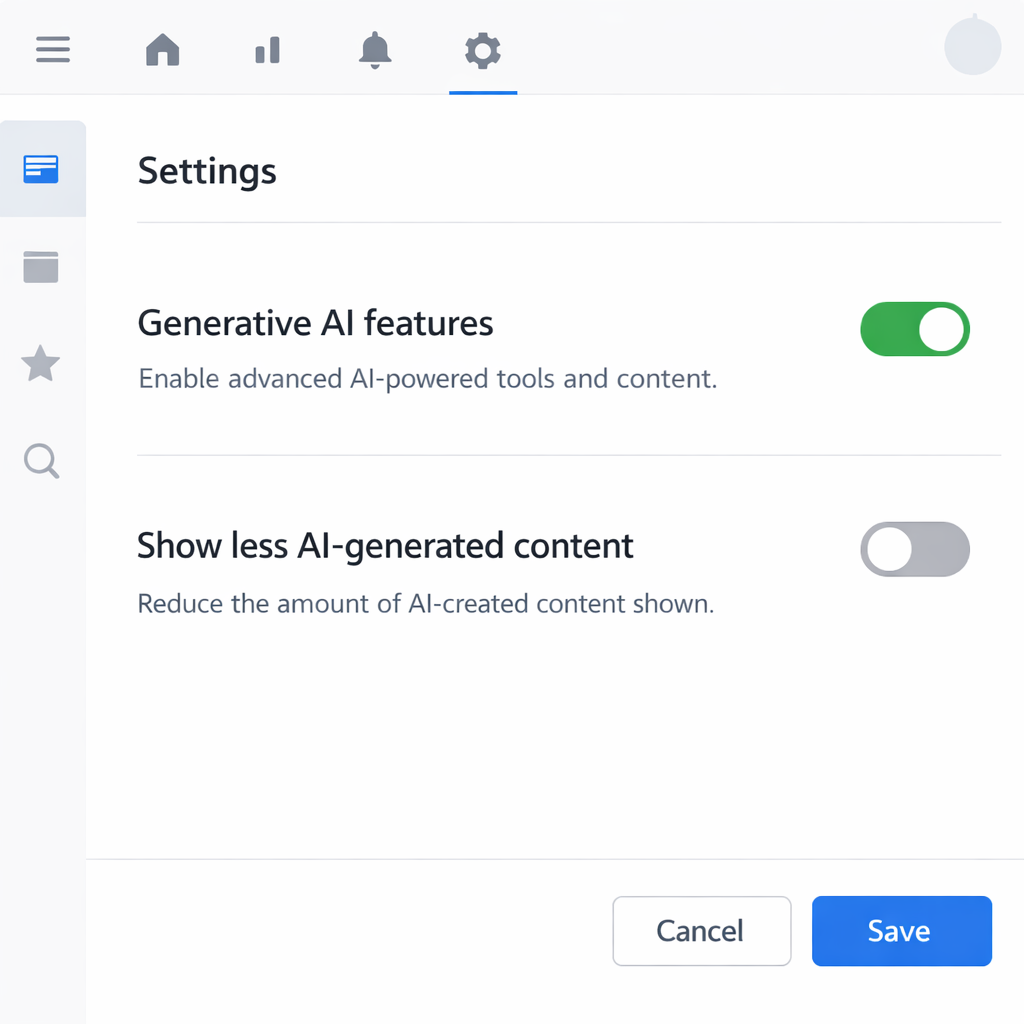
Canva is rolling out new user settings that allow Free and Pro users to hide generative AI functionality and reduce the visibility of AI-generated content throughout the app. The update puts more control in the hands of creators who prefer to limit or avoid AI-driven features in their design workflows.
What’s changing: two new toggles
The first new option is a “Generative AI feature control,” which works like a master switch. When turned off, any Canva tool that creates new content with AI will be hidden throughout the platform, though the switch can be flipped back on at any time. Users can find this option under Profile → Settings → Permissions.
The second is “AI-generated content control,” designed to reduce how much AI-made material shows up in searches, template suggestions, and design element recommendations. It doesn’t affect existing designs or change AI tools already in place; it simply allows browsing with fewer AI elements. This lives under Profile → Your Account → AI Personalization.
What remains when AI is off & how this fits into Canva’s broader strategy
Some tools that rely on AI—but don’t create entirely new content—will still be available even if generative AI is disabled. The background removal tool and the “Magic Grab” feature, which extracts objects from images to reposition them, are specifically called out. These won’t receive an “AI-generated content” label since they’re viewed as editing tools rather than content generators.
Canva also explained that only a small portion of its content library is AI generated—mainly abstract backgrounds and illustrated graphics. Users have told Canva they want an easier way to distinguish content made by people, so the new settings reduce AI-generated designs among search results and recommendations, rather than eliminating them entirely.
These tools echo settings already available for Business, Enterprise, Teams, and Education accounts, where admins have long had the ability to regulate AI tools for their users. Now Free and Pro users are gaining similar control.
Canva emphasizes these controls come at no extra cost, and can be adjusted whenever desired. Both features are live and accessible as part of the standard offering for users of Free and Pro tiers.
By empowering its user base with these switches, Canva acknowledges the ongoing tension between innovation and preference in creative tools. Users are split between those embracing generative AI’s possibilities and those concerned about originality, cost, and visibility. This shift signals greater user agency: creators will decide how much AI matters in their tools.