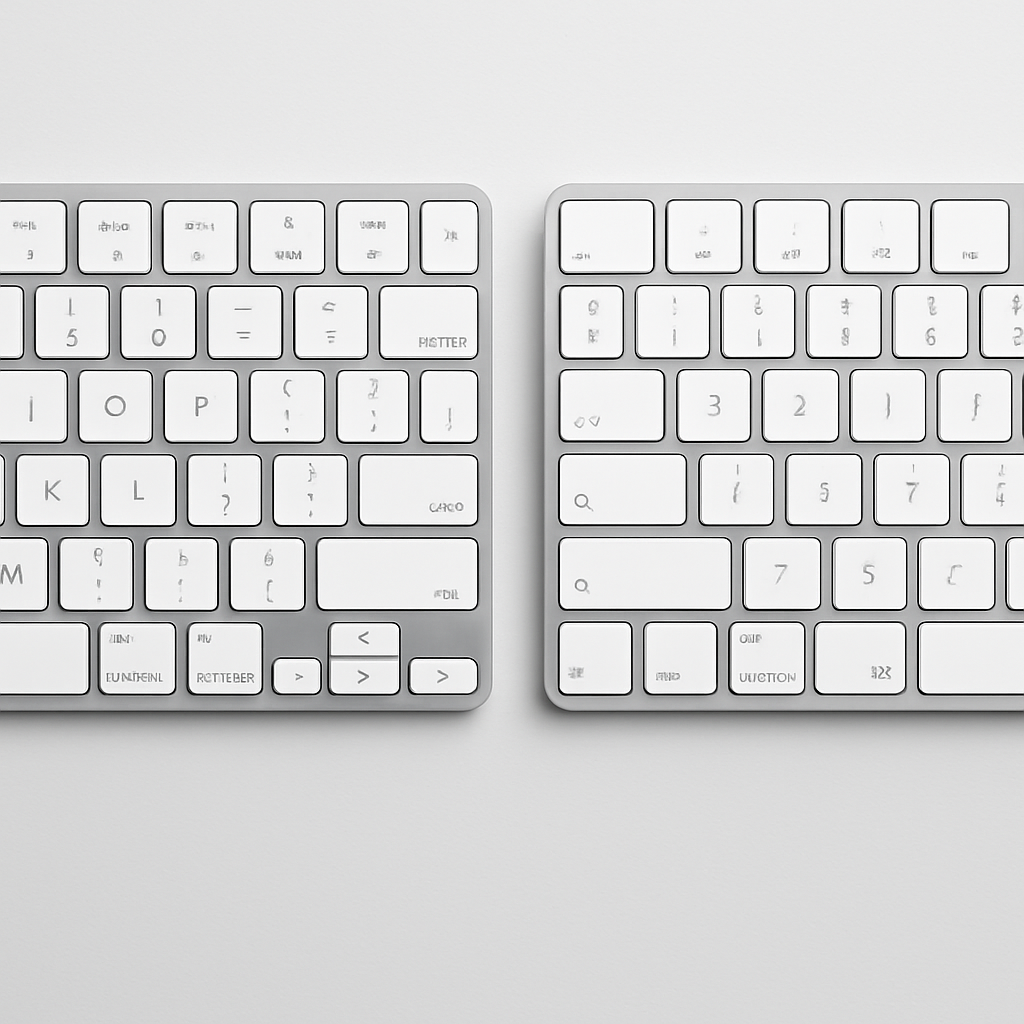
Apple has introduced an understated update to its Magic Keyboard line, swapping out text-based labels for symbols (glyphs) on several keycaps in the U.S. English models. The changes affect the tab, caps lock, shift, return, and delete keys across all refreshed units. For Magic Keyboards featuring a numeric keypad, extra keys including home, page up, page down, end, clear, and enter are also updated to use symbols instead of words. This refresh applies to four Magic Keyboard variations: the standard Magic Keyboard, the version with Touch ID, and the Touch ID numeric keypad models in both white and black finishes.
What Stays the Same—and What’s Different
One notable exception to the refresh is the Magic Keyboard with Numeric Keypad without Touch ID; that model retains the text labels on all keycaps. Officials confirmed that only glyph-labeled versions are available for the four updated models.
The updated labeling mirrors changes Apple made earlier in 2026 to its laptop lineup. MacBook Air, MacBook Pro, and the newer MacBook Neo models already adopted symbol-based labels for the same keys, aligning the desktop variants with existing standards. This move standardizes the user experience across Apple’s hardware ecosystem.
Global Implications for Layouts and Users
Though the update is officially to U.S. English boards, the ramifications stretch farther. Because U.S. English is the default layout in countries like Canada, Australia, New Zealand, and Singapore, the glyph-based keycaps are now in these regions as well. Other English layouts, such as British English, had previously used symbols on those keys, so the change will feel familiar to users from those areas.
No changes to functionality, materials, or design (beyond labeling) have been announced. The update is purely visual, replacing printed text with symbols for key functions on certain models. Pricing and other specs remain consistent with pre-refresh versions.
For buyers looking for visual consistency—especially between Macs and Magic Keyboards—this refresh could make sense. But users who prefer traditional text labels, or whose accessories need to match specific layouts, might want to double-check the model before purchasing.
This update underscores Apple’s increasing move toward minimalism and consistency across its product lines. While the labeling adjustment is subtle, it highlights how minor UI enhancements continue to evolve even for mature product categories. Going forward, it’s worth keeping an eye on whether other accessories—like the Magic Trackpad or Magic Mouse—might follow suit.