Apple Halts iOS 26.4 Signing, Preventing Downgrades for iPhone Users
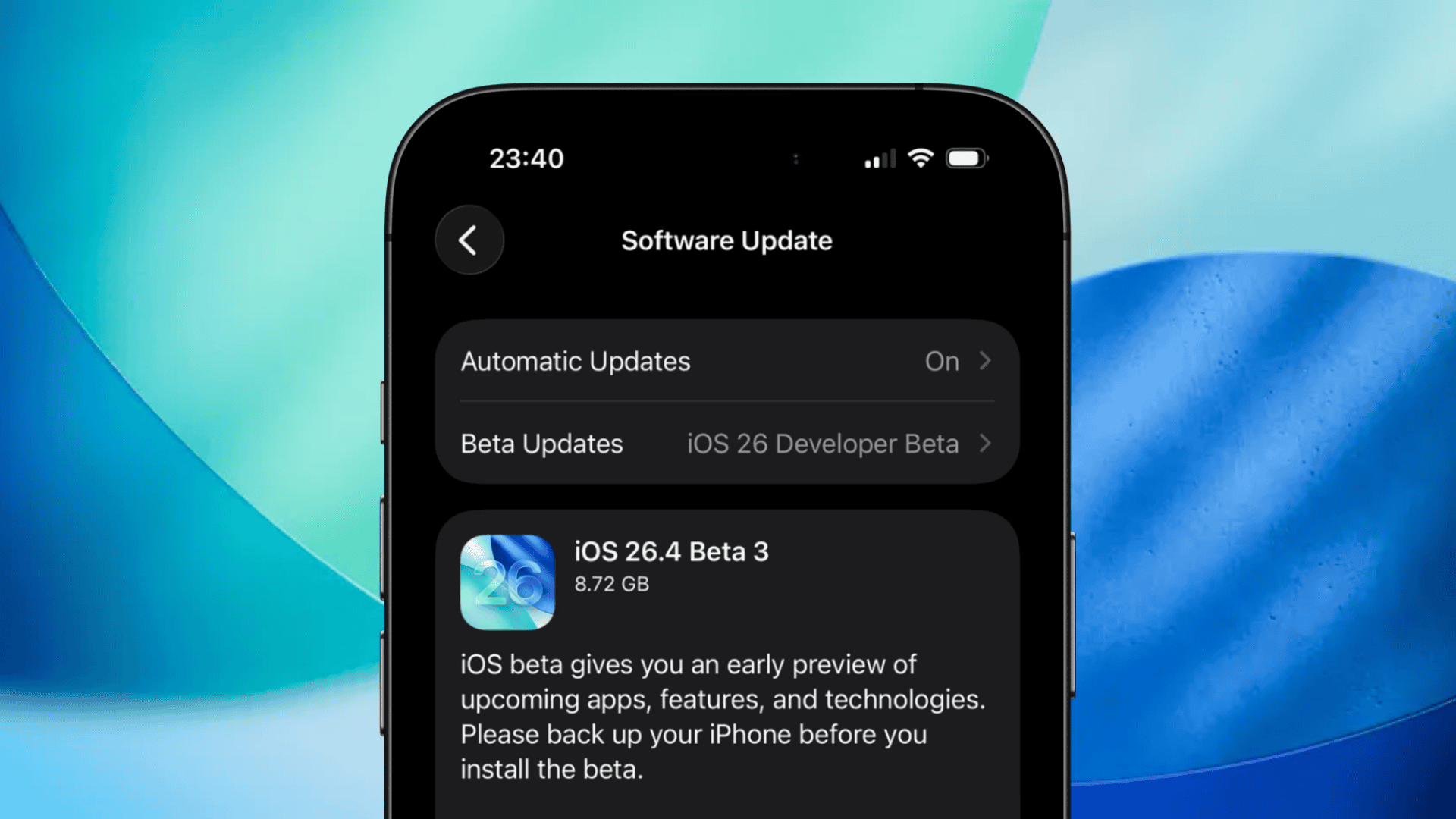
Apple has recently ceased signing iOS 26.4, effectively preventing iPhone users from downgrading to this version after updating to iOS 26.4.1. This move aligns with Apple’s standard practice of stopping the signing of older iOS versions following the release of newer updates, a strategy aimed at ensuring users benefit from the latest features, performance enhancements, and security patches.
Understanding Apple’s Signing Process
When Apple releases a new iOS version, it signs the software, a process that involves a server-side verification check. This check ensures that the software is valid and secure before it can be installed on a device. Once Apple stops signing a particular iOS version, users can no longer install that version, even if they have the installation file. This approach helps maintain device security by preventing the installation of outdated and potentially vulnerable software versions.
The Implications of Stopping iOS 26.4 Signing
With the cessation of iOS 26.4 signing, users who have upgraded to iOS 26.4.1 are now unable to revert to the previous version. This decision underscores Apple’s commitment to keeping devices updated with the most recent software, thereby enhancing security and performance. While some users may prefer older versions due to familiarity or specific functionalities, the inability to downgrade ensures that all users are protected against known vulnerabilities addressed in the latest updates.
Historical Context of Apple’s Signing Practices
Apple’s practice of stopping the signing of older iOS versions shortly after releasing new ones is not new. For instance, in May 2025, Apple stopped signing iOS 18.4.1 following the release of iOS 18.5, preventing users from downgrading to the earlier version. Similarly, in September 2025, Apple ceased signing iOS 18.6.2 after launching iOS 26, making downgrades to iOS 18.6.2 impossible. These actions are consistent with Apple’s approach to maintaining a secure and up-to-date user experience.
The Importance of Regular Updates
Regular software updates are crucial for maintaining the security and functionality of devices. They often include patches for security vulnerabilities, performance improvements, and new features. By stopping the signing of older iOS versions, Apple encourages users to stay current with the latest software, thereby reducing the risk of security breaches and ensuring access to the newest functionalities.
Potential Challenges for Users
While staying updated is generally beneficial, some users may encounter challenges. For example, certain apps or features may not function as expected immediately after an update. Additionally, users who prefer the interface or specific features of an older iOS version may find the inability to downgrade frustrating. However, these challenges are typically outweighed by the security and performance benefits of using the latest software.
Best Practices for iPhone Users
To ensure a smooth experience with iOS updates, users should consider the following best practices:
1. Regular Backups: Before updating to a new iOS version, back up your device to iCloud or a computer. This ensures that your data is safe in case of any issues during the update process.
2. Stay Informed: Keep abreast of the latest iOS releases and their features. Understanding what each update offers can help you make informed decisions about when to update.
3. Monitor App Compatibility: After updating, check that your essential apps are functioning correctly. Developers often release updates to ensure compatibility with new iOS versions, so keeping your apps updated is also important.
4. Report Issues: If you encounter problems after an update, report them to Apple. User feedback is vital for identifying and addressing issues in future updates.
Conclusion
Apple’s decision to stop signing iOS 26.4 following the release of iOS 26.4.1 is part of its ongoing efforts to maintain a secure and efficient ecosystem for iPhone users. While this means that downgrading to iOS 26.4 is no longer possible, it ensures that users are protected by the latest security patches and can enjoy the newest features and improvements. Staying informed about these updates and following best practices can help users navigate the evolving landscape of iOS software effectively.