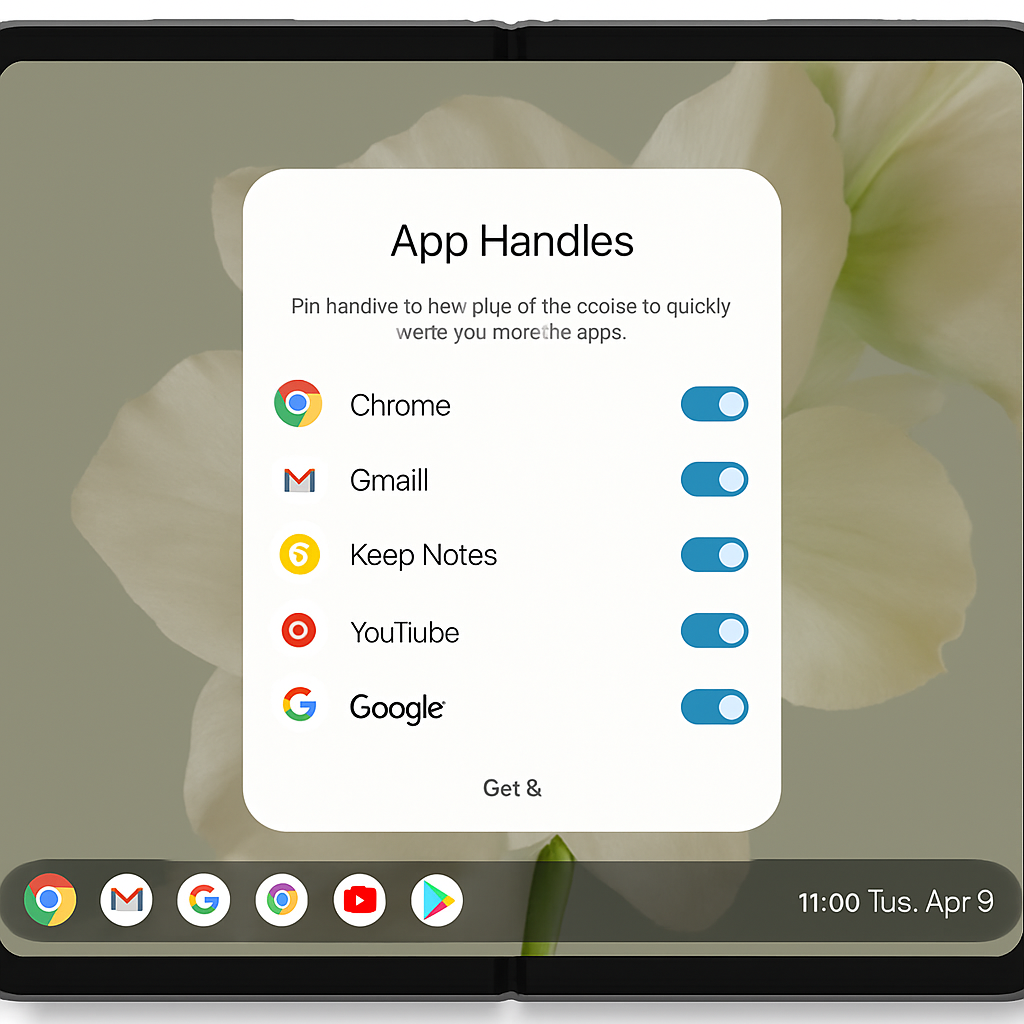
Google is introducing a new multitasking feature called ‘App Handles’ in its latest Android Canary build, specifically designed for foldable devices like the Pixel Fold series. This feature aims to provide users with more flexible and efficient multitasking capabilities.
‘App Handles’ function as pinned applications attached to the taskbar, allowing users to open them in a pop-up window without disrupting the content displayed behind them. For instance, a user can place the Calculator app in an ‘App Handle’ and access it in a pop-up window on the right side of the screen while browsing in Chrome full-screen. Additionally, these apps can be quickly transitioned into full-screen or split-screen modes as needed.
Users can also manage multiple ‘App Handles’ simultaneously, with a ‘+’ button appearing next to the existing app icons to add more applications. This setup is particularly beneficial for tasks such as note-taking or monitoring background activities, offering a seamless multitasking experience.
While similar features like Samsung’s pop-up windows and Google’s ‘Bubbles’ have existed, ‘App Handles’ represent an evolution in Android’s approach to multitasking, providing a more integrated and user-friendly solution.
Currently, ‘App Handles’ are available in Android Canary build 2608 and are expected to be included in future stable Android releases.
The introduction of ‘App Handles’ underscores Google’s commitment to enhancing the user experience on foldable devices. As foldables become more prevalent, features like this will be crucial in maximizing their potential and providing users with intuitive multitasking options.