Google has unveiled Android 17, the latest iteration of its mobile operating system, bringing a suite of new features aimed at enhancing user experience, security, and content creation capabilities.
Screen Reactions: A Boon for Content Creators
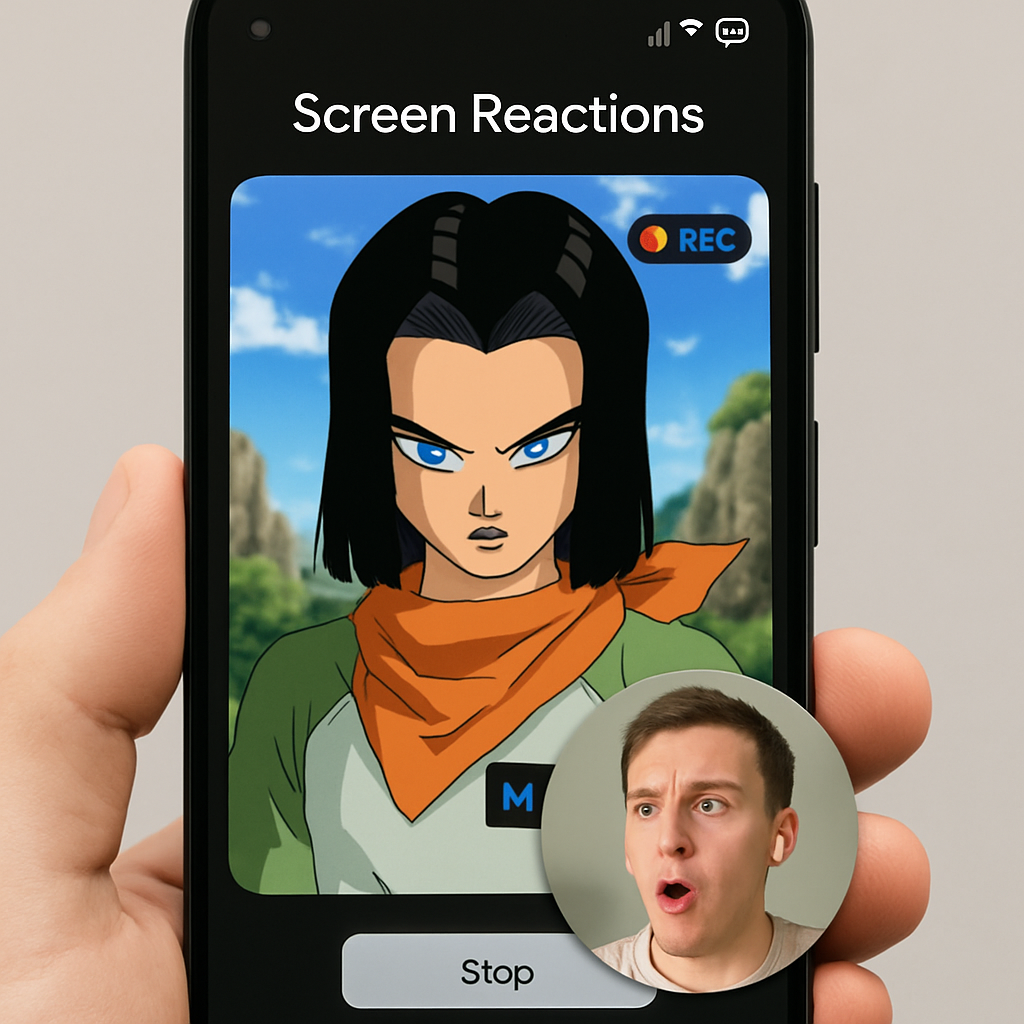
One of the standout additions in Android 17 is the ‘Screen Reactions’ feature. This tool allows users to simultaneously record their screen and front-facing camera, overlaying their reactions onto the content without the need for third-party applications. This functionality is particularly beneficial for creators producing reaction videos, a popular format on platforms like TikTok. Users can customize the background color behind their face overlay, choosing from options such as black, purple, red, blue, green, and orange. However, it’s important to note that this feature is available only when recording the entire screen and does not function in single-app recording mode.
Enhanced Security Measures
Android 17 places a strong emphasis on security enhancements. The ‘Mark as Lost’ feature within the Find Hub now requires biometric authentication, ensuring that even if a thief has access to a user’s PIN, they cannot disable device tracking or regain access to the phone. Additionally, activating ‘Mark as Lost’ automatically hides Quick Settings and disables new Wi-Fi and Bluetooth connections, further securing the device. Google has also made the Remote Lock and Theft Detection Lock features enabled by default, providing users with proactive protection against unauthorized access.
Improved Media Controls
The update introduces a smarter media app switcher, replacing the previous carousel-style layout with a new card-based interface. This redesign allows users to switch between media apps more efficiently by tapping on cards, reducing the likelihood of accidental fast-forwarding or rewinding during playback. This enhancement aims to provide a more intuitive and user-friendly media control experience.
Developer-Focused Enhancements
For developers, Android 17 marks a significant shift with the introduction of the Android Canary program, replacing the traditional Developer Preview model. This continuous integration approach offers faster access to new features and APIs as they pass internal testing, rather than waiting for quarterly releases. This change is designed to provide developers with more timely updates and a more adaptable development environment.
Android 17 also introduces the ‘EyeDropper API,’ allowing design and photo editing applications to select colors from anywhere on the screen without requiring screen recording permissions. This system-level process enhances user privacy by reducing the risk of unauthorized screen recording. Additionally, the new ‘Contacts Picker’ interface ensures that when users grant an app access to their contacts, the app can only view specific contacts and data fields selected by the user for a temporary session, thereby enhancing privacy controls.
These updates reflect Google’s commitment to enhancing user experience, security, and developer support within the Android ecosystem. The introduction of features like Screen Reactions and the EyeDropper API not only cater to the growing demands of content creators but also address privacy concerns, positioning Android 17 as a significant step forward in mobile operating systems.