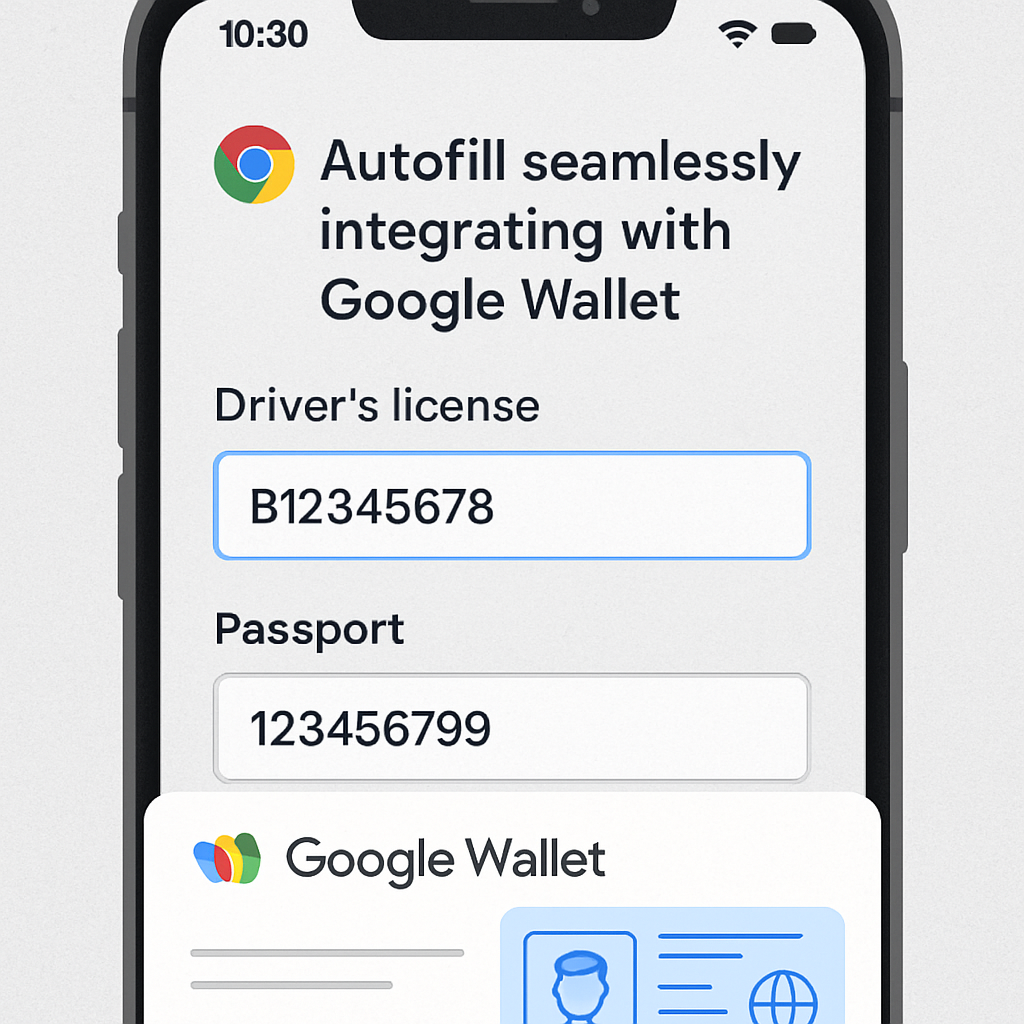
Google has announced an enhancement to Chrome’s Autofill feature, introducing deeper integration with Google Wallet to streamline the process of completing online forms. This update allows Chrome to automatically populate forms with data stored in Google Wallet, including driver’s license details, passport information, and Known Traveler Numbers.
Previously, Chrome Autofill supported basic information such as names, addresses, and payment details. The new integration expands this capability to more complex data types, enabling users to fill out forms for flight check-ins, parking payments, and other services more efficiently. This feature is now available on both Android and iOS platforms, following its initial rollout on desktop last year.
When users enter information like driver’s license or passport details on a website for the first time, Chrome will prompt them to save this data to Google Wallet if it isn’t already stored. Google emphasizes that this information will only be saved or filled with the user’s explicit permission, and all sensitive data is encrypted to ensure privacy and security.
To manage and update the information saved in Google Wallet, users can access the Wallet settings. Within a specific pass, such as a digital passport ID, there’s an option labeled “Use private pass across Google” near the bottom of the page. Additionally, Chrome has updated its settings menu to provide a more organized approach to managing Autofill and password information. The new “Autofill and passwords” menu includes categories for:
- Google Password Manager: Passwords, Passkeys
- Payments: Credit & debit cards, IBANs, Loyalty cards
- Contact info: Addresses
- Identity docs: Driver’s licenses, Identity cards, Passports
- Travel: Travel info, Vehicles
This revamped settings page is being rolled out with Chrome version 150 for Android devices.
By integrating Google Wallet more deeply into Chrome Autofill, Google aims to enhance user convenience and efficiency when interacting with online forms. This development reflects a broader trend of integrating digital wallets with web browsers to provide a seamless and secure user experience. As digital transactions become increasingly prevalent, such integrations are likely to play a crucial role in simplifying online interactions while maintaining robust security measures.