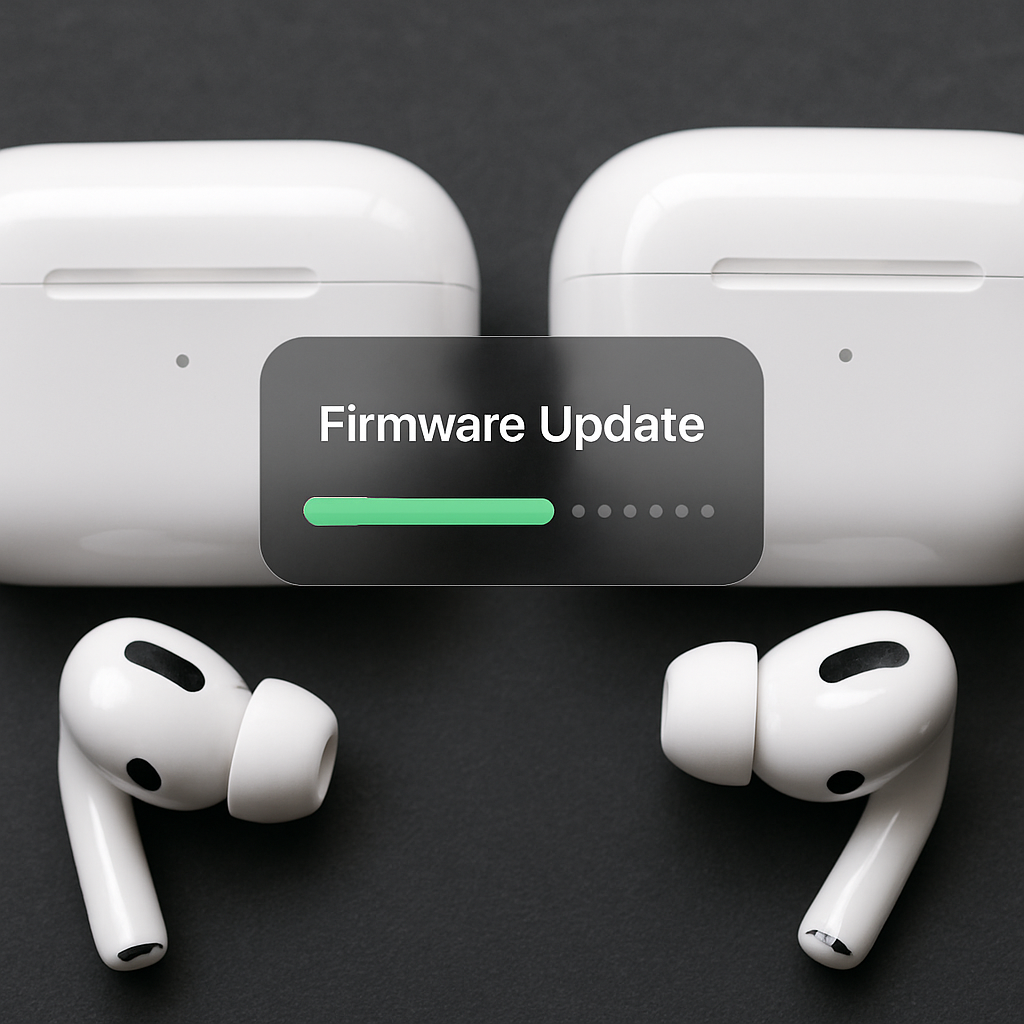
Apple has rolled out a new firmware update, version 8B41, for its AirPods Pro 2 and AirPods Pro 3 models. This update follows the previous 8B40 firmware and is expected to include bug fixes and performance enhancements, though specific details have not been disclosed.
To ensure your AirPods Pro are updated to the latest firmware, follow these steps:
- Keep your AirPods Pro within Bluetooth range of your iPhone, iPad, or Mac.
- Connect your Apple device to Wi-Fi.
- Place your AirPods in their charging case and connect the case to a power source.
- Close the lid of the charging case and wait for at least 30 minutes to allow the firmware update to install.
After this period, you can check the firmware version to confirm the update. If the update hasn’t been applied, repeat the process.
In addition to the AirPods Pro update, Apple has also released firmware version 1B211 for the Beats Studio Buds, upgrading from the previous 1B204 version.
Regular firmware updates are crucial for maintaining optimal performance and addressing potential issues in wireless earbuds. While Apple often doesn’t specify the exact changes in these updates, they typically aim to enhance user experience and device reliability. Users are encouraged to keep their devices updated to benefit from the latest improvements.