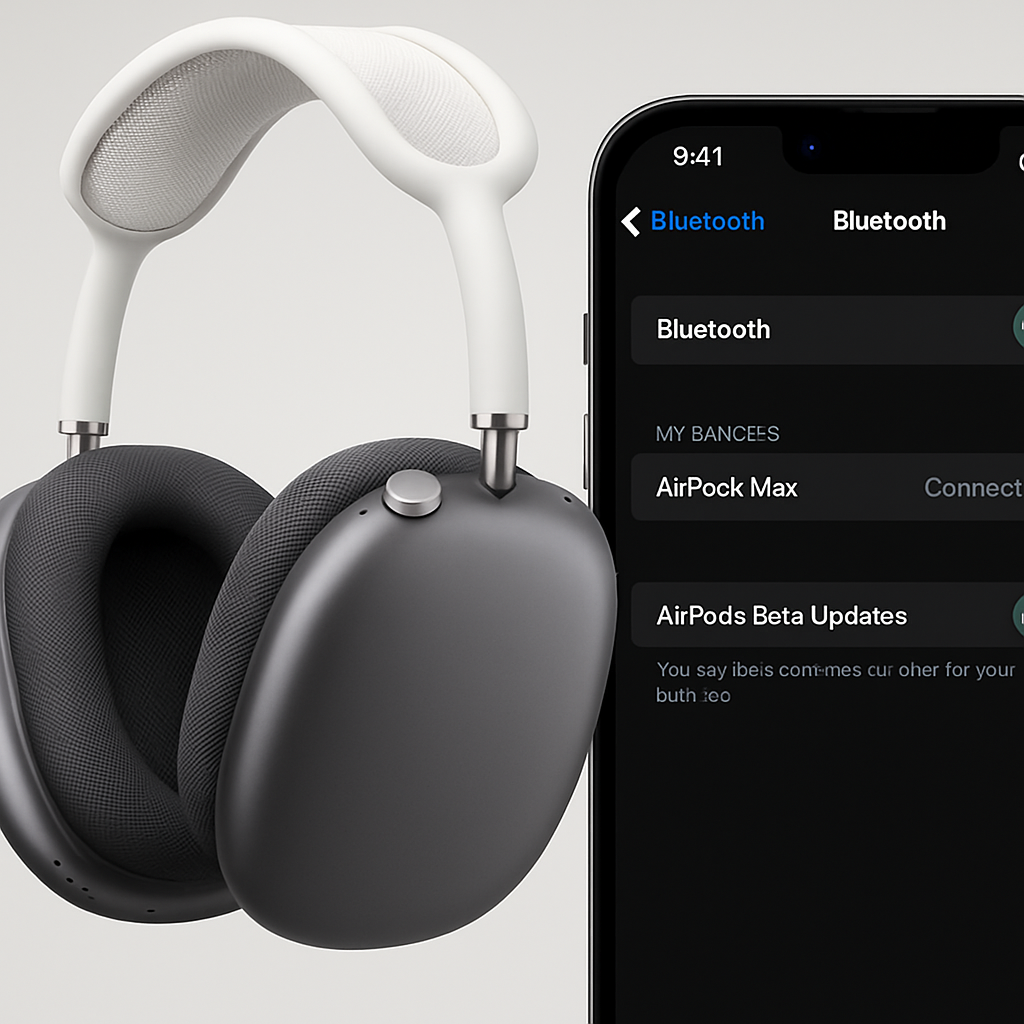
Apple has expanded its beta firmware program to include the AirPods Max 2, allowing users to test upcoming features ahead of official releases. This development coincides with the release of iOS 27 and macOS 27 Golden Gate beta 2.
To participate, users must have their AirPods Max 2 connected to a device running the latest beta versions of iOS or macOS. Enrollment involves enabling the ‘AirPods Beta Updates’ toggle found in the Bluetooth settings of the paired device. Once activated, firmware updates will install automatically when the AirPods are in their charging case and within range of the connected device.
Apple provides detailed instructions for enrollment:
- For Mac computers running macOS 27 beta or later: Connect your AirPods to your Mac via Bluetooth. Navigate to System Settings > Bluetooth, select the information icon (i) next to your AirPods, and toggle on ‘AirPods Beta Updates.’
- For iPhones and iPads running iOS 27 beta or later: Connect your AirPods to your iOS device. Go to Settings > Bluetooth, tap the information icon (i) next to your AirPods, and enable ‘AirPods Beta Updates.’
In addition to the AirPods Max 2, the beta firmware program is available for other models, including AirPods 4 with Active Noise Cancellation, AirPods 4, AirPods Pro 3, and both USB-C and Lightning versions of AirPods Pro 2 with MagSafe Charging Case.
By offering beta firmware access, Apple allows users to experience and provide feedback on new features before their official release. This approach not only enhances user engagement but also helps Apple identify and address potential issues, ensuring a more polished final product.