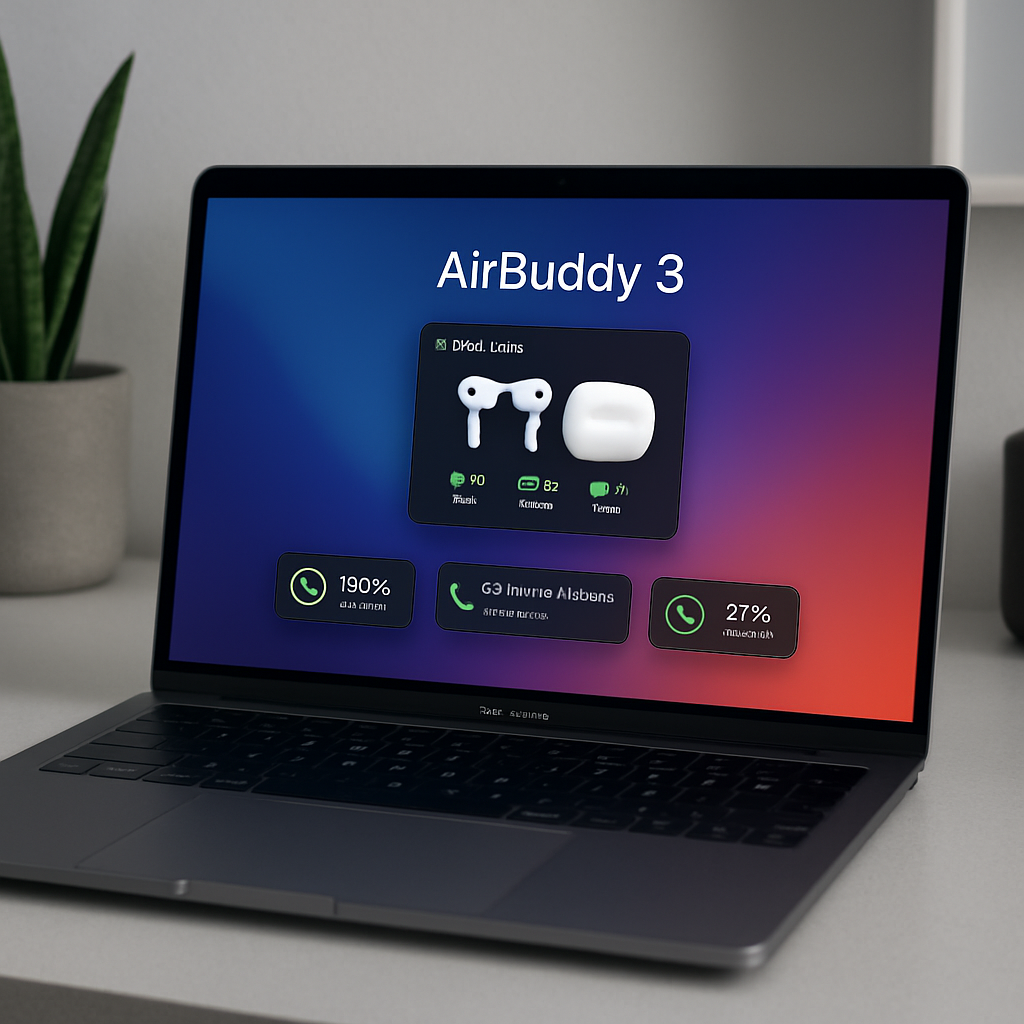
AirBuddy, the popular macOS application designed to streamline the management of AirPods and other Bluetooth devices, has released its latest version, AirBuddy 3. This update introduces over 150 new features and improvements, significantly enhancing user experience and device integration on the Mac platform.
Revamped Action HUD and Dashboard
One of the standout features in AirBuddy 3 is the redesigned Action HUD. Users can now position this interface anywhere along the top of their screen and choose between large and small layouts to suit their preferences. This flexibility allows for a more personalized and efficient workflow. Additionally, the Dashboard has been overhauled to support Liquid Glass on macOS Tahoe and later versions, offering a more modern and visually appealing interface.
Enhanced Widgets and Now Playing Feature
AirBuddy 3 introduces a suite of customizable widgets that can be displayed directly on the desktop. These widgets provide real-time information on device battery levels, AirPods controls, and media playback, ensuring users have immediate access to essential data. The new Now Playing feature is particularly noteworthy, allowing users to view artwork and playback information and control their media from various locations, including the desktop, Lock Screen, Action HUD, or macOS widgets. This feature is built on a custom implementation that supports layered depth effects and color-matched designs, enhancing the overall aesthetic and functionality.
Advanced Automation and Audio Input Lock
Building upon its automation capabilities, AirBuddy 3 expands support for AppleScript, enabling users to inspect device and battery information, manage audio routes, and control listening and Spatial Audio modes. Users can also trigger actions such as connecting or disconnecting Bluetooth devices, toggling Audio Input Lock, opening the Dashboard, or initiating a Magic Handoff transfer. The integration with Shortcuts has been enhanced, allowing for the activation, deactivation, or adjustment of system features like Dark Mode, True Tone, Night Shift, display brightness, Spatial Audio, paired Bluetooth devices, and Magic Handoff. Focus Filters can now prevent AirPods, Now Playing, and Battery Alert HUDs from appearing while a selected Focus is active, providing a more tailored user experience.
A notable addition in this release is the Audio Input Lock feature. This function ensures that the Mac consistently uses the user’s chosen microphone or input device, preventing unexpected switches. Users can select up to two preferred audio inputs, and AirBuddy will maintain one of them as the active input while the feature is enabled, thereby enhancing audio consistency during use.
AirBuddy 3’s comprehensive update reflects a significant advancement in device management and user customization on macOS. By introducing a more flexible interface, enhanced widgets, and deeper automation capabilities, it offers a more integrated and personalized experience for users managing multiple Bluetooth devices. As the ecosystem of connected devices continues to grow, tools like AirBuddy 3 play a crucial role in simplifying interactions and improving overall productivity on the Mac platform.