Video files, especially those shot in high resolutions, undergo massive data volume during production. When sharing on platforms like YouTube, Instagram, or X, poorly compressed files can lose vital detail and color depth. That’s where advanced tools come in.
Workflow Adjustments Before Compression
Before you even open a compressor, small changes in your shooting setup can reduce file size while retaining image quality. Good lighting cuts down on noise, a tripod eliminates jitter, and capturing formats with more flexibility (like Apple ProRes) offer more leeway during editing. But if storage or turnaround speed is a priority, recording with HEVC instead of ProRes can save considerable space without sacrificing too much editing headroom.
Why Adobe Premiere Media Encoder Tops the List
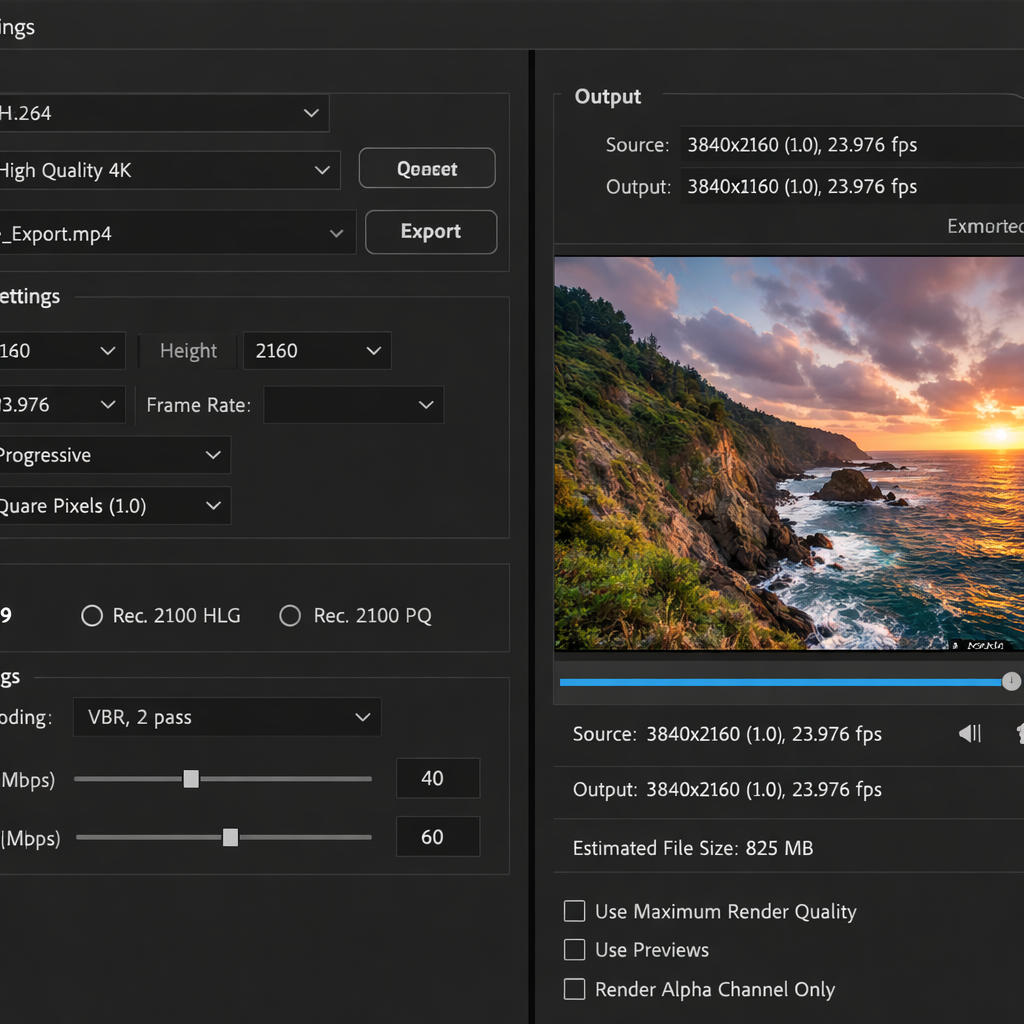
The premium pick for 2026 is Adobe Premiere, particularly when coupled with Adobe Media Encoder. These tools allow fine-tuning of output settings—adjust game-changing parameters like resolution, bitrate, and color space to drastically shrink file sizes with minimal loss. Need several output versions for different platforms? Media Encoder can queue multiple exports, letting editors keep working while compressions proceed in the background.
Compression artifacts—blurry edges, washed-out colors, blocky noise—come from using tools that don’t give you knobs to tweak. With Premiere, you gain professional-grade control over export settings so those artifacts stay minimal, even if your video passes through social platforms that apply additional compression.
Pricing & Promo Details
Adobe Premiere is bundled into the Adobe Creative Cloud Pro suite, which typically carries a list price of $69.99 per month for individual users. However, a Black Friday sale is currently running that drops the cost to $29.99/month for the first year—a sizable 57% discount. Students and educators get an even steeper break, bringing the fee down to $15.99/month with an annual contract. These promos expire November 27, so timing matters.
Adobe Premiere isn’t just about compression—it gives creators one place to edit, export, and tailor video for wherever it’s going: social media, broadcast, email. Instead of relying on built-in compressors that offer little control, using Premiere lets you prepare your video before upload, preserving quality while cutting file size and upload time.
That said, the best tools in the world can’t fix bad input. Lighting, framing, and shooting format all play a critical role. If your source footage is noisy or poorly exposed, or recorded in a format that doesn’t suit your end goal, even the most capable compressor will struggle.
What this means: Adobe Premiere with Media Encoder remains the gold standard for creators who care about output. The combo wins for its balance of configurability and workflow efficiency, and it’s especially worth considering now with attractive pricing on the table. If you’re serious about maintaining image and color fidelity from shoot to share, this setup is likely your best investment in 2026.