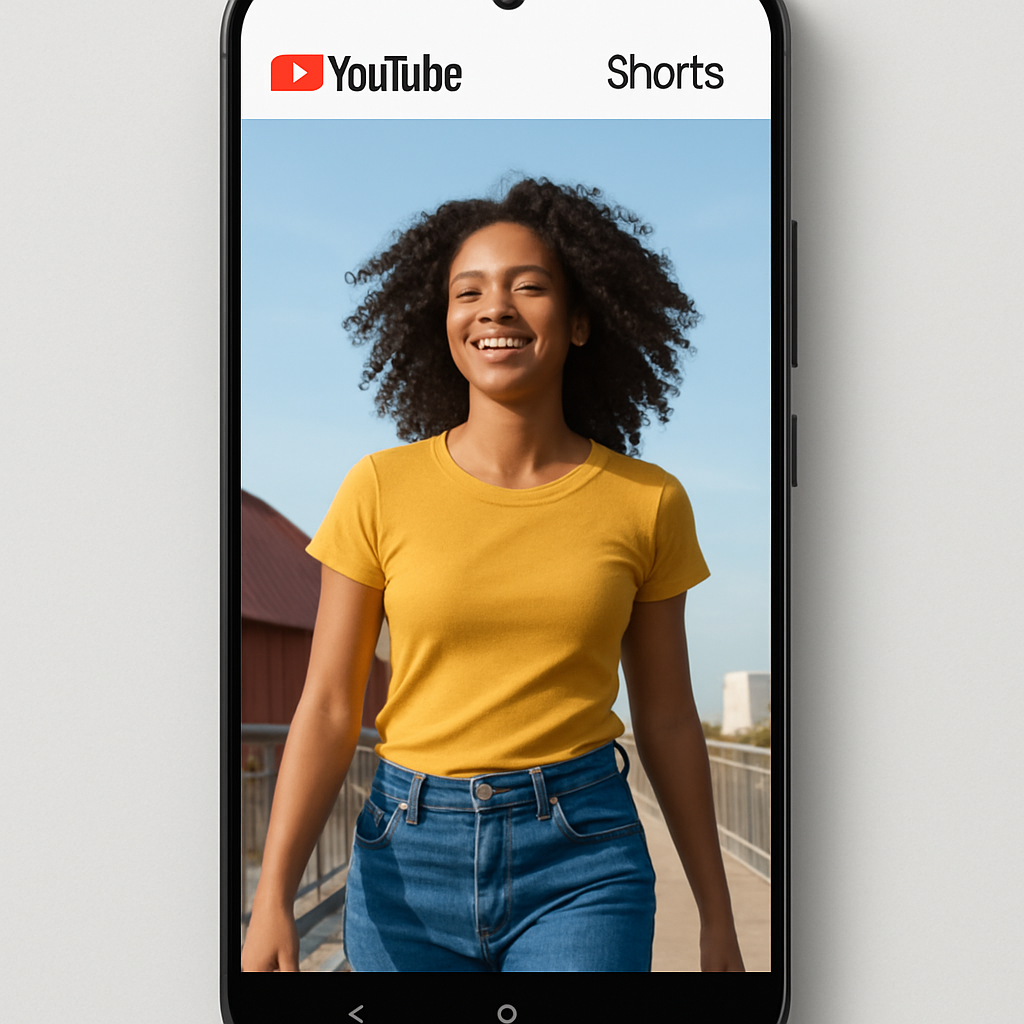
YouTube has unveiled a series of updates aimed at enhancing the user experience for its Shorts platform. These improvements focus on providing a more immersive viewing environment and refining user interaction with content.
Clear Screen Mode for Distraction-Free Viewing
One of the standout features is the introduction of “Clear Screen” mode. This function allows viewers to temporarily hide all on-screen icons and text, offering an unobstructed view of the video content. Users can activate this mode through the overflow menu located in the top-right corner of the Shorts player.
Enhanced Playback Controls
Responding to community feedback, YouTube has added the ability to double the playback speed of Shorts. This feature caters to users who prefer consuming content at a faster pace. Additionally, muting a video has been simplified: by pausing the video and tapping the mute icon, users can easily silence the audio.
Refined Interaction Options
In an effort to provide more meaningful engagement metrics, YouTube has replaced the traditional thumbs-up icon with a heart symbol. This change aims to better capture when a video resonates with viewers. Concurrently, the platform is phasing out the dislike button. Instead, users can access options like “Don’t recommend this channel” and “Not Interested” via the overflow menu. These alternatives offer more precise control over content recommendations, allowing users to specify reasons such as irrelevance or boredom.
These updates are part of YouTube’s ongoing commitment to refining the Shorts experience, ensuring it remains engaging and user-friendly. As the platform continues to evolve, such enhancements are crucial in maintaining user satisfaction and encouraging content consumption.