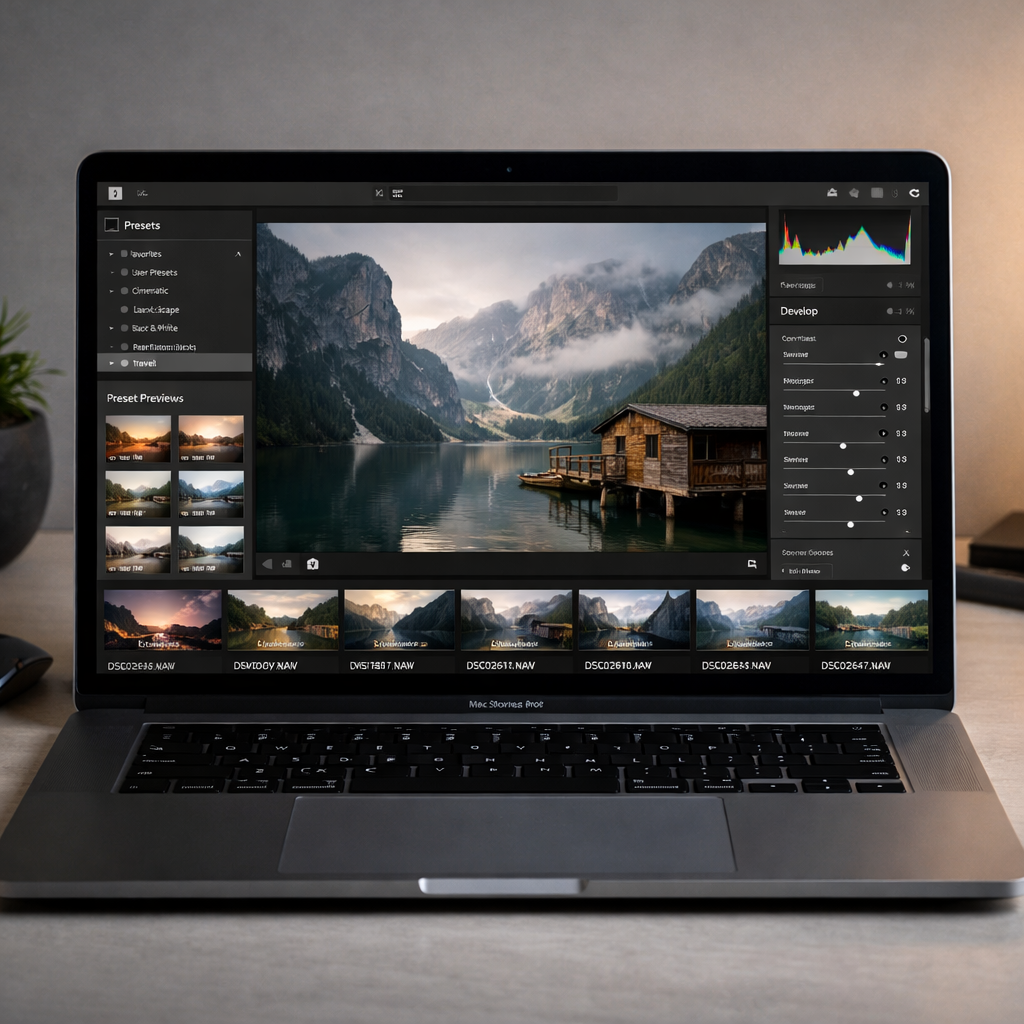
VSCO has officially rolled out Studio Pro Desktop, its first native photo-editing app for macOS, designed for both professional and hobbyist photographers. The new app is built to streamline everything from importing and editing to client-ready output, staying entirely within VSCO’s ecosystem without bouncing between tools.
What’s New: Key Features Unveiled
Studio Pro makes its mark with support for RAW files from over 800 camera models across 20 major brands, giving users full control over higher-quality image editing. You can work with files in place or duplicate them within the app, and sources can range from local folders to SD cards and external drives. Editing is handled by two engines: Apple’s Core Image for RAW handling and VSCO’s proprietary “Reflex” engine for preset and adjustment logic.
Batch editing in Studio Pro lets you apply presets or adjustments to groups of images (from 2 up to 500 at once), with changes appearing in real time across all selected photos. Presets include VSCO’s iconic film looks—Kodak Portra, Kodachrome, Fujifilm Velvia, Kodak Tri-X—as well as the new IOE1 Pro preset developed with photographer Joe Greer, each offering control over strength, color, tone and more.
Organizing, Exporting, and Workflow Integration
Alongside its editing tools—exposure, contrast, fade, highlights, shadows, whites, blacks, skin tone, temperature, tint, hue, saturation, lightness, sharpening, clarity, vignetting, and grain—VSCO is expanding with features like bloom and halation effects, curves, masks, and a removal tool for more focused, localized edits. Organizational tools are on the way, too, including project-based workflows and culling tools that let users star, accept or reject shots to manage large batches of images more efficiently.
When it comes to output, users can export individual or multiple photos with custom settings for format, resolution, name and compression. VSCO provides presets tailored for web, social media, or client delivery. A standout feature: full-resolution edited work can be published directly to VSCO Galleries, bypassing the usual export-and-upload grind.
Availability and Pricing
The app is available now as a free download for Apple Silicon Macs. Full access requires a VSCO Pro subscription—$4.99/month or $59.99/year—or membership in VSCO One, to unlock all editing and output features.
VSCO Studio Pro Desktop marks a big step toward unifying mobile and desktop creative workflows, placing advanced tools in a unified workspace for photographers who want speed without sacrificing quality.
Why this matters: Bringing RAW support, batch editing, and full-resolution publishing into a single native Mac app shows that modern photo editing is evolving. No longer must creators juggle multiple apps—this tool suggests a future where streamlined workflows, combined with deep control, are expected. Watch for how this pressures competitors and changes standards for what desktop editors must include to stay relevant.