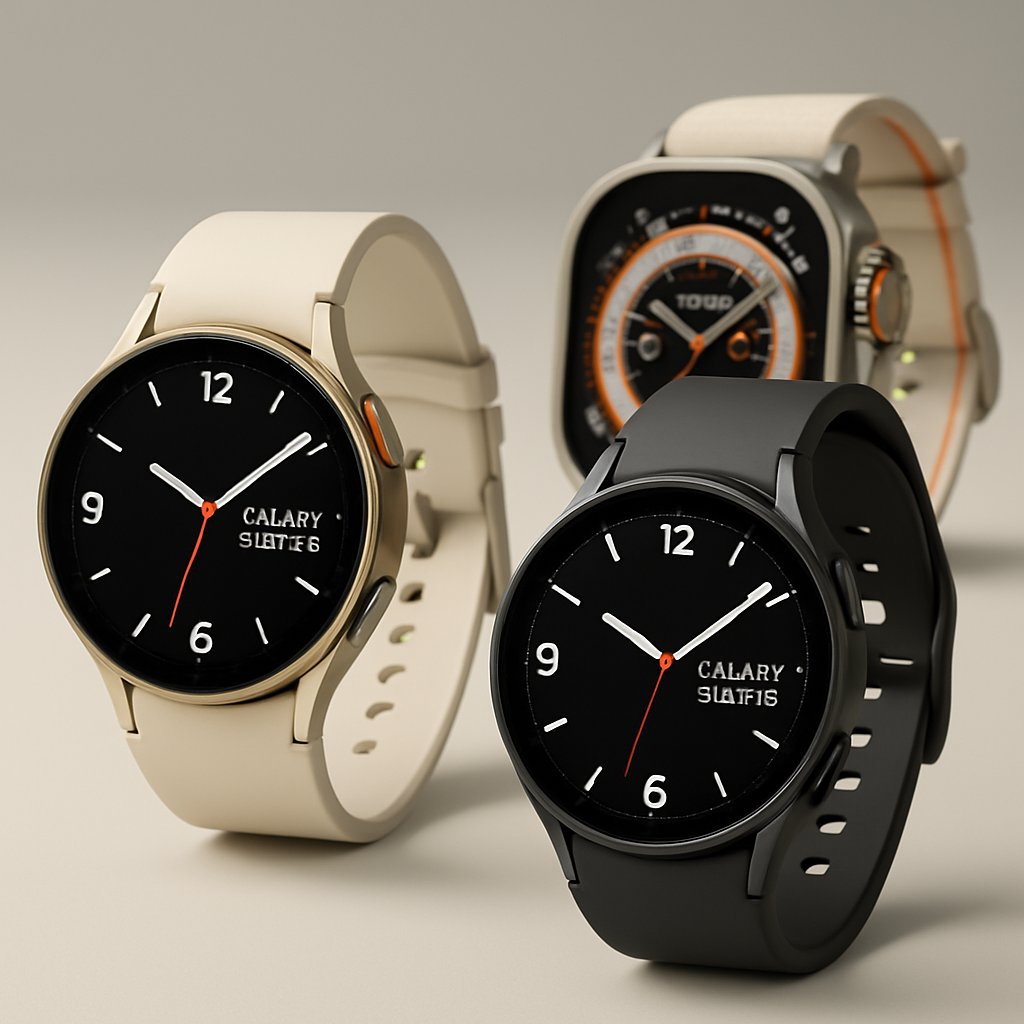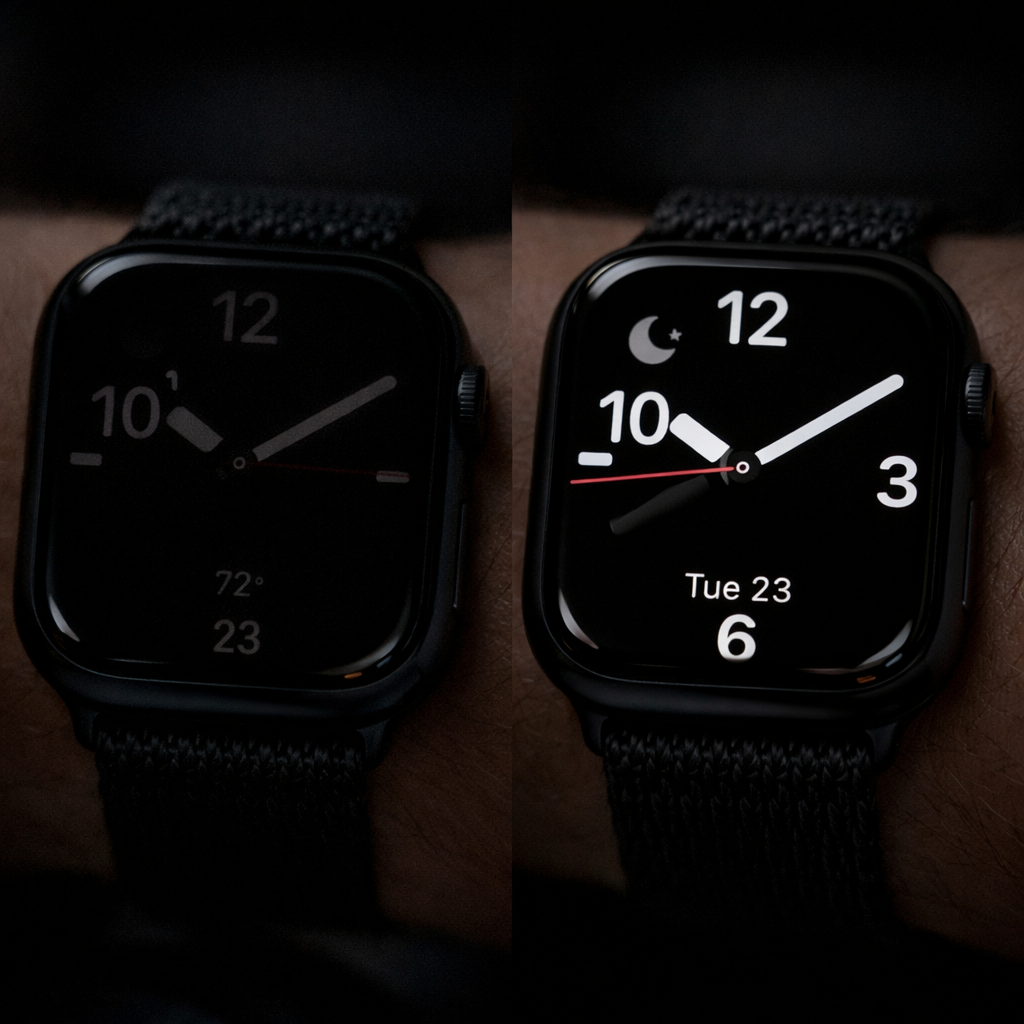
Some Apple Watch users are seeing the always-on display fail to update when daylight saving time kicks in, while the main screen jumps forward as expected. This glitch has resurfaced again with the fall time change in 2026.
The issue isn’t new. Apple first encountered instances of the always-on display sticking during daylight saving adjustments back in 2018 with the Apple Watch Series 4. After applying a fix, similar bugs regrew around 2021. This year the problem has popped up once more, especially across Europe where clocks shifted earlier than in the U.S. The model currently displayed stays one hour behind when the watch is resting, but corrects itself when the screen is activated.
During this year’s daylight saving transition, many users turned to forums like Reddit and X to report the same discrepancy. Videos shared on these platforms show the always-on face frozen at the old hour until interaction wakes it up. Europe’s earlier time shift triggered complaints in that region first, followed by users in North America. This mismatch lasts until the watch display resets or the user takes corrective action.
How to Fix It
Apple has confirmed three simple ways to restore accuracy to the always-on display:
- Switch away from your current watch face to another, then switch back.
- Restart the Apple Watch entirely.
- Wait until midnight—by that time, the display should correct itself automatically.
Any one of those steps should realign the always-on display with the correct time. The issue, though annoying, doesn’t appear to affect core functionality beyond looks.
Why this matters: Always-on display technology is a key feature for Apple Watches—stuck-on wrong time undermines trust in what’s otherwise a flagship capability. It also shows how system components that seem passive still depend on the same timekeeping subsystems as active displays. When those don’t receive timely updates, you get visual reminders of invisible platform-level bugs.
Moving forward, Apple’s engineering teams will need to ensure daylight saving transitions trigger full-time display updates—not just for watch faces, but always-on screens too. If you own an Apple Watch, check after time changes—and if the always-on mode lags, use one of the fixes above.