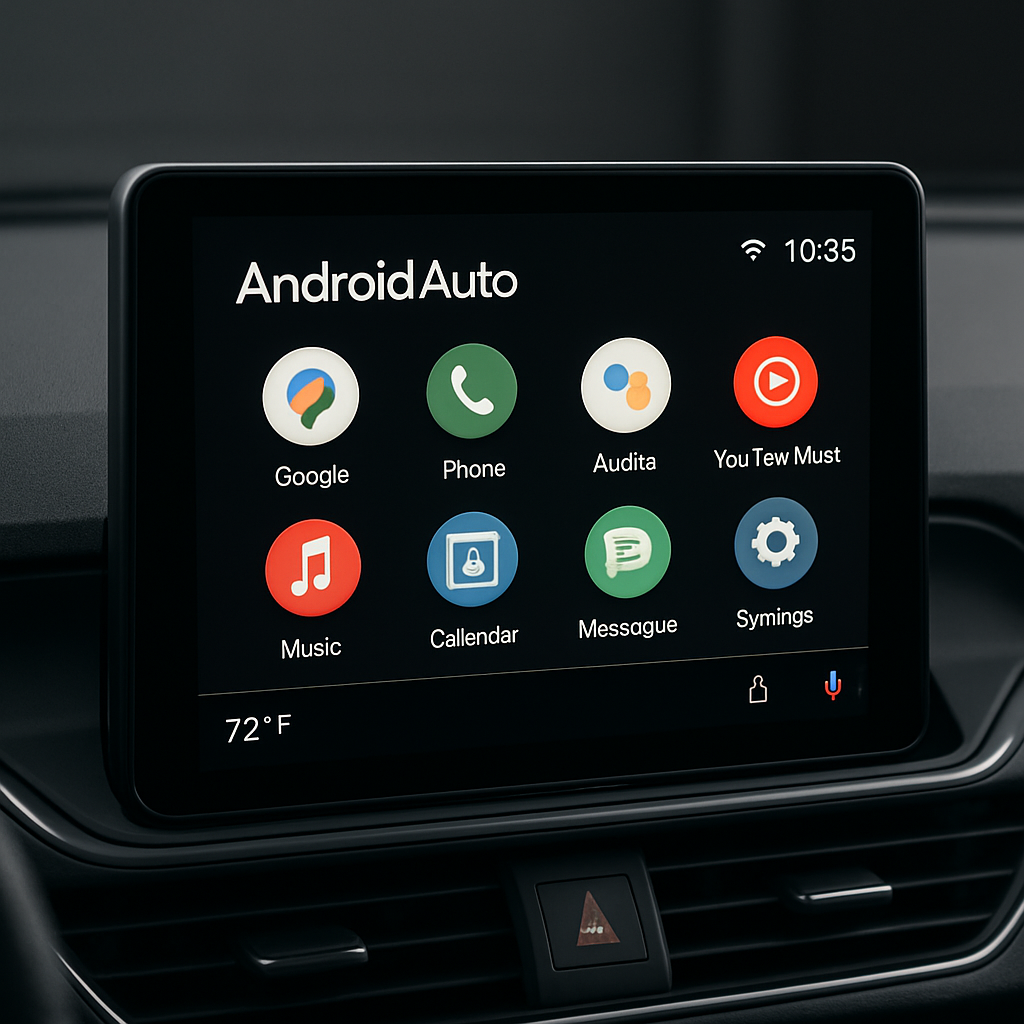
Android Auto users have been plagued for several weeks by a disappearing cellular signal icon—a key status indicator meant to show connection strength in the corner of the display. While the issue hasn’t impacted everyone, many drivers noticed the signal bars vanishing intermittently, sparking confusion and frustration over what had been a reliable UI feature. The good news: Google is now rolling out a confirmed fix.
What Went Wrong
The status bar on Android Auto is designed to display critical information like the time, battery, notifications, and cellular connection. The cellphone signal icon, however, began disappearing sporadically. Some users saw it vanish after updates, while others noticed it returning temporarily—only to disappear again. The behavior wasn’t uniform across devices, and Google acknowledged the problem after numerous reports.
The Fix Is Rolling Out
Google has announced that a solution is now being deployed. It seems that Android Auto version 17.8 is the first stable release carrying the correction, with a partial rollout already underway. Users who were part of the Android Auto beta program reportedly saw the icon’s return earlier, though the beta is currently full. For those not in beta, hope lies in sideloading—if you’re willing to take that route.
While the update isn’t visible to everyone just yet, many users across forums and social platforms are reporting that the icon is now fully restored on their systems. Those still without the fix may simply be waiting for the rollout to hit their specific device configuration.
Something to note: even though version 17.8 appears to fix the issue widely, Google’s update message included a caveat—some devices may still wait longer to receive the signal icon fix. The gradual nature of Android Auto’s rollout means patience is necessary for full coverage.
The signal icon is more than cosmetic. In-car systems rely on it to show users that their phone still has network connectivity, affecting navigation, streaming, and companion app features. Its absence makes it harder to diagnose whether issues like dropped calls or mapping woes stem from signal loss or something else entirely.
For those seeking the quickest resolution, checking if Android Auto 17.8 is available—and installing it if possible—offers the most reliable path forward. Otherwise, keeping an eye on update notifications or exploring available recovery strategies like sideloading or joining the beta (if spots open) may be your best bet.
It’s worth tracking how swiftly the full rollout completes and whether any edge cases remain. Some users report the fix works perfectly, others still lack visibility. What to watch for next: whether Google provides a more detailed timeline for those still waiting, whether any new glitches crop up tied to the update, and whether this prompts changes to how Android Auto handles critical status indicators moving forward.