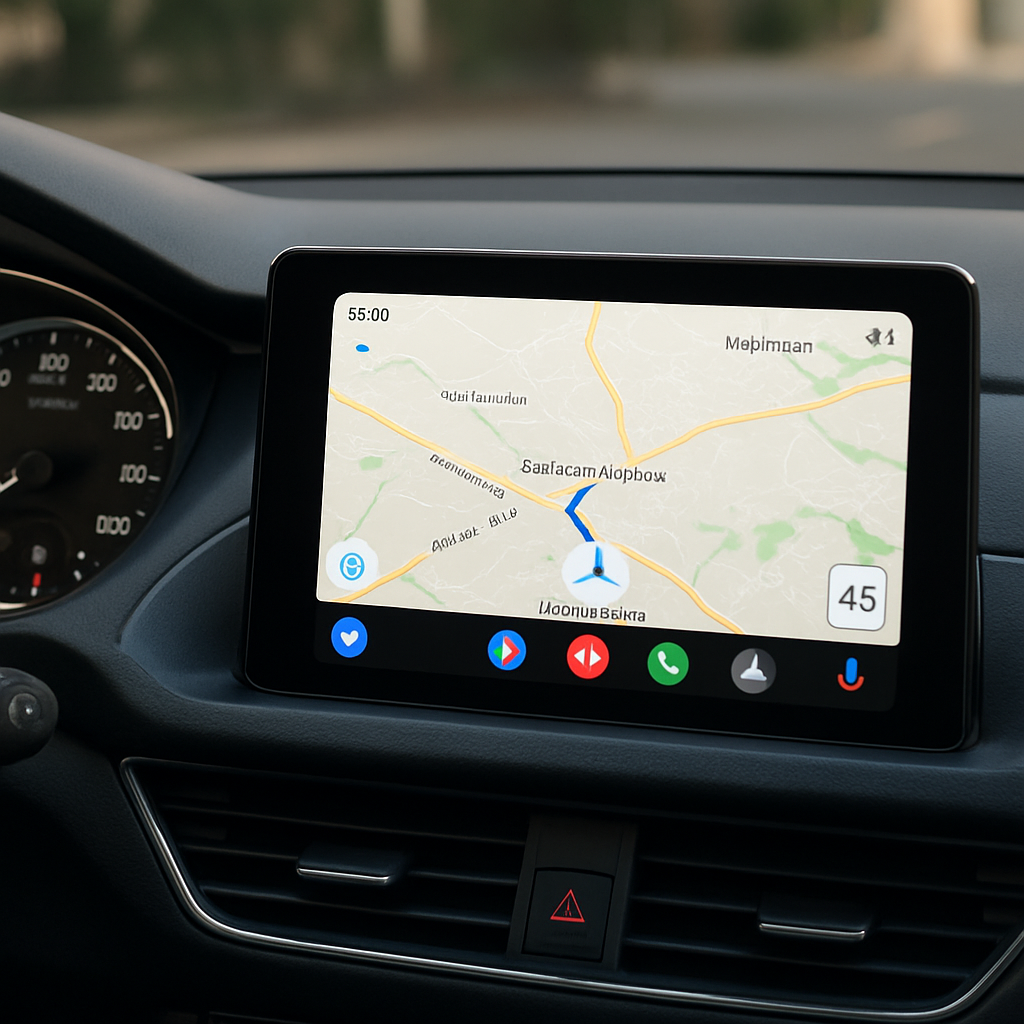
Google Maps is now updating its Android Auto integration to display the current road’s speed limit and the vehicle’s speed at all times—even when no navigation route is set. Previously, the speedometer appeared only after entering a destination, and some users had recently experienced the live speedometer disappearing altogether.
What’s Changing
The new update introduces always-visible speed limit and speedometer indicators on Android Auto via Google Maps. Before this, speed limits have been part of the Maps interface since 2019, but the live speedometer trickled into Android Auto more recently and was tied to destination mode. Some users noticed it vanish in recent weeks.
The change confirms Google’s investigation into reports of a disappearing speedometer—suggesting it was a bug rather than deliberate removal. As of now, the revamped feature is rolling out. Users will begin to see both their speedometer and the road’s speed limit displayed even without setting a destination, though the rollout is still underway so it isn’t visible everywhere yet.
Why It Matters
Many drivers use Google Maps on Android Auto for quick errands or familiar drives where setting a destination feels unnecessary. Having speed and speed limit info accessible at all times enhances safety and awareness—even on short, routine trips. This change reduces reliance on visual surprises or needing to start navigation each time.
While there’s no firm timetable for when the update will reach all users, its ongoing rollout suggests Google is making this an integral part of the driving experience. Android Auto users should keep an eye out in the coming days for updates enabling constant visibility of the speed icons.
Analytical perspective: This move reflects a broader trend toward providing more non-navigation context in driving apps—helping drivers stay informed even when they aren’t getting turn-by-turn directions. As safety regulations and driver expectations ramp up, being able to always see speed limits and actual speed without extra steps isn’t just convenient—it’s increasingly essential. Watch for how this interacts with driver assist regulations, and whether competitors adopt similar always-on HUD-style displays.