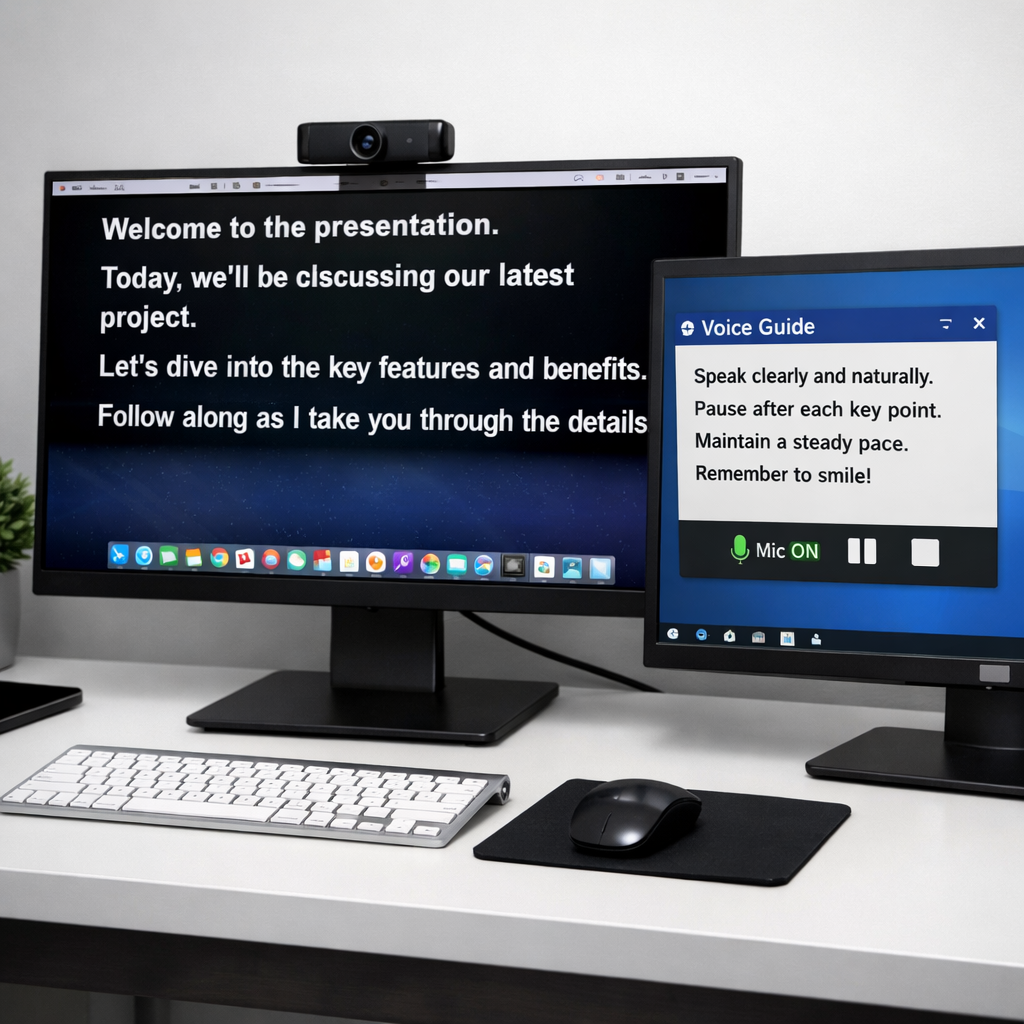
Elgato has unveiled a major update: Virtual Prompter, a software-based teleprompter built into Elgato Studio for Mac and Windows. It lets users display their script near the webcam during recordings, presentations, or video calls—all without any special hardware. Users can choose from two display modes: docked or floating.
Modes & Scrolling Options
The “docked” mode fixes the script in a strip at the top of the screen, close to the camera, making it easier to maintain eye contact. This mode is free and has no time restrictions. On the other hand, “floating” creates a moveable, resizable window or can span full screen on a second display—this requires upgrading to the Pro tier.
All versions of Virtual Prompter include two script-scrolling styles. You can set it to auto-scroll at a fixed pace, or use “Voice Sync,” which listens through your mic, scrolls automatically as you speak, and keeps up if you skip ahead in your script.
Text Support, Pricing & Access
Scripts can be typed directly into Elgato Studio, pasted in from elsewhere, or imported as Word documents, Markdown files, or plain text. Streaming users also get a built-in chat view that works with Twitch, YouTube, or Kick chats, showing them in the same screen area.
Virtual Prompter Pro is priced at $2.99/month or $29.90/year, with a one-time lifetime license for $49.99. Owners of Elgato Prompter or Prompter XL hardware get Virtual Prompter access for free while their device remains connected.
The feature is part of Elgato Studio 2.0, available for both Windows and macOS platforms. Mac users will need to be running macOS 15 Sequoia or later to use the software.
Background: Elgato is known for streaming tools, capture cards, and pro-video accessories like the Prompter hardware. Until now, many teleprompter setups required a physical screen near the camera or mirrored glass. This software solution aims to bring pro-level functionality without hardware costs or setup complexity.
Why this matters: creators, presenters, and remote workers can all benefit from a script that stays in eye-line without awkward rigs or flat-lay setups. Voice-sync offers hands-free control, which helps when you’re in flow and don’t want to touch the keyboard or mouse. Priced access for full flexibility keeps things affordable.
What to watch: how well the voice recognition handles different accents and speaking rhythms, how smooth scrolling is during pauses or speed changes, and how the floating mode performs under real upload/streaming load. If Elgato nails those, this could become a must-use tool in the broadcast, streaming, and creator toolkit.