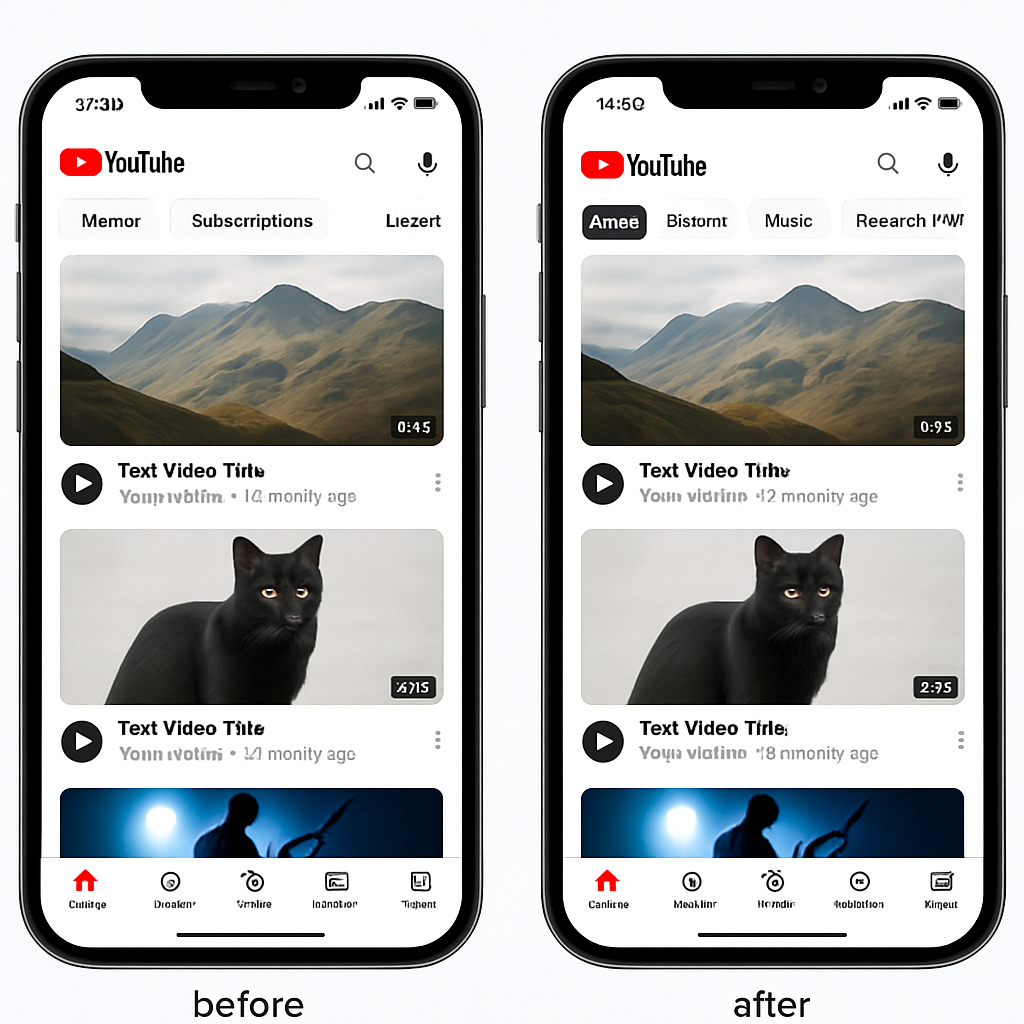
YouTube is revamping its navigation on Android and iOS, replacing the familiar Subscriptions tab in the bottom bar with a move to a top-level feed as part of a broader redesign. These changes introduce new customizable feeds alongside revamped tabs for Live, Music, and Movies & TV.
Navigation Overhaul & Feed Redesign
The YouTube app on mobile is losing its bottom-bar “Subscriptions” icon, a fixture since about 2017, shifting it into a new top bar under the Home tab. This redesign includes new dedicated tabs—Live content; Music; and Movies & TV, the latter appearing only to those with active subscriptions like Prime Channels. The update aims to eliminate the need for YouTube’s slide-out navigation drawer, making it easier to access key sections quickly. Users will find “Home” first in the top bar, followed by “Subs” (with a red underline) and then the new category tabs. This redesign has been in testing since earlier in the year.
Custom Feeds: Personalized Discovery
One of the standout features in the update is custom feeds. You’ll now be able to create your own feeds by tapping a “+” button at the top of Home and describing the exact topics, channels, or vibes you want to see—for example, “short workouts after work” or “guided meditations under 10 minutes.” Once created, those feeds appear as tabs next to Subs and stay available for easy access, with a prompt at the top to edit or refine them.
Who Gets What & When
This updated setup—with custom feeds and the revised tab layout—is now being rolled out for signed-in English-speaking users in the U.S. on mobile and desktop. Free users can maintain up to three custom feeds, while YouTube Premium subscribers can save up to eight. International availability is expected to follow.
The shift away from the bottom bar and toward custom, interest-based feed navigation represents a major structural change that breaks years of muscle memory for many users. YouTube clearly wants to foreground personalization and make discovery more central to the experience—less about navigating static tabs and more about exploring what users actually want to see.