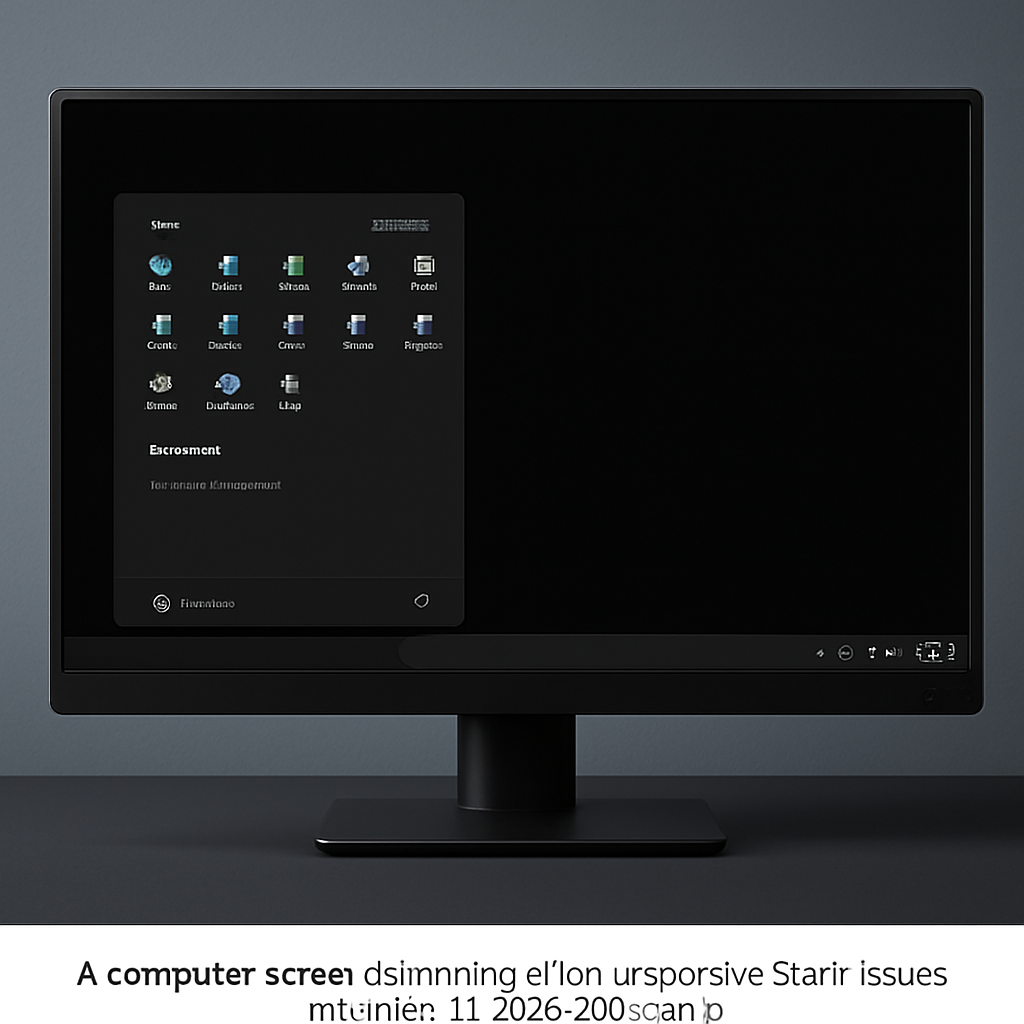
Recent updates to Windows 11 versions 24H2 and 25H2 have led to significant user interface disruptions, particularly in enterprise and virtualized environments. Users have reported encountering black screens, unresponsive Start menus, and taskbar crashes following the installation of cumulative updates released after July 2025, such as KB5062553 and KB5065789.
These issues predominantly affect enterprise-managed systems and virtual desktop infrastructures (VDI), where the updates are applied before the first user logon or within non-persistent environments. In these settings, core Windows components like Explorer.exe, StartMenuExperienceHost, and shellhost.exe may fail to initialize or crash unexpectedly. Consequently, users may face a black screen upon login, an unresponsive Start menu, and a non-functional taskbar, rendering the system largely unusable.
Root Cause and Impact
The underlying problem stems from a timing issue during the update process, where essential XAML-dependent application packages fail to register properly. Specifically, packages such as MicrosoftWindows.Client.CBS, Microsoft.UI.Xaml.CBS, and MicrosoftWindows.Client.Core do not initialize in time, preventing dependent components from loading correctly. This failure is especially problematic in non-persistent environments, where application packages must be reinstalled at every user logon, leading to repeated failures across sessions and significantly impacting enterprise productivity.
Beyond the shell, the issue affects multiple XAML-dependent applications. System Settings may fail to launch silently, and other applications relying on XAML frameworks can crash during initialization. Even User Account Control prompts, managed by Consent.exe, may not function correctly due to the same underlying dependency failure.
Microsoft’s Response and Recommendations
Microsoft has acknowledged the issue and addressed it in updates released starting June 23, 2026, under KB5095093. The fix is being gradually rolled out and is expected to become widely available through subsequent monthly updates. Organizations are strongly advised to install the latest updates to mitigate the issue and restore normal system functionality.
For systems still running affected builds, Microsoft has provided temporary workarounds. IT administrators can manually register the missing XAML packages using PowerShell commands. This involves registering the affected app packages located in the SystemApps directory and restarting shell components to allow proper initialization. In non-persistent environments, deploying a logon script that ensures required packages are registered before Explorer.exe launches is recommended. This approach prevents premature loading of shell components and ensures a stable user experience during session initialization.
These developments underscore the complexities involved in maintaining system stability during updates, especially in enterprise and virtualized environments. Organizations must remain vigilant, promptly apply patches, and implement recommended workarounds to minimize disruptions and maintain productivity.