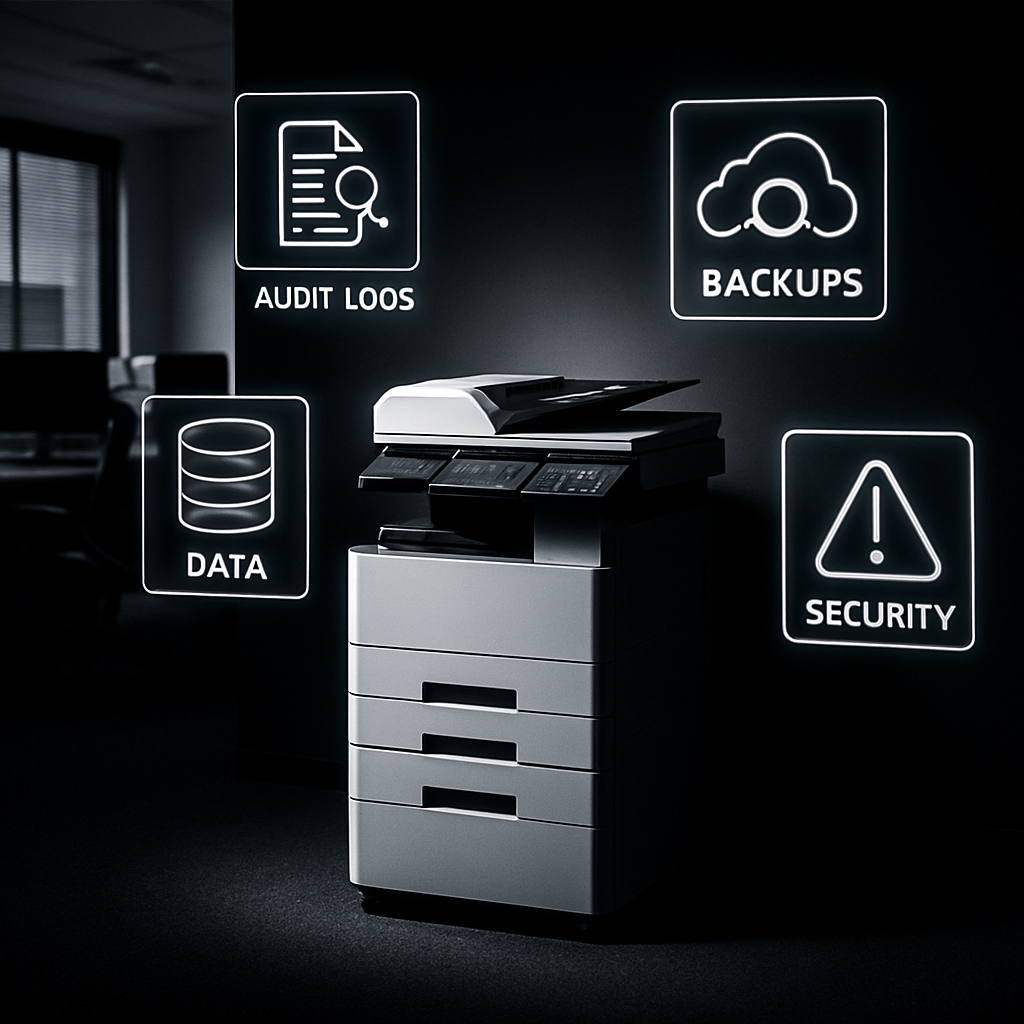
Many organizations invest heavily in securing networks, endpoints, and SaaS tools—but one piece of equipment often overlooked is the printer. It turns out office printers represent a major security risk, especially when it comes to managing paper backups, audit trails, and physical data leaks.
Print Devices: Unseen Attack Vectors
Printers collect a surprising amount of sensitive data. They store logs, hold onto cached images, and often keep copies of documents physically—the equivalent of digital fingerprints stored in hardware. Because these machines rarely receive the same rigorous security scrutiny as laptops or servers, they become easy access points for attackers. Weak firmware, default credentials, and lack of monitoring turn printers into potential magnets for cyber threats.
Moreover, paper backups—those printed reports or forms—create a dual threat. Not only do they risk physical theft or misuse, but they also complicate compliance. When printouts aren’t tracked through clear audit trails, it becomes almost impossible to know who accessed or handled what, when. That lack of accountability undermines even the best digital security systems.
Balancing Convenience, Compliance, and Control
Getting a handle on printer security doesn’t mean halting printing entirely. Companies are realizing they must strike a balance. Policies now often require employees to authenticate at printers, ensure data is wiped from device memory regularly, and enforce strict physical access to printout storage. Audit logs should be reviewed, firmware updates applied, and old devices retired or sanitized before disposal. Blind spots around default settings are also getting more attention.
Cloud printing and mobile printing, common in hybrid work environments, add another layer of complexity. They open up more vectors for misconfiguration or misrouting. Organizations must ensure encryption in transit, apply restrictive network segmentation, and rigorously test third-party print tools. Without these safeguards, even modern environments are vulnerable.
Workplaces that still rely primarily on paper backups must have clear protocols that track every stage of document life—from print to storage to disposal. Only then can they close gaps in the paper trail and avoid leaking private or compliance-bound data.
It’s tempting to focus all resources on firewalls, identity systems, and endpoint protection—but printers quietly sit outside many of those defenses. Attackers know this, and use that knowledge to sneak in. If your policies don’t cover that aging multifunction printer in the corner, consider it a risk begging to be exploited.
What this means: Securing printers is no longer optional. Any organization serious about cyber hygiene needs printer management baked into its IT and security strategy. What to watch for: default credentials, data retention in printer memory, unsecured print pipelines, and physical access to printed information. Tighten these areas, and you’ll plug some surprisingly large holes in your security posture.