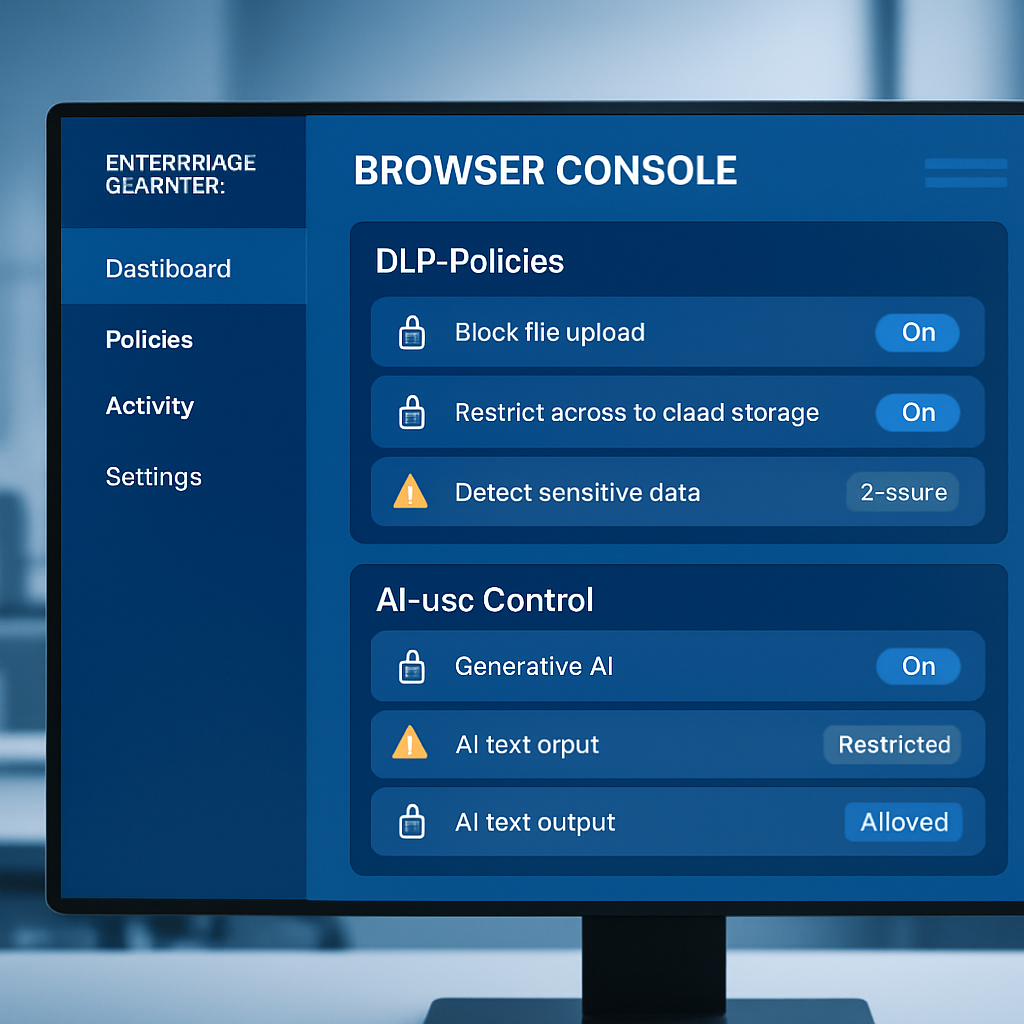
Mozilla rolled out Firefox Enterprise version 158.0 on October 13, 2026, unveiling its first browser tailored specifically for enterprise security teams. Central to this release are built-in data loss prevention (DLP) controls and AI-use restrictions, designed to help organizations safeguard sensitive information and regulate how employees interact with AI tools. The new product includes a self-hosted Admin Console, enabling companies to retain full ownership over browser updates, telemetry, crash reporting, and synchronization services—all hosted within the organization’s infrastructure.
DLP, AI Controls, and How They Work
The browser’s DLP features enable administrators to block or issue warnings when certain actions occur—such as pasting content, uploading or downloading files, or printing—on specified websites. Administrative teams can craft custom messages to notify users why a restriction is in place. For instance, copying or pasting corporate data into unapproved AI tools can be prevented, while approved services remain accessible.
Checks are processed locally within the browser, ensuring that inspected content doesn’t need to traverse the network. Organizations that already employ third-party DLP agents via Firefox’s Content Analysis interface can continue doing so; in such cases, Firefox will disable its built-in DLP and hand off inspection responsibilities to the external tool. Any logs of warnings or blocks are displayed in the Admin Console, though the ability to disable logging per event type exists.
Device Security, Profile Encryption, Policy Controls
Access to Firefox Enterprise begins with single-sign-on authentication using OpenID Connect, and aligns with organizational multi-factor authentication policies. On top of that, administrators can enforce device security prerequisites—disk encryption and active endpoint protection—and automatically sign out devices that no longer comply. Profiles are encrypted by default: browsing history, saved form data, login credentials, and TLS session tokens are all secured using a key managed via the Admin Console. Even if someone copies the profile directory, they won’t be able to decrypt it without that key.
Additional features include optional watermarks on sensitive pages that overlay user email addresses and timestamps—valuable for tracing leaks when screenshots are shared. Firefox Enterprise supports more than 130 enterprise policies, including controls over browser extensions, browser update timing, and a “Lockdown Mode” that can disable JavaScript just-in-time compilation, block service workers, prevent HTTP downgrades, and isolate specific sites. Security event logs are stored locally in the Admin Console, not with Mozilla, and can be sent to SIEM systems. Devices that are lost or compromised can also be remotely signed out.
This update builds upon the security fixes included in the core Firefox 158 branch. Note that using Firefox Enterprise, especially its DLP and AI controls, requires an organization to deploy its own console and often request early access.
Why This Matters: With the rapid proliferation of AI tools, companies face growing risks from unintentional data exposure—copy-paste leaks, misuse of corporate credentials, or AI agents scraping internal information. The local DLP checks and device posture requirements directly address those threats by keeping oversight and inspection inside organizational boundaries. What to watch: adoption speed, especially among companies already invested in third-party DLP systems, and how the Local checks handle performance and false positives. Firefox’s position in enterprise security could creep up fast if these systems work well in real-world deployments.