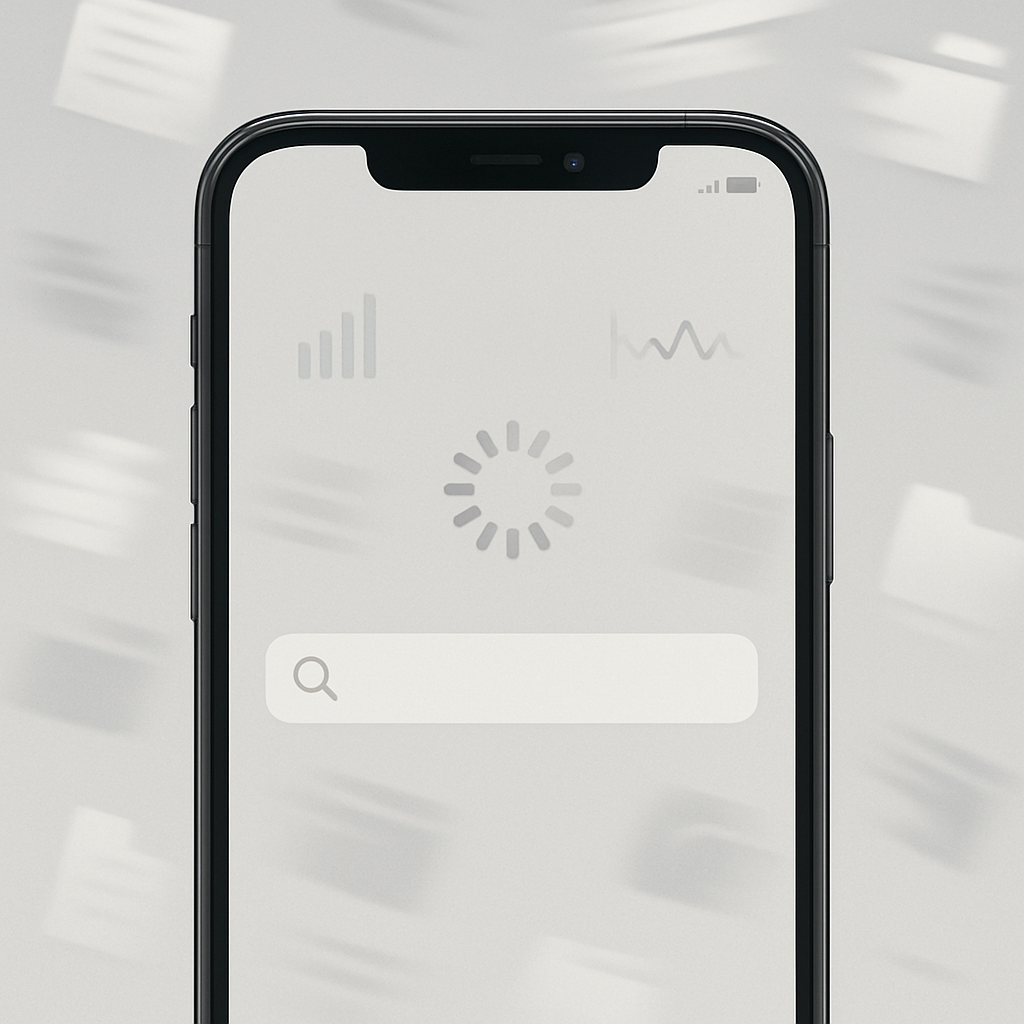
Whenever you update to iOS 27 or unbox a new iPhone 18 Pro, you might notice unusual sluggishness. Don’t panic—that’s normal. The slowdown typically happens because the operating system is busy indexing all the content on the device to make search, Siri, and Spotlight more efficient. Once that process finishes, your phone should feel back to its expected snappy self.
What’s going on under the hood
Right after installing iOS 27—or setting up a brand-new device—the system begins building an index of everything you’ve stored locally. This includes files, apps, photos, messages, contacts, music, notes, podcasts, and system settings. It’s a full sweep. Until indexing completes, you’ll see a message in Settings: “Optimising Search and Siri,” which disappears once the bulk of the initial work is done. After that, updates to your indexed data happen much faster and are less demanding on system resources.
How long this takes depends heavily on how much data is on your device. Apple warns that for devices with lots of content, indexing could take hours or even days. Some users have seen noticeable lag for up to a week, especially when migrating data from an older phone or restoring from backup. In extreme cases, touch response issues—times when the screen doesn’t immediately react—have been reported during this phase.
Why it’s worse now with iOS 27
There are two reasons this temporary slowness is more apparent with iOS 27. First, the inclusion of “Siri AI” features has stretched the indexing process. These require pulling data from a wider range of sources—like emails and calendar entries—so Siri’s answers can be more thorough and immediate. Second, late-stage updates in earlier versions (like iOS 26.6) were prepping the system by doing some background indexing ahead of the full release, but that doesn’t eliminate the need for this fresh initial sweep once iOS 27 is installed.
What you can do—and when it clears up
You don’t need to do much. Just let your iPhone sit—plugged in, connected to Wi-Fi, and idle is ideal. Resist the urge to push it while it’s working. If you need to check status, open Settings: if you see “Optimising Search and Siri” beneath your Apple ID banner, indexing is still underway. Once that disappears, your device should gradually restore its full speed.
Also, the heavier your device’s content—more apps, more media, more messages—the longer the process takes. If you transferred everything from your old phone, expect several days of mild slowdown. If you started fresh or had less onboard data, the lag should fade sooner.
Why this matters: It’s not just about momentary frustration. Indexing underpins cornerstone features like Siri AI and Spotlight search. If this build-up didn’t happen, you’d sacrifice speed when searching for emails, files, or results—systems would have to do live lookups instead of referencing a ready-made catalog. That’s slower all around.
Analytical take: This phenomenon underscores the growing trade-offs between intelligent photography, AI-enhanced assistance, and system fluidity. As Apple leans more into on-device intelligence and wider indexing (emails, messages, appointments), we’ll see more of these temporary slowdowns. For users, it means patience (and keeping your phone charged and idle) will often beat digging for quick fixes. Moving forward, it’ll be worth watching how Apple optimizes that initial indexing—could future updates allow more staged onboarding, or reduce the feature-blowup that triggers long waits?