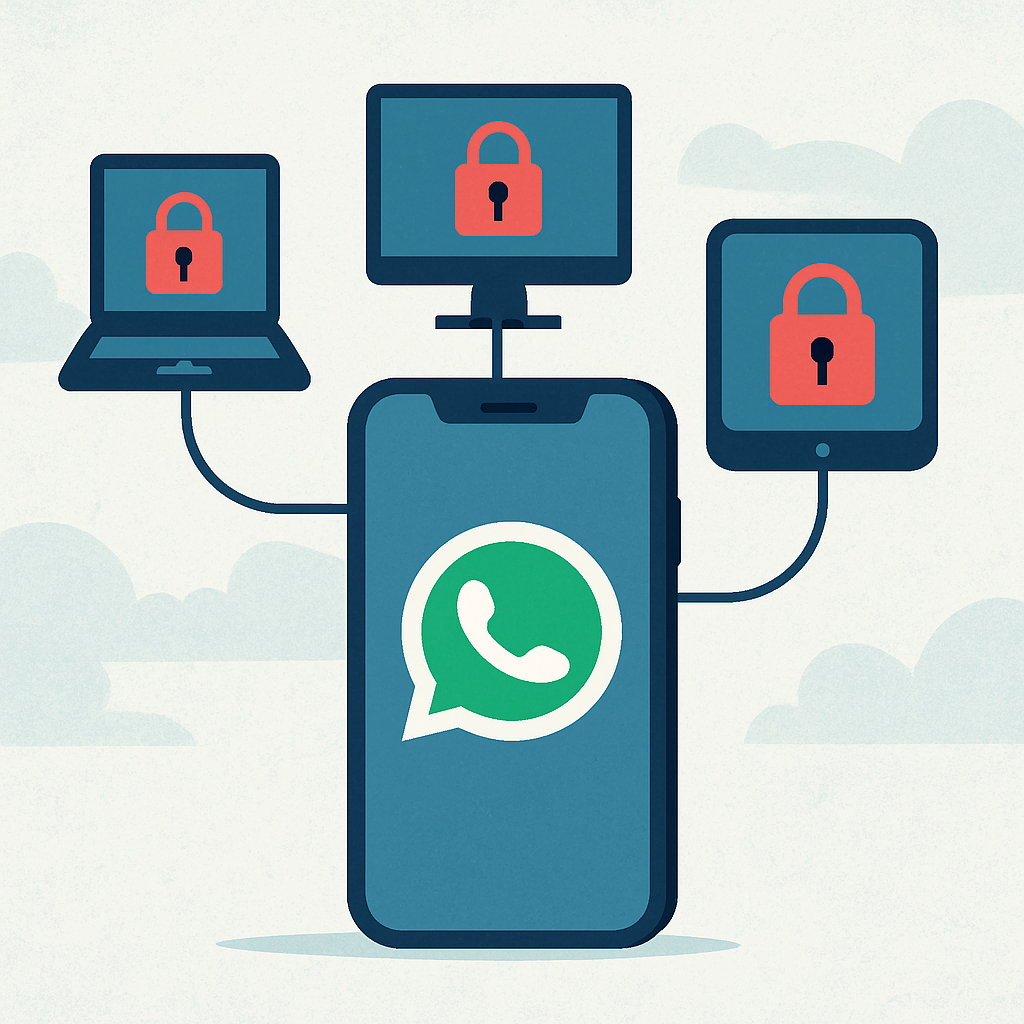
WhatsApp users are facing a new security threat known as GhostPairing, a social engineering technique that allows attackers to hijack accounts without needing passwords or one-time verification codes. This method exploits WhatsApp’s legitimate device-linking feature, relying on victims to approve a new connected device, thereby granting attackers full access to their accounts.
Once a device is linked, attackers can read messages, monitor conversations, impersonate the account owner, and send messages to contacts. This can lead to various forms of fraud, including payment scams and identity theft, as criminals exploit the trust associated with a known WhatsApp account.
Security analysts have observed a shift in cybercriminal tactics, moving from traditional methods like malicious files or fake login pages to infiltrating trusted digital spaces. GhostPairing exemplifies this trend by turning a standard account-management function into an entry point for account takeover.
The attack begins with deception rather than technical exploits. Scammers contact targets through messages, social media posts, fake support requests, or other convincing pretexts, guiding them toward a QR code or linking request that appears harmless. The goal is to get the victim to use WhatsApp’s companion-device workflow on behalf of the attacker.
Once the new device is approved, the attacker gains persistent access to the victim’s chats without needing to know the account password. This makes the method especially dangerous because victims may not immediately notice the compromise, while attackers can quietly study conversations before attempting fraud.
To protect against GhostPairing, users should treat unexpected QR codes, requests to scan a code, and instructions to “verify” or “secure” an account as warning signs. WhatsApp does not require users to link an unfamiliar device to keep an account active, and any such request should be treated with suspicion.
Regularly checking linked devices in WhatsApp settings is crucial. Users should remove any unknown sessions and enable two-step verification for additional account security. This proactive approach can help prevent unauthorized access and protect personal information.
GhostPairing highlights the evolving nature of cyber threats, where attackers increasingly rely on social engineering to exploit trust and manipulate users. As digital platforms become more integrated into daily life, staying vigilant and adopting robust security practices are essential to safeguard personal and professional communications.