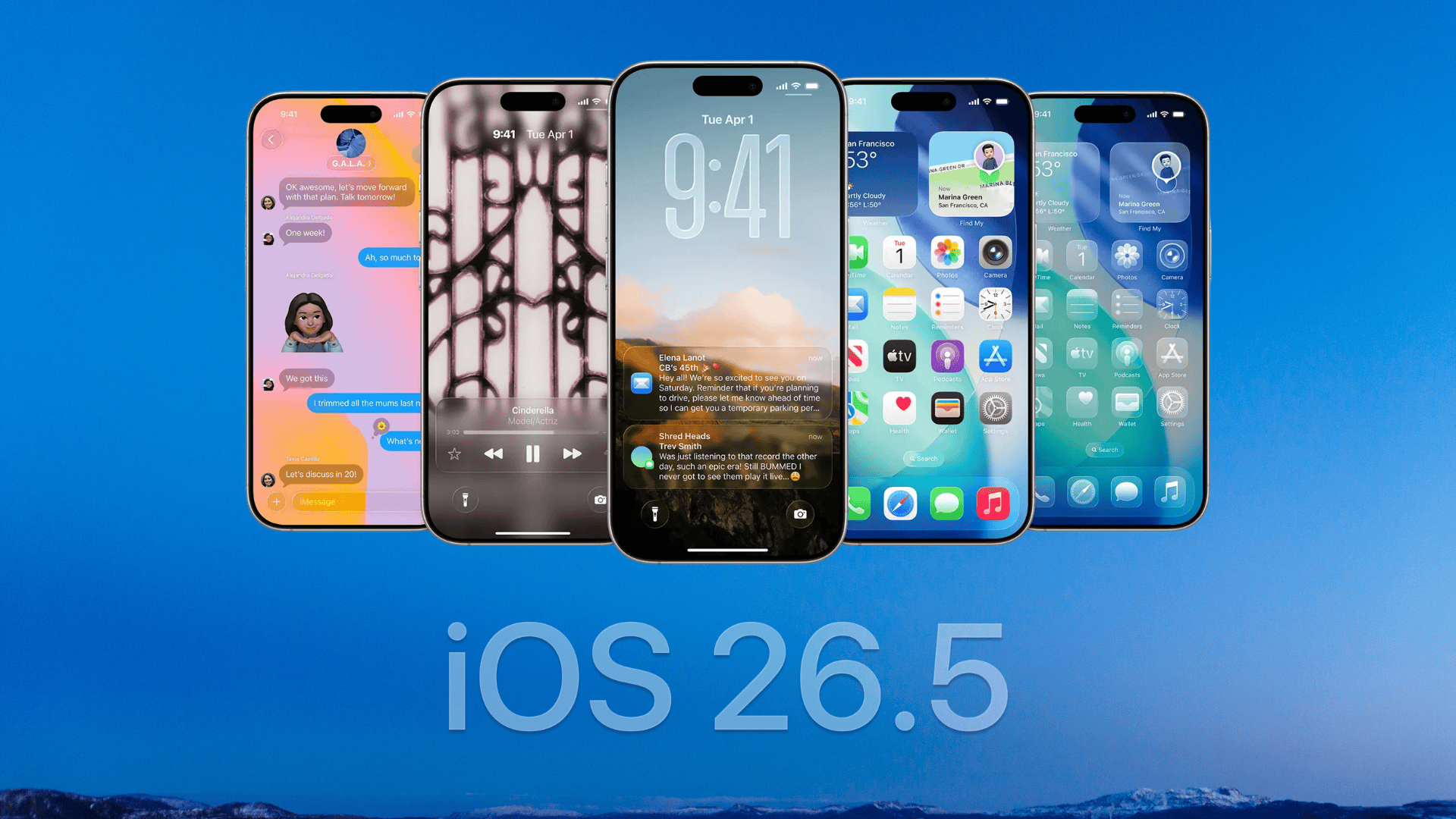
In the latest beta of watchOS 27, Apple has removed a longstanding multitasking shortcut: the ability to double-click the Digital Crown to jump between recently used apps. For users who’ve relied on this gesture, the change means losing one of the fastest ways to switch back and forth between two apps—or between an app and the watch face—at a tap.
For years, the double-click on the Digital Crown acted like a quick app toggle. It worked as a fast switch between whatever you were doing last—Workout, Music, or others—and the watch face. That behavior, present in prior watchOS versions and something many users adopted without thinking, has been absent all summer in the public betas of watchOS 27. The first beta, released this summer, confirmed the change. The author of this new report flagged it back in July and submitted feedback to Apple as early as June.
Dynamic App Grid Replaces Double-Click Behavior
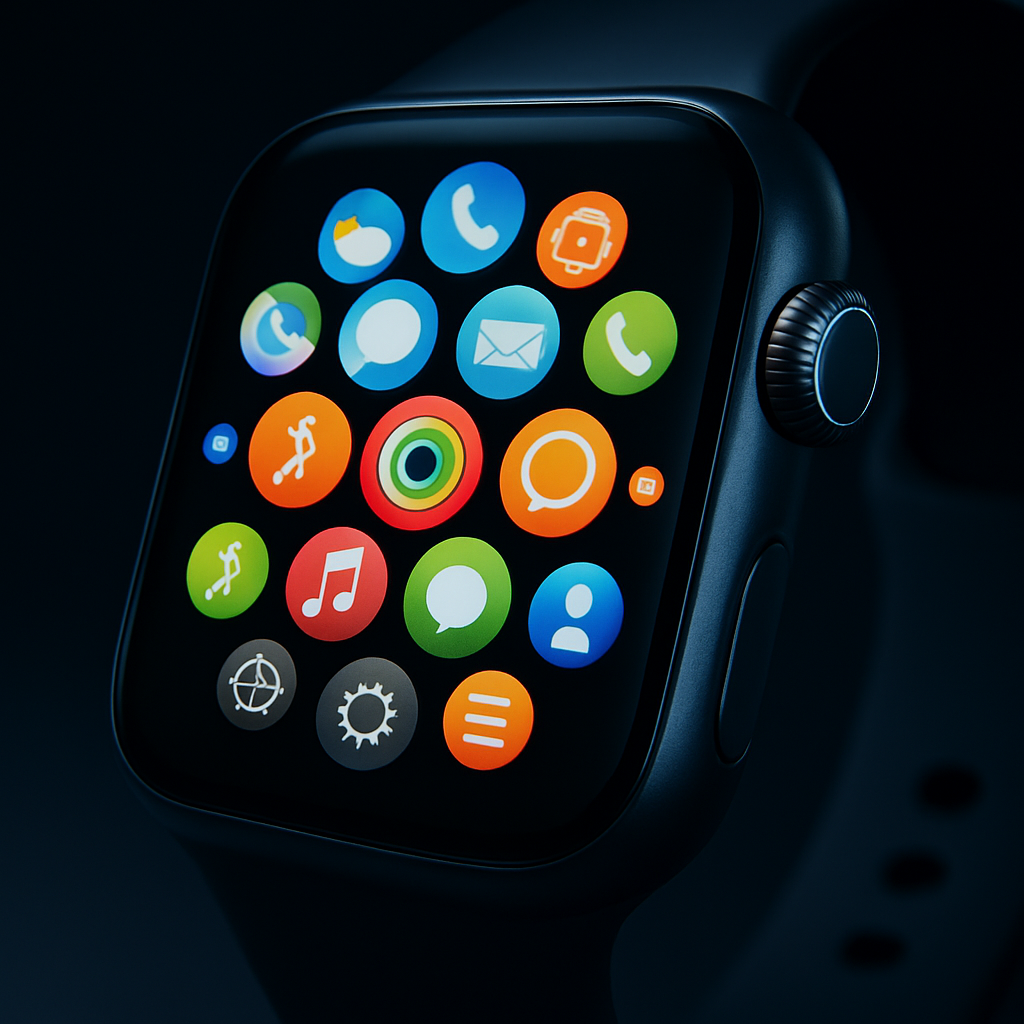
The removal appears tied to a broader redesign Apple is pushing in watchOS 27. Single and double-clicking the Digital Crown now produce the same result: invoking a new “dynamic app grid.” When pressed, the Crown displays a suggested app icon—Siri is always featured—alongside five app suggestions deemed “intelligent,” plus an icon to access the full app grid. The idea is to speed access to apps users often open, but it doesn’t replicate the certainty or speed of toggling directly back to the immediately prior app.
While some users are warming up to the suggested apps feature when their desired app shows up in the smart list, that doesn’t make up for losing one of Apple Watch’s quickest multitasking gestures. The change means there’s no way—at least in watchOS 27 beta 1—to perform the old double-click shortcut: whether between apps or back to the watch face.
Ramifications for Apple Watch Users
The Digital Crown is one of very few physical controls on most Apple Watch models; only the Ultra adds a dedicated Action button. Removing or altering gestures tied to those controls reduces flexibility in how users interact with their watches. Even more, with both single- and double-click now yielding the same action, the unique value of the double-click shortcut is gone. It’s not entirely gone for buttons elsewhere: the side Button double-click still opens Wallet cards as before.
As Apple prepares to roll out watchOS 27 this month, it remains to be seen whether the gesture will be restored before general release—or whether watchOS 27.1 might bring it back. Users who appreciated the speed of the old method have already noticed its absence and are pressing Apple to rethink.
What this means: While the dynamic app grid offers a sleek, AI-informed way to surface frequently used apps, it’s not a full substitute for muscle-memory workflows. The risk is that design simplification, when applied to essential input gestures, can hinder power-use rather than streamline it. WatchOS users should test the betas carefully and share feedback; Apple may still hear them.