Apple Releases iOS 26.5 Release Candidate: Key Updates and Features
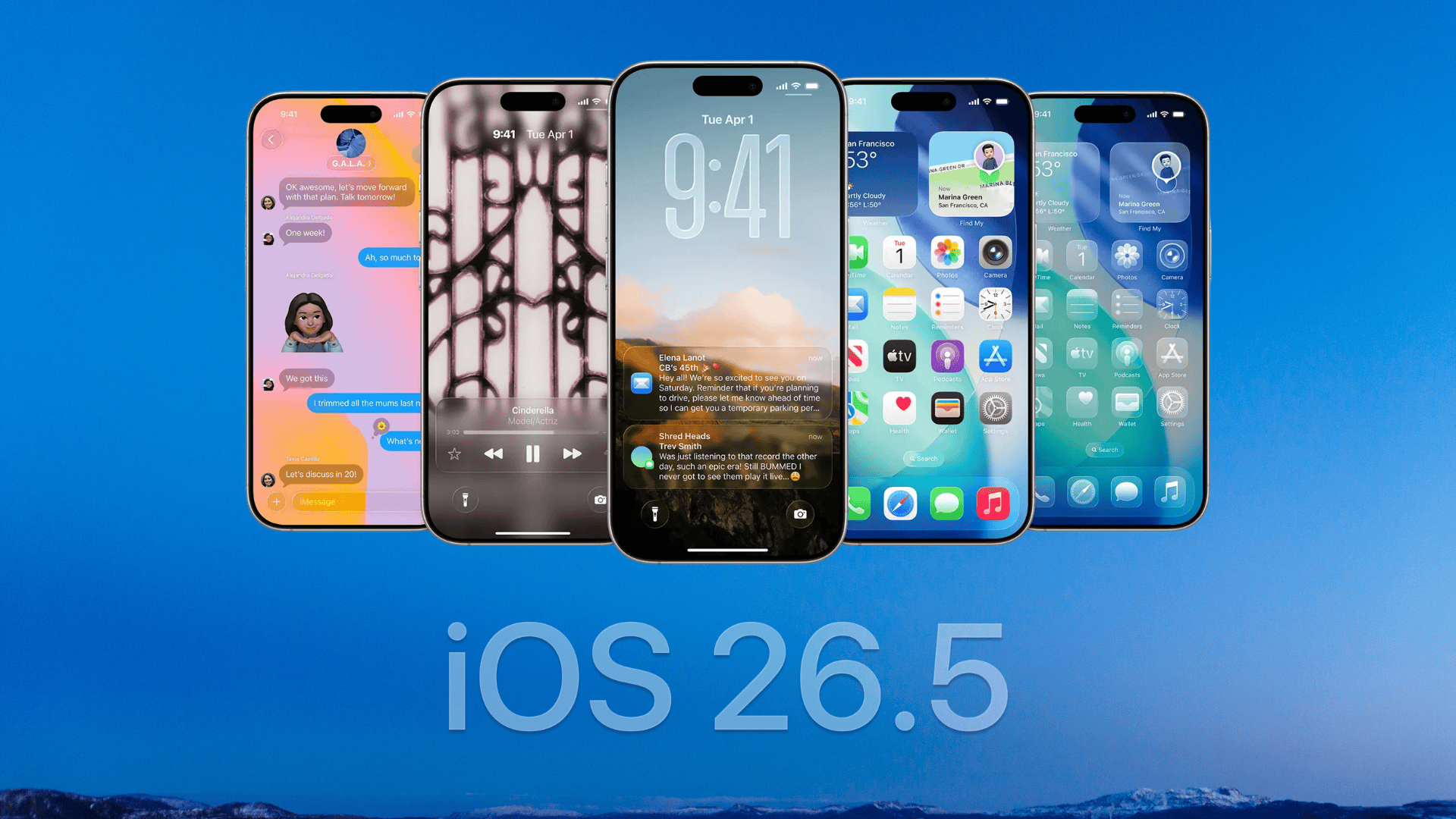
Apple has unveiled the Release Candidate (RC) for iOS 26.5, signaling the final testing phase before the public rollout. This update introduces several enhancements aimed at refining user experience and system performance.
Key Features in iOS 26.5:
1. End-to-End Encrypted RCS Messaging (Beta): Apple has reinstated end-to-end encryption for Rich Communication Services (RCS) messaging in this beta release. This feature ensures that messages exchanged between iPhone and Android devices remain private and secure. Users can find the new End-to-End Encryption toggle within the Messages section of the Settings app under RCS options. This toggle is enabled by default, eliminating the need for manual activation during the testing phase. ([macobserver.com](https://www.macobserver.com/news/ios-26-5-beta-restores-rcs-end-to-end-encryption-on-iphone/?utm_source=openai))
2. Suggested Places in Apple Maps: The update introduces a Suggested Places feature in Apple Maps, recommending nearby locations based on user activity and current trends. This addition aims to enhance navigation and discovery experiences. ([macobserver.com](https://www.macobserver.com/news/ios-26-5-release-candidate-now-available-for-iphone-users/?utm_source=openai))
3. Improved Accessory Connectivity: iOS 26.5 enhances the pairing process for Apple accessories by enabling Bluetooth connections over USB for devices like the Magic Keyboard and Mouse. This improvement facilitates faster and more reliable setup. ([macobserver.com](https://www.macobserver.com/news/ios-26-5-release-candidate-now-available-for-iphone-users/?utm_source=openai))
4. Pride-Themed Customization: In celebration of Pride Month, Apple introduces a new Pride Luminance wallpaper for iPhone and iPad users. This dynamic wallpaper features vibrant color patterns that users can customize, reflecting individual identities. ([macobserver.com](https://www.macobserver.com/news/apple-reveals-ios-26-5-pride-wallpaper-ahead-of-release/?utm_source=openai))
How to Update:
For users enrolled in the beta program, updating to the iOS 26.5 Release Candidate is straightforward:
1. Open the Settings app.
2. Navigate to General.
3. Select Software Update.
4. Wait for iOS 26.5 RC to appear.
5. Tap Download and Install.
6. Enter your passcode and follow the on-screen instructions.
Ensure your device is connected to Wi-Fi and has sufficient battery life before initiating the update.
Looking Ahead:
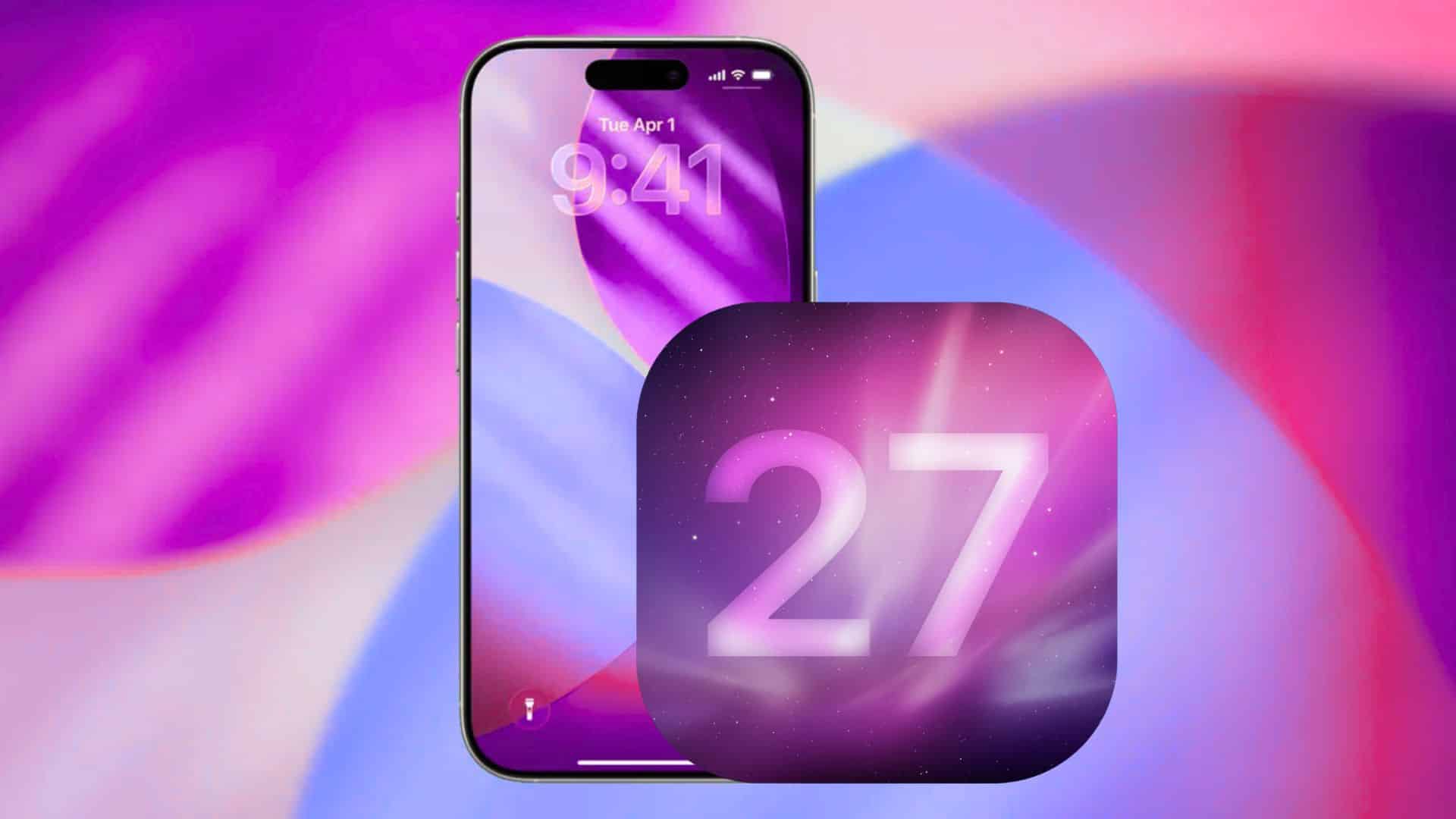
Apple is expected to introduce iOS 27 in early beta next month during the Worldwide Developers Conference (WWDC), which will likely bring more noticeable changes. ([macobserver.com](https://www.macobserver.com/news/ios-26-5-release-candidate-now-available-for-iphone-users/?utm_source=openai))