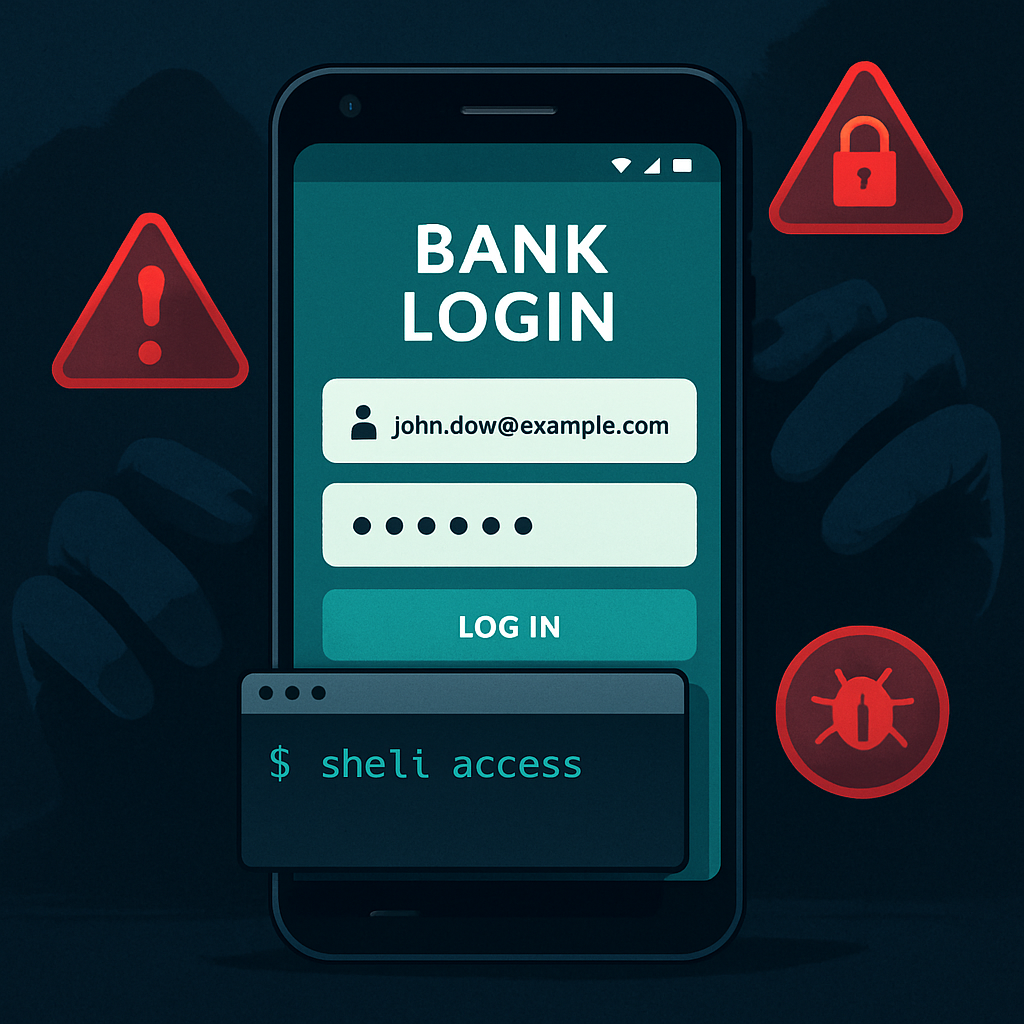
Android users face a new threat as ToxicPanda 2.0—a far more capable version of the ToxicPanda banking trojan—begins stealing banking PINs, impersonating trusted app screens, and undermining smartphone security through deep system control techniques. The malware is being distributed via malicious files hosted on Amazon AWS storage and utilizes fake installation screens to trick users into granting dangerous permissions.([cybersecuritynews.com](https://cybersecuritynews.com/toxicpanda-android-malware/))
What ToxicPanda 2.0 Can Do
The upgraded version offers a staggering 167 remote commands and targets over 140 banking and cryptocurrency applications to capture PINs. Overlay screens that mimic login or payment flows are now capable of impersonating interfaces for 349 financial institutions across 16 countries.([cybersecuritynews.com](https://cybersecuritynews.com/toxicpanda-android-malware/)) Earlier versions of ToxicPanda had already compromised more than 4,500 devices, mostly in Portugal and Spain.([cybersecuritynews.com](https://cybersecuritynews.com/toxicpanda-android-malware/))
Besides fake sign‐in windows, ToxicPanda uses overlays that record taps over keypad layouts and can dynamically update its target list via a command called <replacePinTargets>, allowing for flexible targeting without reinstalling the app.([cybersecuritynews.com](https://cybersecuritynews.com/toxicpanda-android-malware/))
Permission Abuse and Shell Access
The malware begins its attack using a dropper app that requests VPN‐type permissions under the guise of installing legitimately. It then hides its payload and gains Accessibility Service privileges, enabling it to read screen content and interact with apps quietly.([cybersecuritynews.com](https://cybersecuritynews.com/toxicpanda-android-malware/)) It also scans installed apps and reports package names and icons to its command server. When a user opens a bank app that matches a target, an HTML overlay is delivered to trick them into entering credentials.([cybersecuritynews.com](https://cybersecuritynews.com/toxicpanda-android-malware/))
ToxicPanda 2.0 also abuses Android Wireless Debugging to get shell access by automatically enabling Developer Options, turning on Wireless Debugging, and connecting to the local ADB service. With shell‐level access, the malware can grant itself dangerous permissions, bypass restrictions, and establish persistent control without user awareness.([cybersecuritynews.com](https://cybersecuritynews.com/toxicpanda-android-malware/))
Persistent Control & Social Engineering Tricks
ToxicPanda can induce fake lock screens to steal device-unlock PINs, passwords or patterns. Some instances use fraudulent full-screen system update prompts to distract users while changes occur behind the scenes.([cybersecuritynews.com](https://cybersecuritynews.com/toxicpanda-android-malware/)) It can also request Device Administrator rights and even reset lock-screen credentials. Another trick: loading web pages under full-screen WebViews to mimic phishing or misleading prompts.([cybersecuritynews.com](https://cybersecuritynews.com/toxicpanda-android-malware/))
To avoid detection and removal, the malware adapts to various manufacturers’ power-management and startup settings. By using Accessibility Services, it navigates custom menus that control auto-start and battery management, making sure its background processes stay alive.([cybersecuritynews.com](https://cybersecuritynews.com/toxicpanda-android-malware/))
How to Spot & Halt the Threat
Users should steer clear of installing APKs from links they didn’t request or app stores that aren’t official. Be skeptical of apps asking for Accessibility Service, VPN, Developer Options, Wireless Debugging, or Device Administrator rights—especially if those permissions seem unnecessary.([cybersecuritynews.com](https://cybersecuritynews.com/toxicpanda-android-malware/))
Organizations and security teams should monitor for odd behavior in accessibility logs, look for suspicious overlays, check for automated developer setting changes, and watch for unexpected ADB pairing requests. Removing unfamiliar apps and cleaning up enabled services can prevent full takeover before damage is done.([cybersecuritynews.com](https://cybersecuritynews.com/toxicpanda-android-malware/))
Indicators of compromise include use of the loopback address 127.0.0.1 when pairing via Wireless Debugging—something attackers rely on to connect with the local ADB daemon.([cybersecuritynews.com](https://cybersecuritynews.com/toxicpanda-android-malware/))
Analytically, ToxicPanda 2.0 exemplifies how mobile banking malware is evolving fast: moving from phishing overlays and credential theft to system-level manipulation that sidesteps standard defenses. The abuse of developer options, Wireless Debugging, and Accessibility Services shows adversaries are probing Android’s more hidden capabilities. Going forward, operating system designers, app store operators, and device manufacturers need tighter controls around permissions and more automated detection of these exploit chains to stay ahead.