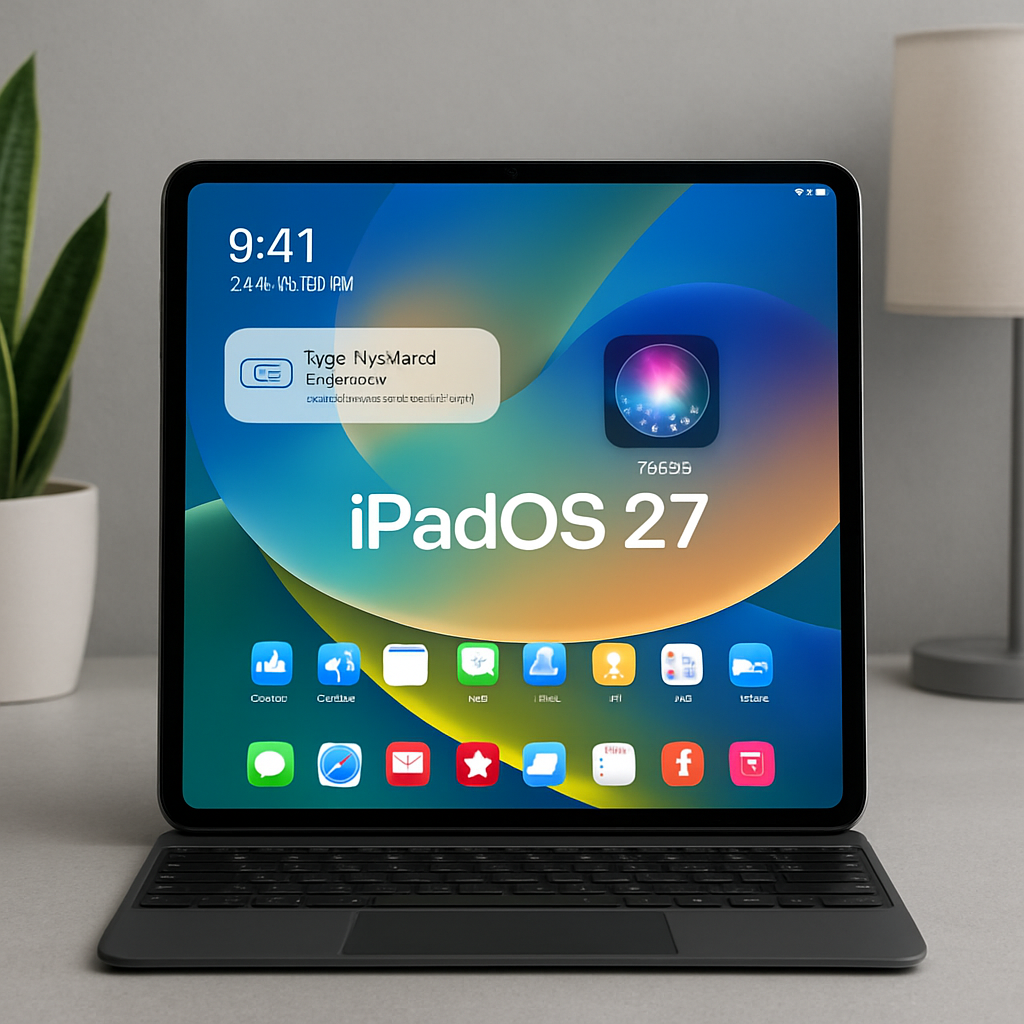
Apple’s latest update, iPadOS 27, brings a host of enhancements aimed at improving user experience and productivity. Here are five standout features that you should explore:
1. Magic Keyboard Automation Triggers
iPadOS 27 introduces the ability to automate actions when connecting or disconnecting your iPad from the Magic Keyboard. Users can set up shortcuts that trigger specific tasks upon attachment or detachment. For instance, attaching the iPad could automatically open certain apps in split view, while detaching it might close all apps and return to the home screen. This feature is customizable through the Shortcuts app, allowing for a personalized workflow.
2. Natural Language Shortcuts Creation
The Shortcuts app now supports natural language input, simplifying the creation of complex automations. Users can describe the desired shortcut in plain language, and the app will generate it accordingly. This enhancement lowers the barrier for those previously intimidated by the Shortcuts app, enabling the creation of both simple and intricate automations with ease.
3. Safari Smart Tab Organization
Safari has been upgraded with intelligent tab management. The browser can now automatically organize tabs, bookmarks, and reading lists by topic, streamlining navigation and reducing clutter. This feature enhances productivity by grouping related content together, making it easier to manage multiple tasks and research topics simultaneously.
4. Enhanced Photos App Features
The Photos app receives several notable improvements in iPadOS 27. Users can now create slideshows from any set of photos or videos with customizable options. Additionally, the app introduces a ‘Captured by Me’ collection, allowing users to view only the photos taken with their iPad’s camera. There’s also a new Selection View for reviewing and modifying metadata like location for multiple images, along with support for keywords and star ratings.
5. Overhauled Siri with Dedicated App
Siri has undergone a significant transformation in iPadOS 27, now featuring a dedicated app and enhanced capabilities. The updated Siri AI is designed to handle more complex, multi-turn conversations and utilize personal context to assist users across the operating system. This overhaul aims to provide a more intuitive and responsive virtual assistant experience.
These features collectively contribute to a more efficient and personalized iPad experience. The integration of automation triggers and natural language processing in Shortcuts, along with intelligent organization in Safari and enhanced functionality in Photos, reflect Apple’s commitment to refining user workflows. The revamped Siri further underscores the focus on creating a more interactive and context-aware assistant. As users explore these updates, they can expect a more seamless and productive interaction with their devices.