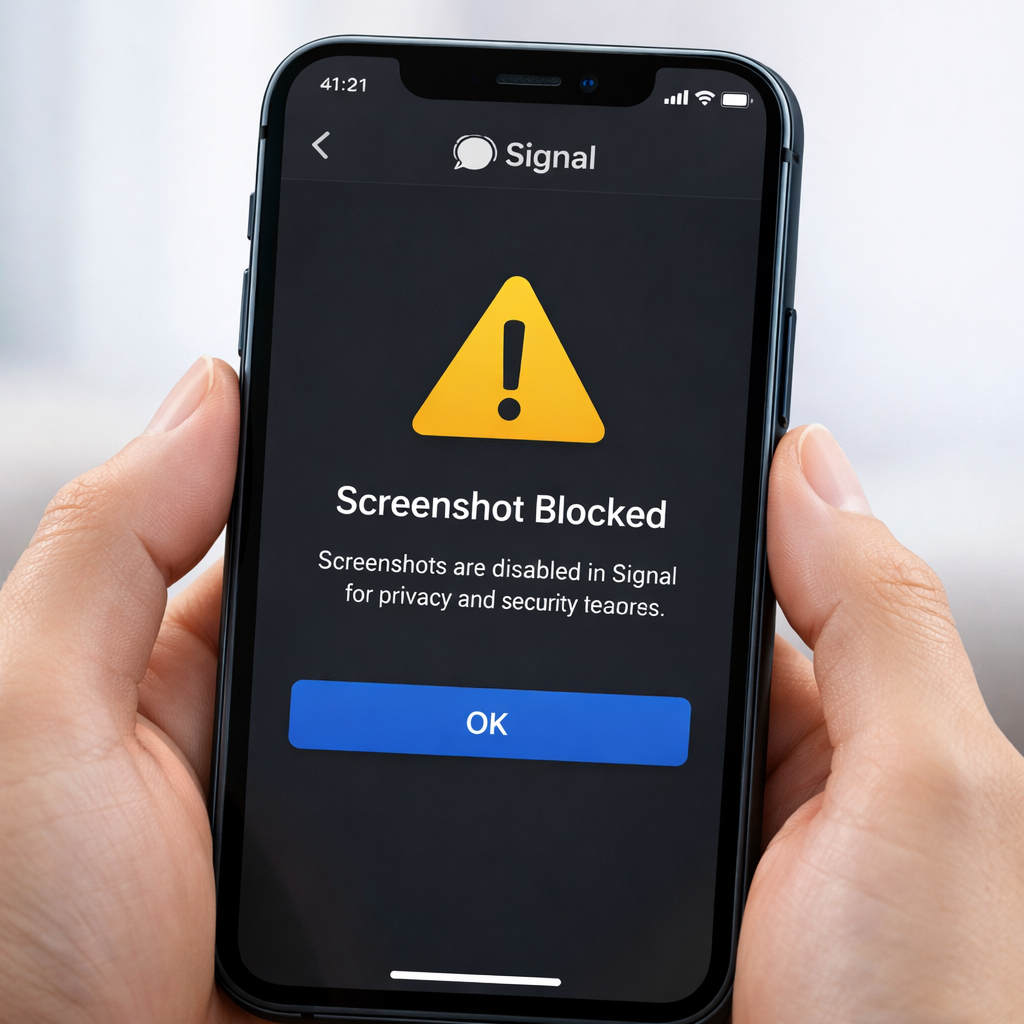
Signal has introduced a major privacy enhancement for iPhone users: the app now disables in-app screenshots by default under a new setting aimed at preventing Siri AI or other automated agents from reading private conversations. This feature is enabled immediately upon updating and cannot be bypassed without manually changing a toggle in the app’s settings.
What’s Changed—and Why
The new “Block Siri AI” setting in Signal bars users from taking screenshots both within the app and when switching apps. When someone tries to snap a screenshot, they’ll see a warning message reading “Screenshot prevented by ‘Block Siri AI’ setting.” This default block is designed to plug a gap in iOS: despite Apple offering system tools to exclude apps from Siri AI access, the company behind Signal believes those protections aren’t enough. To make extra sure, it’s taken matters into its own hands.
Inside Signal’s privacy options, users can opt out by turning off the ‘Block Siri AI’ toggle. Once disabled, screenshots work again as before. Until then, the restriction stands firm by default.
System-Level Privacy Still Key
This update doesn’t replace Apple’s built-in privacy tools. iOS already lets users prevent Siri from accessing content in specific apps—and iOS 27.2 will make that process even simpler. Signal’s move overlaps with those protections, but comes from a belief that system-level controls alone don’t fully protect sensitive messages from automated scans or AI inference.
No equivalent screenshot-blocking restriction has been added to Signal for Mac yet, so desktop users won’t face this barrier for now.
This feature rollout started with the latest version of Signal on iPhone, automatically activated via the default privacy settings. Users updating the app should expect it to be in effect unless they manually disable it.
Signal’s decision reflects mounting concerns about how AI tools—especially those integrated deeply into operating systems—can access user data. With apps unable to fully rely on system safeguards, some are forcing tighter controls themselves.
This change will take effect immediately for iPhone users who update Signal. What remains to be seen is how Apple will respond—whether by beefing up the protections Signal deems insufficient, or by offering developers more robust APIs to control AI access without disabling core functions like screenshots.
Why This Matters: Screenshots have long been a weak point in privacy because they create static copies of chats that can be indexed or scanned. Signal trimming that leverage sends a clear signal: messaging apps see automated scanning—even by sanctioned assistants like Siri—as a privacy threat. If the trend holds, we may see other apps follow suit to reclaim control over what information AI agents are allowed to process.