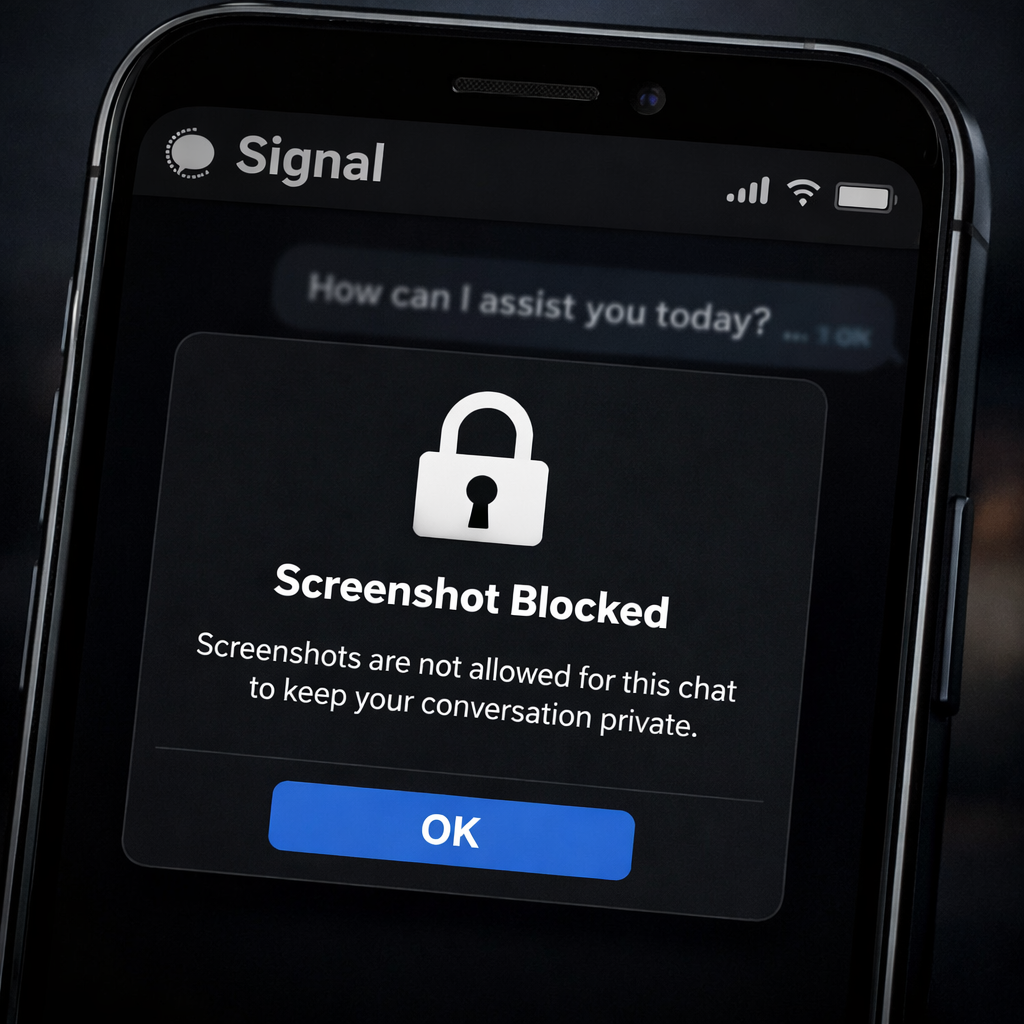
Signal has rolled out new measures on iOS 27 and select Android devices to restrict screenshots and protect user privacy against built-in AI assistants. This update aims to stop assistants like Siri and Google Gemini from reading private conversations via screen captures. On iOS, a new setting called “Block Siri AI” prevents Siri from scanning app content and disables screenshots within Signal and in the App Switcher. Meanwhile, on Android, Signal’s “Screen security” feature activates automatically whenever it detects an AI assistant trying to access the screen, though behavior varies between versions of Android.
Why This Matters
While Signal’s end-to-end encryption already secures messages in transit, once a chat is opened, visible text becomes vulnerable. An AI assistant that can see the screen doesn’t need to break encryption—it can simply capture what the user sees. These changes aim to close that loophole.
The new protections don’t apply everywhere. macOS, for instance, isn’t covered. Also, the screenshot restrictions can only guard those parts of a private conversation displayed on-screen—not what’s stored elsewhere. Signal also points out that operating system permissions and notification settings remain potential weak spots. To regain screenshot functionality, users can disable the protections in Signal’s privacy settings; on iOS, there’s also a way to block Signal in Siri’s excluded apps setting to tighten control even further.
Past Actions & Ongoing Pressures
Signal first introduced similar screenshot-blocking measures for its Windows 11 desktop app in 2025, aiming to keep Microsoft Recall from cataloging message histories. Other apps went different routes; for instance, Brave blocked Microsoft Recall but retained the ability to take screenshots naturally.
Signal is now calling on Apple, Google, and Microsoft to provide clearer ways for developers to opt out of giving AI assistants access to screens, files, and notifications—without limiting standard features. The company also wants more transparency about what these assistants can see and where that data goes.
The stakes are high for users sharing sensitive info. A locked screenshot feature addresses one potential leak, but it doesn’t stop everything. Notification previews or OS-level permissions could still expose private content. That’s why platform-level controls matter as much as the apps themselves.
Analytical Take:
This move from Signal reflects a growing tension between usability and privacy in the AI era. As AI assistants get more integrated into our phones, the risk isn’t just from external hackers—but from tools built into the system yet exposed by default to sensitive data. Signal’s restrictions represent a cutting-edge example of how apps are fighting back.
Going forward, what to watch: whether operating system makers respond by offering developers cleaner opt-out paths, whether users will find screenshot blocking too restrictive, and how other messaging platforms will follow—or fail to follow—Signal’s lead.