Meta has recently introduced Muse Image, an AI-powered feature within Instagram designed to assist users in generating high-quality visuals through simple text prompts. This tool allows for the creation of images that can be shared directly to feeds, stories, or chats, enhancing the creative experience on the platform.
However, a significant privacy concern accompanies this update. By default, public Instagram profiles are automatically opted into allowing others to use their profile photos and posts as prompts for AI-generated images. This means that anyone can tag a public account in a prompt and utilize Meta AI to create images incorporating that user’s likeness.
To prevent unauthorized use of your images, it’s essential to adjust your Instagram settings. Here’s how:
Steps to Disable AI Image Access
- Open the Instagram app and navigate to your profile by tapping your photo in the bottom-right corner.
- Tap the menu icon (three horizontal lines) in the top-right corner to access the menu.
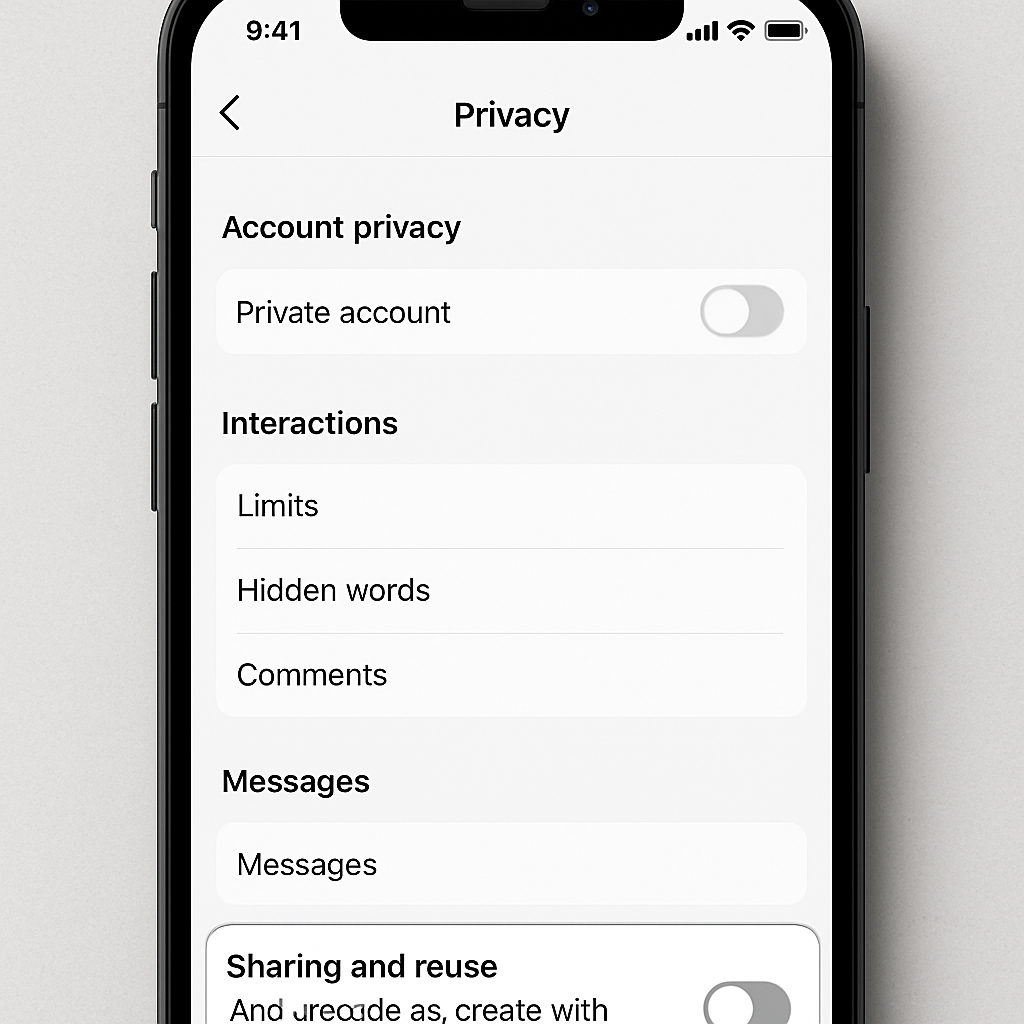
- Scroll down and select ‘Sharing and Reuse.’
- Under the section titled ‘Allow people to create with and reuse your content,’ you’ll find two toggles: one for ‘Posts’ and another for ‘Reels.’
- Switch both toggles to the ‘Off’ position to disable the feature.
By default, these toggles are set to ‘On,’ permitting others to use your content for AI-generated images. Disabling them ensures that your images cannot be utilized in this manner without your consent.
In the broader context of digital privacy, this development underscores the importance of regularly reviewing and updating privacy settings on social media platforms. As AI technologies become more integrated into our online experiences, users must remain vigilant about how their personal data and images are used. Taking proactive steps to manage these settings empowers individuals to maintain control over their digital presence and protect their privacy.