Samsung’s One UI 9, built upon Android 17, introduces a suite of enhancements aimed at refining user experience and expanding functionality across Galaxy devices. This update brings notable changes to the Quick Settings panel, status bar, usability features, camera capabilities, network controls, and more.
Enhanced Quick Settings Panel
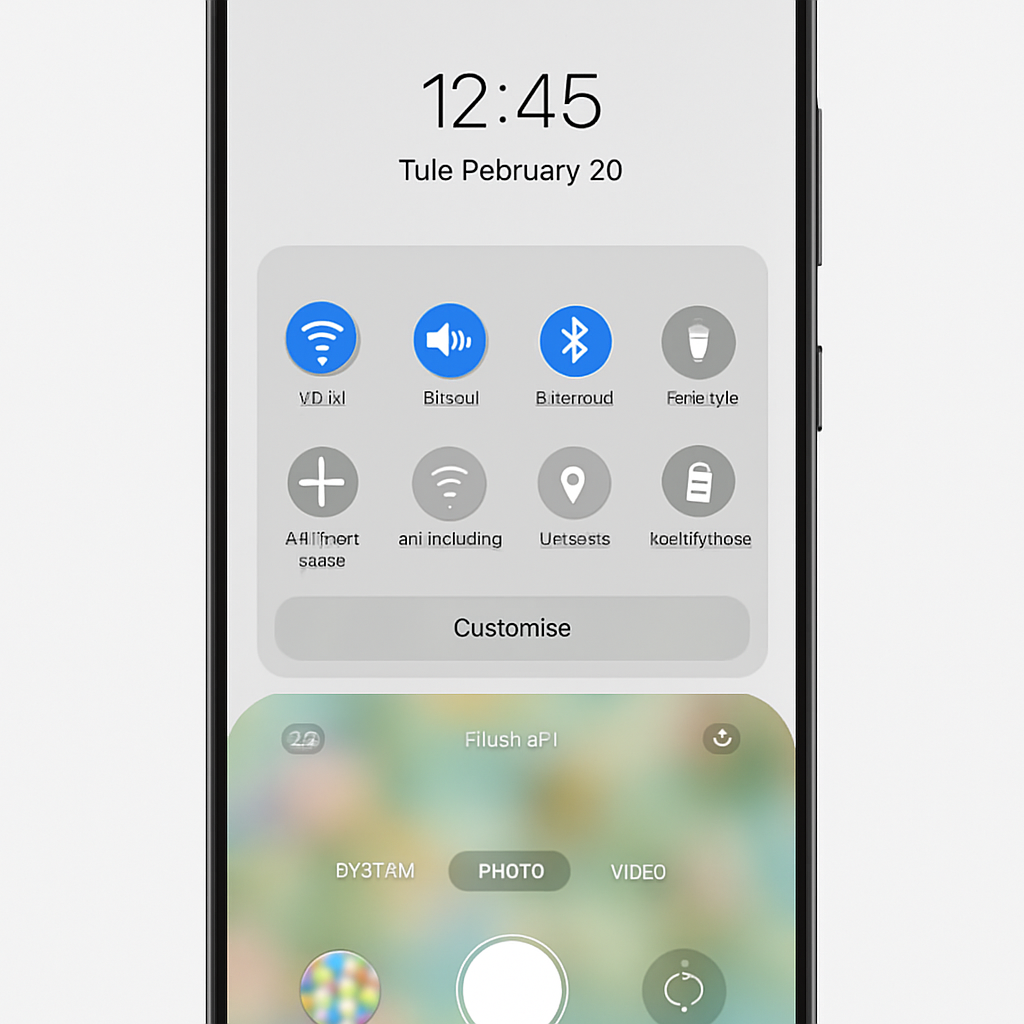
The Quick Settings panel has undergone significant customization improvements. Users can now adjust the size of volume and brightness sliders, offering a more personalized interface. Additionally, the media player within Quick Settings has been revamped to display album art more prominently and includes new circular controls for playback functions. These changes aim to provide a more intuitive and visually appealing user experience.
Status Bar and Usability Improvements
One UI 9 introduces the option to display a network speed indicator directly in the status bar, allowing users to monitor their data usage in real-time. This feature, long requested by users, enhances transparency and control over network activity. Furthermore, the update includes usability enhancements such as a unified phone app interface and a new driving report feature, which provides insights into driving patterns and behaviors.
Camera and Network Control Enhancements
The camera app receives updates aimed at improving user experience and functionality. While specific details are yet to be fully disclosed, users can anticipate enhancements that streamline photography and videography tasks. Additionally, One UI 9 introduces more granular network restriction controls, enabling users to manage data usage more effectively and tailor network settings to their preferences.
As Samsung continues to refine its software offerings, One UI 9 exemplifies the company’s commitment to delivering a user-centric experience. By focusing on customization, usability, and control, this update not only enhances the functionality of Galaxy devices but also sets a precedent for future developments in mobile user interfaces. Users can look forward to a more personalized and efficient interaction with their devices, reflecting the evolving demands of the modern smartphone user.