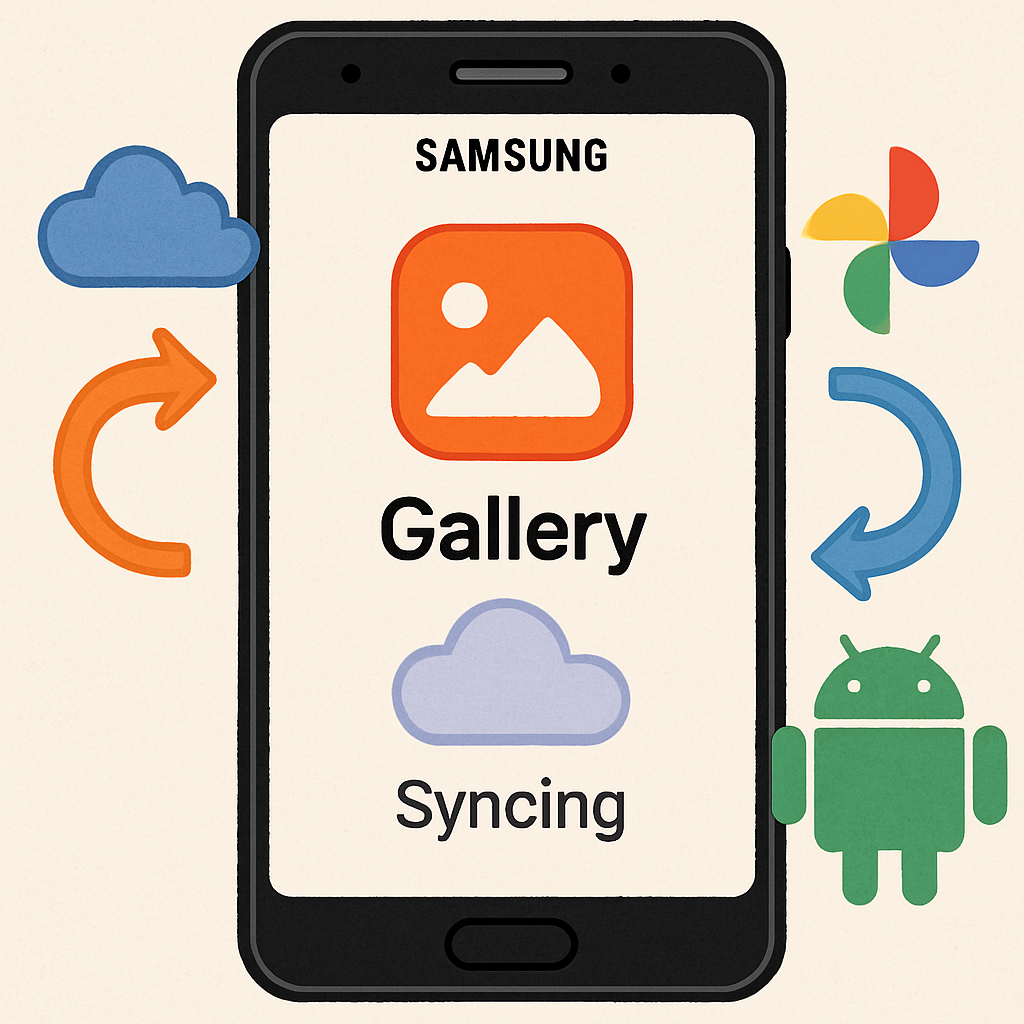
Samsung Gallery is beginning to sync directly with Google Photos, replacing its previous collaboration with Microsoft OneDrive. Earlier this week, updates to Gallery Sync and Samsung Cloud laid the groundwork, and the Gallery app version 15.9.01.7 is now bringing Google Photos integration to select users. The switch becomes official after September 30, when OneDrive backup support ends.
What’s New, What’s Not
The sync gives Samsung users the ability to upload photos and videos from Gallery into their Google Photos library. But not everything transfers: synced items won’t appear in features like Memories, Live albums, or Search within Google Photos. Likewise, any content already backed up through Google Photos won’t show up in Samsung Gallery unless it originally came from Gallery’s sync feature.
On technical requirements: your device must be running Android 13 or later. Google Workspace accounts aren’t supported yet. To enable the new sync feature, go to Samsung Gallery > Menu > Settings > Sync > Sync photos and videos. But if your Gallery hasn’t updated to version 15.9.01.7 (or the related Cloud and Sync apps), you won’t see the option yet.
Timing & Migration Details
The transition away from OneDrive kicks in at the end of September. On September 30, users still using OneDrive backups will lose access to that method, and Google Photos sync becomes the primary option.
This update blends Samsung’s local and cloud gallery tools more tightly with Google’s photo infrastructure. The change aligns Samsung Gallery with similar built-in gallery apps on brands like OnePlus and Xiaomi, which already offer Google Photos sync.
Samsung’s cloud sync system now needs coordination between Gallery, Samsung Cloud, and Gallery Sync apps to ensure the updated integration works properly.
What this means:if you’re a Samsung user on Android 13+, you’ll need to move from OneDrive to Google Photos soon. And while Google integration offers broader service alignment and backup flexibility, limitations around photos already in Google Photos and restricted features mean you’ll want to double-check how this will impact your personal media library.