Google has started rolling out Chrome version 156 on Googlebook, bringing 14 notable updates spanning AI enhancements, site improvements, keyboard shortcuts, and quality-of-life tweaks. This release arrives about two weeks after the previous update, and mirrors recent stable releases on desktop and mobile—though full support on Android phones and tablets is still catching up.
AI Mode and Search Interface Upgrades
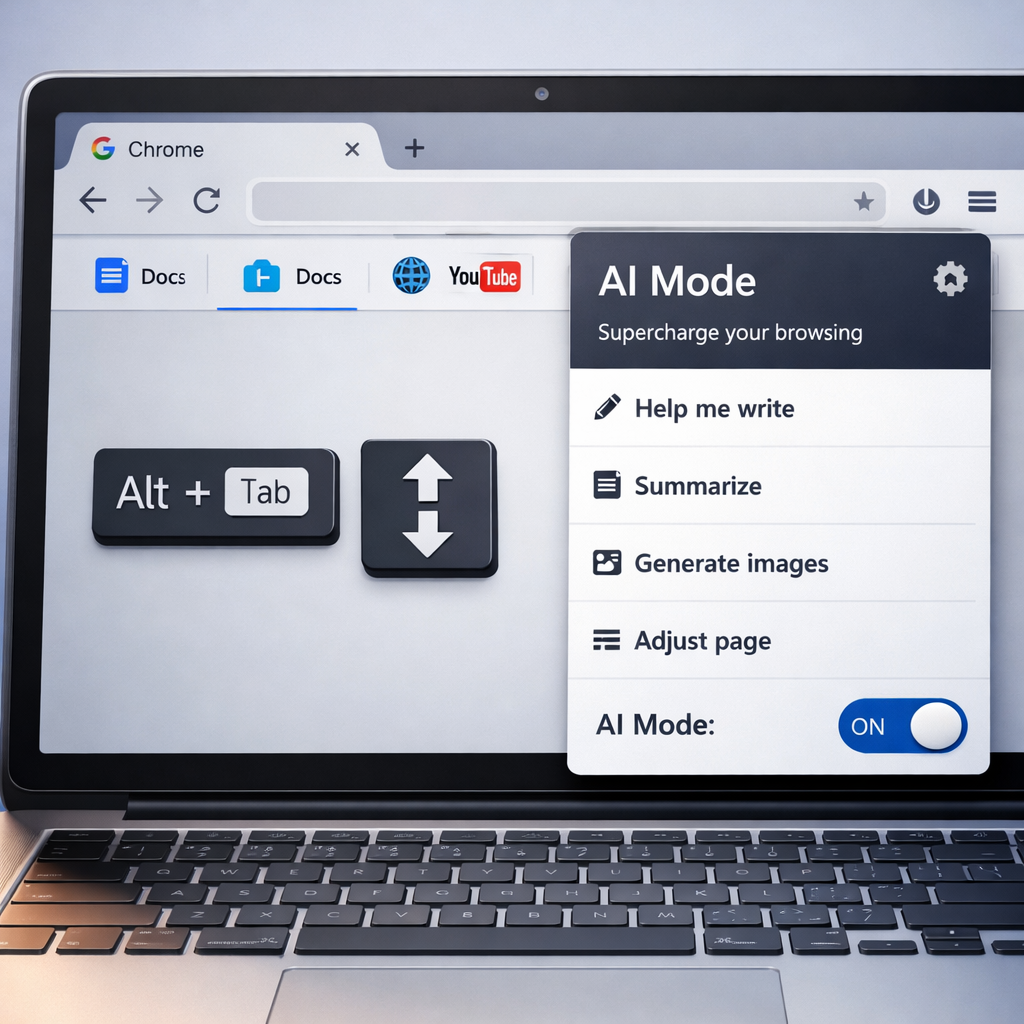
One of the standout additions in Chrome 156 is new hover tooltips within the AI Mode menu found in the address bar. Hovering over items now reveals explanatory tooltips. Alongside this, subtle reforms improve the search and AI interaction experience: the AI Mode’s expansion animation now waits until fully open before animating, a new header labeled “Add to your search” has been added to the tabs-and-files menu in AI Mode, and the address bar now properly shows the “Ask anything” hint with a blinking cursor when viewing AI Mode history.
Shortcut Tweaks & Editing Enhancements
Productivity gets a boost with changes to keyboard behavior. Alt+Tab now works to switch windows even when keyboard lock is enabled in fullscreen sites and apps—no need to hit Esc first. A fresh combo, Alt+Shift+Enter, lets you launch your typed query in a new background tab without abandoning the current page. When you’re dealing with a multi-line address bar (for example, long URLs or wrapped search terms), the Up and Down arrows now move the cursor between those lines more intuitively—while hiding suggestions in the process.
Site Behavior, Stability & Usability Fixes
Across popular sites there are practical improvements: Google Docs now supports copying large selections and table content more reliably. Facebook Live video streams get performance improvements. Stability has been enhanced throughout Chrome—particularly in tab handling, extension behavior (including third-party tools like password managers), and site icons, which now update correctly when clicking into the address bar from a page or search results; stale icons are removed when the URL field is cleared.
Other fixes enhance usability in specific scenarios: the close button now properly dismisses third-party sign-in prompts; the file download experience gains a “Save As” dialog for choosing where to store files, and duplicate filename conflicts are resolved so apps open files correctly. In the Incognito mode, right-clicking links on the new tab page now invokes the full context menu as expected.
Rollout Details and Compatibility
The rollout of Chrome 156 for Googlebook OS is underway via the Play Store, opening to users broadly today. While desktop and mobile versions are already in stable release, the update hasn’t yet fully arrived on all Android phones and tablets.
Chrome 156 marks a steady evolution rather than a revolution—refining user interaction, patching bugs, and strengthening site compatibility. For Googlebook users, the mix of keyboard shortcuts, AI Mode polish, and site-specific fixes could subtly improve daily workflows. What’s worth watching now is how quickly the Android phone/tablet rollout completes, and whether any lingering bugs surface in those environments.