Apple this fall has rolled out new software and hardware—among the most talked-about is the recently released iPhone Duo. It’s a device with a completely fresh design that changes what users can do with their phones. But hardware only tells half the story. Apps that embrace that hardware—especially productivity tools—are what turn potential into practical gains.
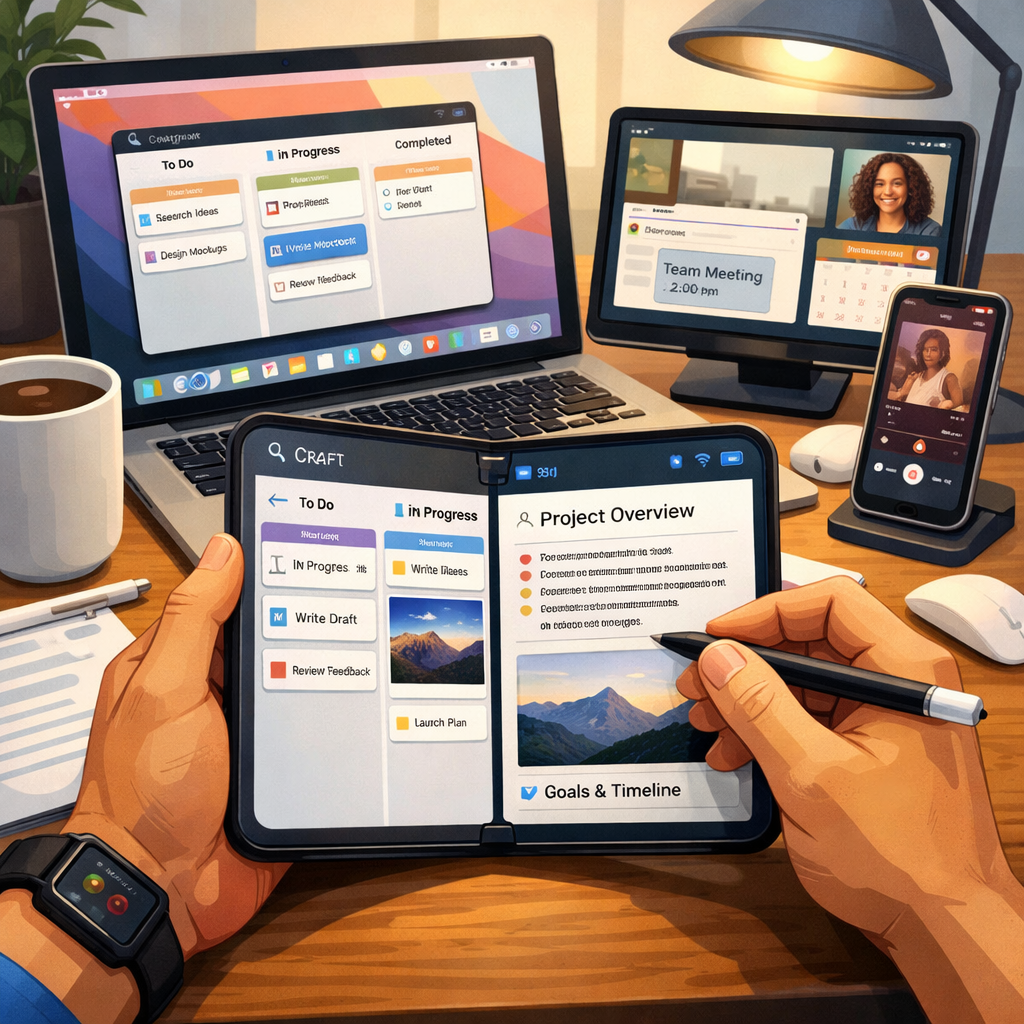
Craft, a note-taking, document, and task management app, is one example of what a native productivity app can do when built specifically for Apple platforms. From the moment the iPhone Duo launched, Craft has been ready, offering a user interface that adapts between the compact closed form and the expanded unfolded display. When closed, it acts like any other iPhone—easy note taking, task checking, editing. When opened, it shifts to accommodate more spacious workflows: longer document navigation, richer layout options, and enhanced editing tools. The unfolded screen is particularly effective for Collections views—such as Kanban boards and Tables—allowing users to see far more content at once.
Optimized for the Apple Ecosystem
Craft isn’t just a one-device story. It runs across iPhone, iPad, Mac, and even Vision Pro. It syncs live between devices, supports offline use when you’re on the move, and restores changes automatically when you reconnect. It goes beyond code reuse; its design and controls shift with the platform—for instance touch input on phones versus keyboard and trackpad on Macs. The app makes it simple to generate polished documents, build shareable websites from them, and bridge your content with OS-wide tools like widgets, Shortcuts, and Siri—all built in to enhance the way you work without forcing you to change your flow.
Smarter Features & What’s New
In addition to being Duo-ready, Craft has made substantial improvements lately across all Apple devices—not just flashy new hardware. Tasks, for instance, live inside your notes and documents, staying close to the content they rely on, while also appearing in dedicated task views so you can track deadlines and assignments across projects. Templates now come with greater flexibility, too: choose from existing workflows or build custom ones, and even pre-set a template to be used for your daily notes to stay organized effortlessly.
Artificial intelligence features in Craft take a measured approach. The built-in Craft Assistant can aid with writing and editing, using either the app’s own credit system or an AI provider of your choice via BYOK (Bring Your Own Key). For advanced integration, Craft also supports MCP, letting documents and tasks connect to external agents. If you’d prefer no AI involvement, you can disable assistant features outright without compromising other parts of the app—Craft isn’t locking features behind AI in a way that forces usage or upselling.
Altogether, Craft isn’t just polished—it’s evolving. The summer saw intense refinement of core features: speed, consistency, workflow clarity. The result is a more coherent experience whether you’re a returning user or new to the app.
Right now offers sweeten the deal: users can grab 40% off Craft for life with the code 9to5Mac40. Between variable pricing, modern tools, and deep platform integration, it’s worth a serious look if you’re trying to organize notes, documents, and tasks in one place.
What this reflects is how productivity apps need to think differently on hardware like the Duo. Good design isn’t about tacking on features—it’s about reshaping workflows to match what the device enables. Craft is a strong example of that. As more Apple hardware gets unveiled, watch which apps are built for what’s new—and you’ll see the biggest gains.