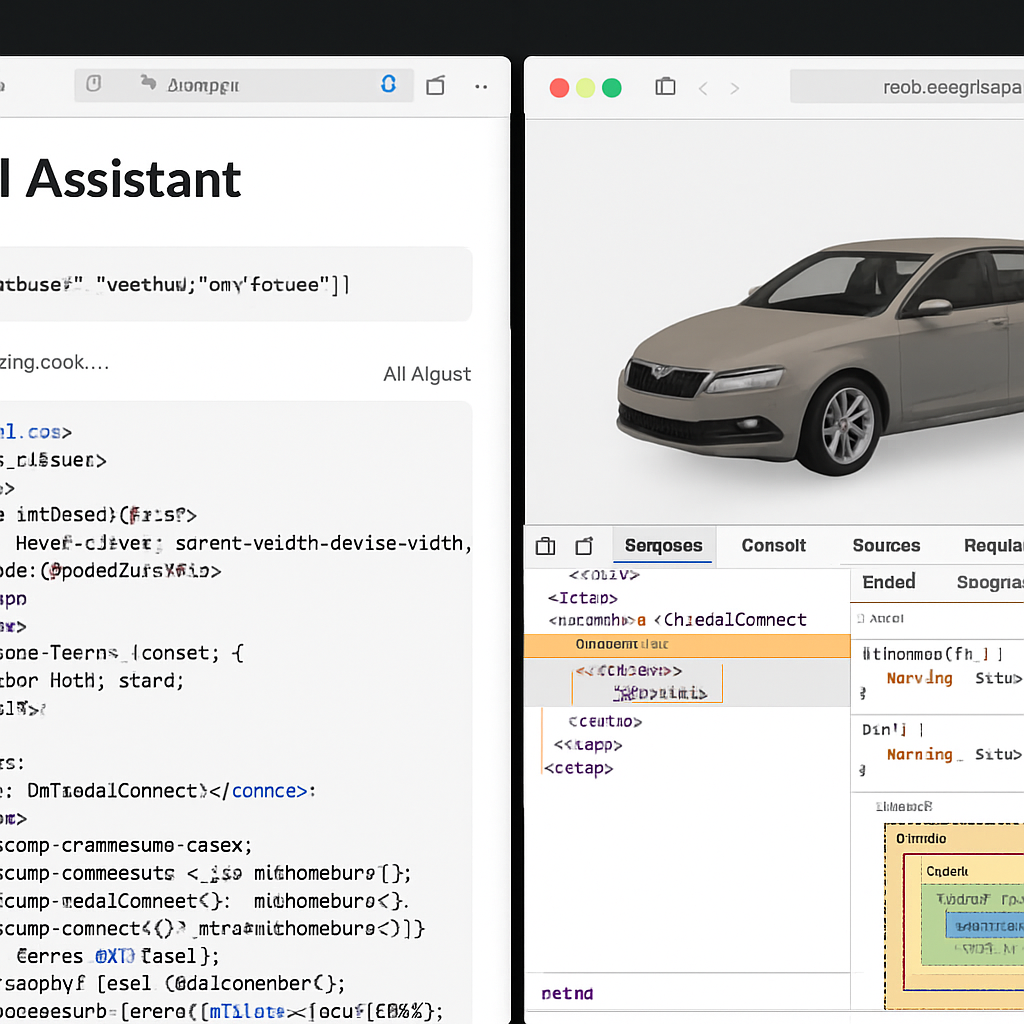
Apple’s Safari 27, rolling out with its 2027 system updates, introduces several developer-facing features aimed at speeding up debugging, enhancing performance, and bringing richer visual tools to web content. The WebKit team has packed this version with nearly 850 resolved bugs and a host of refinements, making it a solid leap forward. Key updates include the new MCP server, immersive 3D model support, scroll anchoring, and improved Web Inspector tools.
What the Safari MCP Server Enables
The centerpiece of Safari 27 is the new Model Context Protocol (MCP) server. It lets AI coding agents—like Claude Code or Codex—take a more direct role in development by connecting them to Safari windows so they can see how HTML, CSS, and JavaScript are rendering in real time. These agents gain access to APIs that pull DOM state, network activity, console output, and even screenshots for deeper debugging and performance review. Safari makes clear that MCP runs locally, doesn’t make external network calls, and does not access personal data like autofill fields—only the agent you authorize gets the captured information.
To enable MCP, developers first need Safari 27 beta or Safari Technology Preview 247. Then they must enable web developer features (Settings → Advanced → Show features for web developers), followed by toggling “Allow remote automation and external agents” in Safari → Developer settings. Agents like Claude or Codex require setup commands pointing to Safari’s driver with specific arguments so they can speak MCP. Once configured, agents can trigger checks like verifying form state, comparing layouts with other browsers, analyzing loading times, detecting accessibility issues, and more—reducing manual inspection tasks significantly.
Other New Features & Fixes in Safari 27
With this release, scroll anchoring now prevents disruptive jumps in scroll position when page content changes above the currently viewed area. This helps with smoother reading and scrolling, especially on content-heavy pages. Safari 27 also brings the HTML
The Web Inspector gets upgrades too—inline color-contrast cues, better visibility into redirect chains in the network panel, enhanced layout debugging, badges for Grid Lanes and Subgrids in layouts, and more detailed event colors in the Timeline. Altogether, these updates focus heavily on helping devs catch problems earlier, work more efficiently, and deliver richer, more accessible experiences.
Developer tools aside, Safari 27 also fixes a staggering ~850 bugs—up from ~525 at WWDC—across a broad spectrum: accessibility, CSS, fonts, forms, WebRTC, encoding, networking, and more. Quality and consistency seem higher priorities than flashy features with this release.
What this means: Safari 27 marks a big push toward letting AI agents become real partners in web development. The MCP server lowers the friction in debugging workflows and aligns Safari more closely with what Chrome and other browsers offer. For developers, the HTML