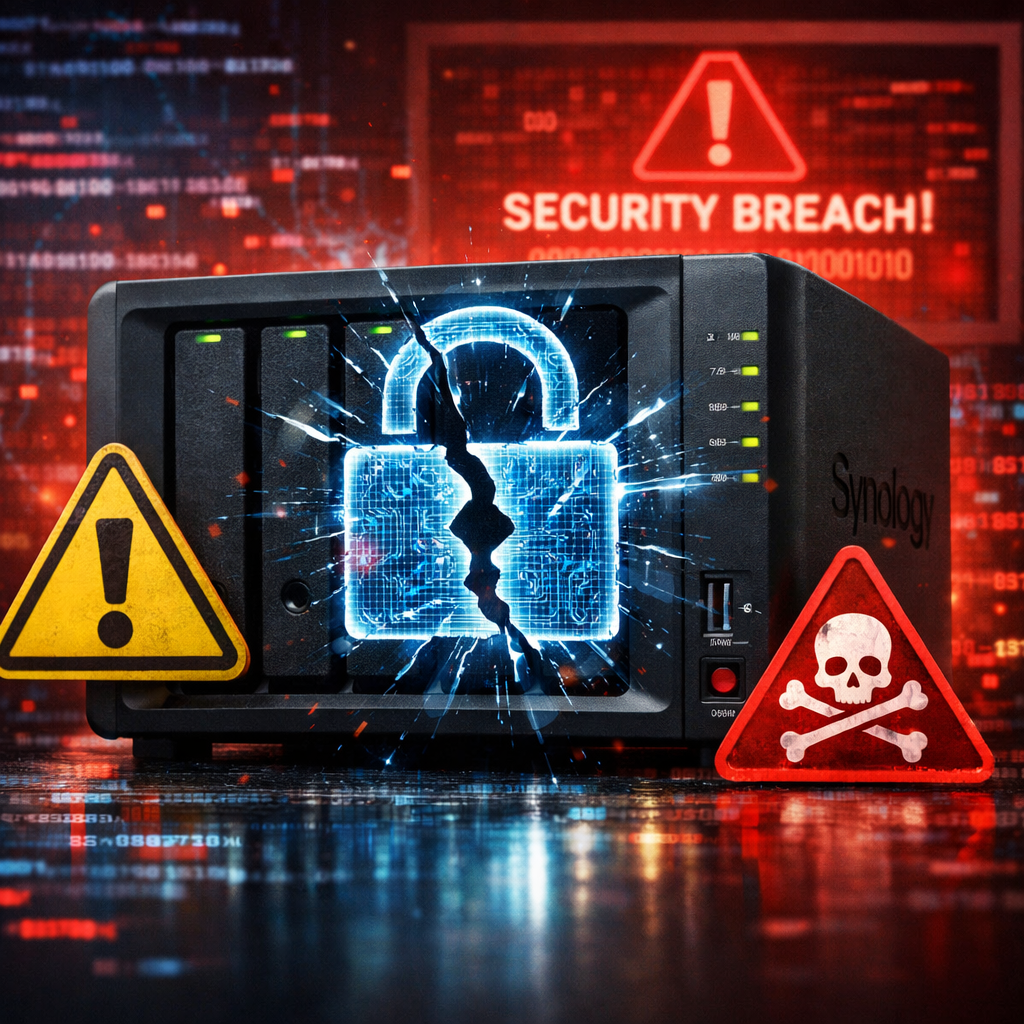
Synology is warning its users: ransomware gangs are actively targeting NAS (Network Attached Storage) devices using a vulnerability in its DiskStation Manager (DSM) software that was supposed to be fixed back in December 2024. The flaw allows hackers to access outdated installations of DSM and encrypt files, demanding a ransom to restore them.
The vendor revealed that although it patched this issue via a December 2024 advisory, many users still run the susceptible DSM versions. These include DSM 7.2.2 below build 72806-1, DSM 7.2.1 below 69057-6, DSM 7.2 below 64570-4, DSM 7.1 below 42962-7, and DSM 6.2 below 25556-8. Systems not meeting these thresholds remain vulnerable to remote compromise. Major CVEs tied to the flaw include CVE-2024-10441 (critical remote code execution), CVE-2024-50629 (file disclosure risk), and CVE-2024-10445 (improper certificate validation).
Threat actors have been observed executing attacks that encrypt data, marking affected files with a “.L0CK3D” extension. While Synology has not publicly confirmed which specific vulnerability is being leveraged in these recent incidents, the firm pointed to its earlier security advisory as the reference for the fixes. The assaults have gained notice especially from customers experiencing the C3RB3R ransomware strain.
Why This Has Become a Major Concern
NAS devices like those Synology offers are central to many home and business networks. They store backups, shared content, media libraries, and critical work files. Once compromised via a remote vulnerability, they can become a conduit for data loss, credential theft, and broader network infiltration.
Past attacks have already shown similar patterns: in 2019, NAS vendors were targeted by QNAP devices hit with QNAPCrypt (also known as eCh0raix), and in 2021 Synology warned of brute-force attacks from malware named StealthWorker that hammered weak administrator credentials. These incidents illustrate recurring themes in NAS security: unpatched software and poor password hygiene are consistent risk multipliers.
What You Should Do
Synology’s recommendation is clear—update DSM immediately if you’re on any of the affected versions. Users should also enable automatic updates so future patches are applied without delay. Even better, monitor logs for suspicious access and ensure that admin passwords are strong and unique.
This latest outbreak underscores a broader truth in cybersecurity: a patch doesn’t protect what’s not applied. Keeping software current is essential—delay opens the door for attackers to deploy ransomware or worse.
From an operational perspective, any organization or individual relying on a Synology NAS should assume they may already be compromised if they didn’t keep up with updates. Moving forward, device segmentation, proper backups, and regular audits must accompany patching to form a true defense in depth.