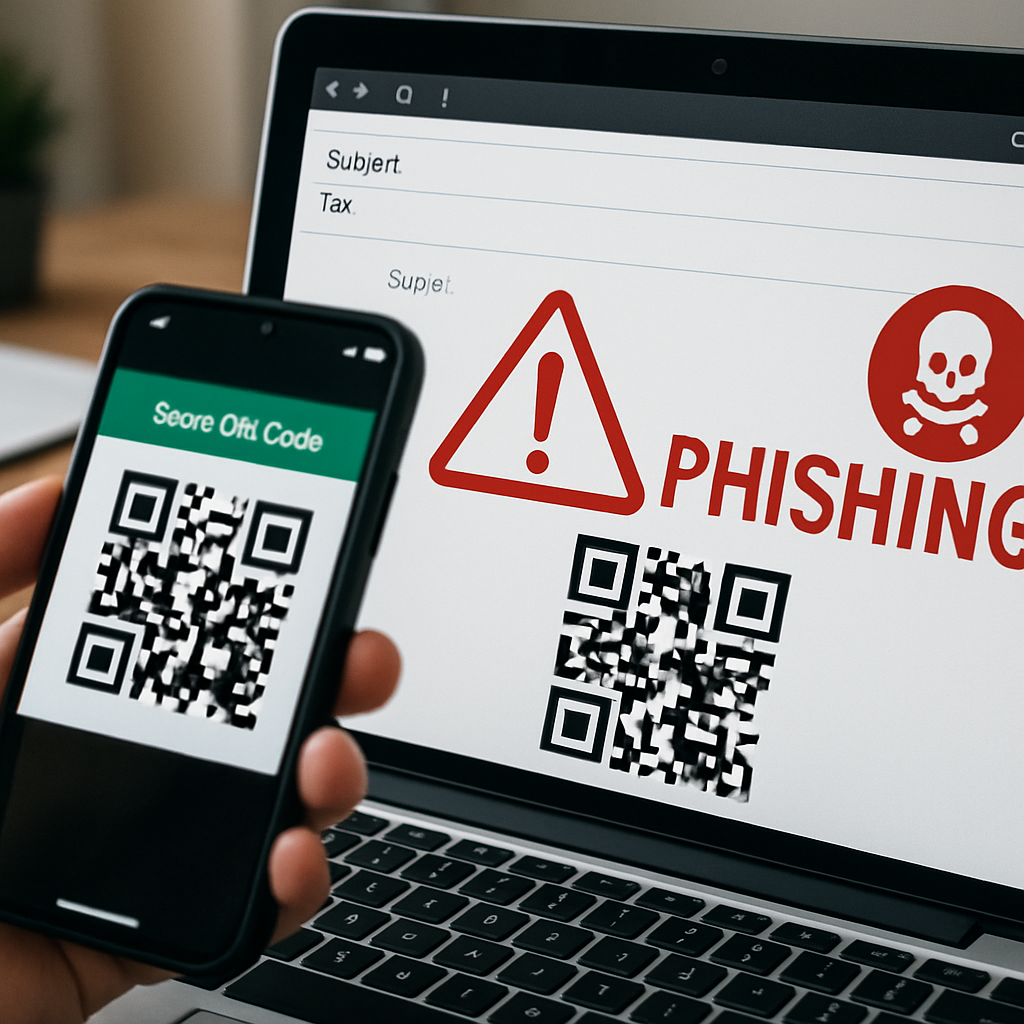
Cybercrime actors have been increasingly embedding QR codes in phishing emails—a tactic dubbed “quishing”—to trick users into revealing login information. These codes are hidden inside messages that mimic legitimate workplace communications and persuade recipients to scan them using their phone, thus masking fraudulent URLs behind seemingly harmless square barcodes.
What Is Going On
Rather than sending clickable links, attackers place QR codes in the email body or attachments. Once scanned, the code redirects the user to a fake login page designed to steal credentials or other sensitive data. This bypasses many traditional email defenses that scan for suspicious links. Even more worrying: some attacks use “imageless” QR codes constructed through email code rather than embedded images, making it harder for filters and security tools to catch them. Providers can’t just rely on image detection, because the code can be created via HTML markup.
Why It’s Getting Worse
Researchers from ESET report that in the first half of 2026, quishing attacks surged, reaching their monthly peak in April. Users in the United States, Spain, and Mexico were especially affected, accounting for 19%, 17%, and 6%, respectively, of all detected cases. Roughly one in nine phishing emails now include QR codes—around 11% of what ESET has identified. These messages often purport to come from HR or another trusted department and use urgent language around pay, benefits, or missed documents to induce fast action without scrutiny.
Attackers’ Edge and Real-World Examples
The success of quishing capitalizes on our ingrained trust in QR codes, which we regularly use for payments, check-ins, menus, etc. Because people expect QR codes to be quick shortcuts, they tend to scan before locking down whether the resulting link is safe. Also aiding attackers: mobile devices often lack the security protections of corporate machines, and users can’t easily hover to preview a QR code’s destination as they would with a link.
Beyond inboxes, scammers are also placing fake QR codes in public places like parking machines, bikes, toll tickets, and other items with payment themes. These codes redirect unsuspecting victims to pages designed to harvest credit card and payment information. State-backed groups are also involved: the FBI has warned that a North Korea-linked group called Kimsuky has used these methods in spearphishing campaigns targeting U.S. organizations.
What You Can Do to Stay Safe
Be extremely cautious around QR codes from unexpected sources, especially ones that stress urgency or imply a security issue or policy update. If you need to act, first verify via another method—call, chat, or use an official site instead of interacting through the email. When you scan a code, always check the displayed URL before entering any login or payment information.
On the organizational level, email security systems need to layer in QR code detection and treat QR contents (including attached or embedded codes) as carefully as they treat embedded links. Extend security policies to mobile devices and educate staff on spotting both traditional phishing and these QR-based variants. Keep your security operations teams alert—they should be tracking new malware, phishing campaigns, and security intel as it develops in real time.
This trend is more than a novelty: quishing represents a significant shift in phishing attacks, taking advantage of visual trust and human psychology. The more QR-enabled our environments become, the more danger this poses. Wardens of both individual security and corporate defense need to adapt—better detection tools, stronger mobile protection, and heightened alertness. Watch for organizations that both train users and upgrade email defenses; that mix is likely to be where risk is reduced most effectively.