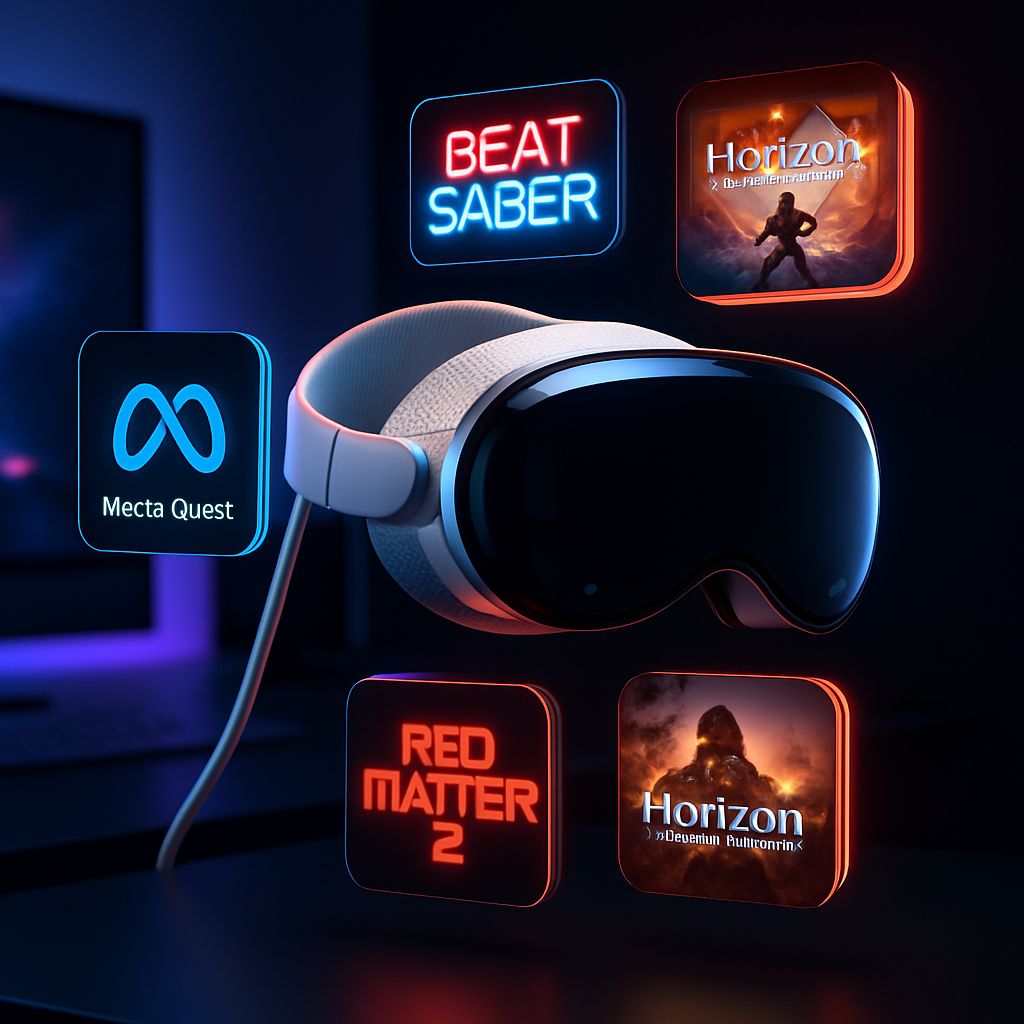
There’s now a way to access the full Meta Quest library on Apple Vision Pro—though it’s not officially supported and it lives outside the App Store. A new community project called AVP Play has mapped out a method to make many Quest games playable locally on Vision Pro headsets. If a game isn’t compatible, AVP Play users can flag that, and contributions from the community are helping to fill in the gaps.
AVP Play works by listing Quest titles, alongside indicators of whether each will run properly or not. It then attempts to launch the game locally on Vision Pro when possible. For games that don’t function yet, the project relies on crowdsourced efforts to test, report bugs, and improve compatibility over time.
The initiative is entirely user-driven and not sanctioned by Apple or Meta. It requires a modded or sideloaded setup to work—meaning users have to load software outside the standard Apple channels. That introduces potential risks and legal gray areas, especially around digital rights management, licensing, and warranty issues. Still, for tech-savvy users, it represents a possibility to get far more out of their Vision Pro units.
Why It Matters
The Vision Pro launched with its own curated selection of apps and games, but its library remains limited compared to other established VR platforms like Oculus (Meta Quest) or SteamVR. AVP Play offers users access to Quest’s hefty catalog—potentially putting Quest’s immersive gaming ecosystem into the Vision Pro experience without waiting for official ports.
That said, Vision Pro’s hardware and spatial computing environment aren’t identical to Meta Quest’s. Even when games can run, performance, control inputs, and user interface may vary. Developers who design for Quest’s ecosystem may not optimize for the Vision Pro’s display characteristics, sensors, or gesture and controller inputs. So what works may require tweaking or may not look quite like it does on a Quest headset.
Watchpoints & Risks
Because AVP Play isn’t an official app, users must handle installations in unofficial ways. That may void warranties or violate terms of service of one or both platforms. Games that haven’t yet been verified by the community may fail to launch or suffer glitches. And support for newer or more complex titles may lag behind.
Legal issues also linger. Running Meta Quest games on non-Quest hardware could breach licensing agreements. There’s no guarantee AVP Play will persist if Meta or Apple pursue takedowns or issue policy changes. Users should be aware they’re using this approach at their own risk.
This mod reflects a broader trend in mixed reality: users finding inventive ways to combine hardware and software across ecosystems to expand what’s possible. While companies tend to keep VR/AR content siloed to protect their own ecosystems, AVP Play illustrates how demand pushes communities to blur those lines. Meanwhile, developers and platform holders may now feel additional pressure to officially bring their content across platforms—or to better justify why they don’t.
In short, AVP Play offers a technical workaround for running Quest games on Vision Pro. It’s not for casual users—it demands tinkering, patience, and acceptance of potential instability. But it’s a sign that the barrier between ecosystems may be more permeable than companies let on.