This week’s episode of the Pixelated podcast dives into two major developments from Google: the rollout of Android 17 QPR1 and the impending arrival of Googlebook, Google’s laptop initiative running Android under the hood. Hosts explore what’s new, what it means for users, and what to expect as Google shifts focus into laptop-class hardware.
What’s coming in Android 17 QPR1
QPR1—short for Quarterly Platform Release 1—is rolling out to Pixel devices and brings a wave of refinements rather than sweeping new features. Visual tweaks under Material 3 Expressive include more translucent blurs in menus, folders, the power menu, volume panels, and Quick Settings. Users will also see a redesigned media card carousel, fresh animations, an updated Settings icon, and changes to how wallpaper and UI colors are handled. Support has been added for key interface tweaks like a dedicated Keyboard Quick Settings tile and simpler switching between keyboards. On the wellness side, there’s a new “Pause Point” feature in Digital Wellbeing, which nudges you to pause before launching distracting apps.
Under the surface, Android 17 QPR1 addresses dozens of bug fixes across Pixel models from the Pixel 6 onward: gaming stability, Bluetooth improvements, better performance in graphics-heavy tasks, and fixes for external display and notification issues. Over 100 security vulnerabilities are patched alongside. Because Google is staging the release, the update might not show up immediately for every device. Users can check manually via Settings → System → Software updates. This release is bundled with Google’s September 2026 Pixel Feature Drop, covering devices all the way through the recent Pixel 11 series.
Googlebook: Android on laptops reimagined
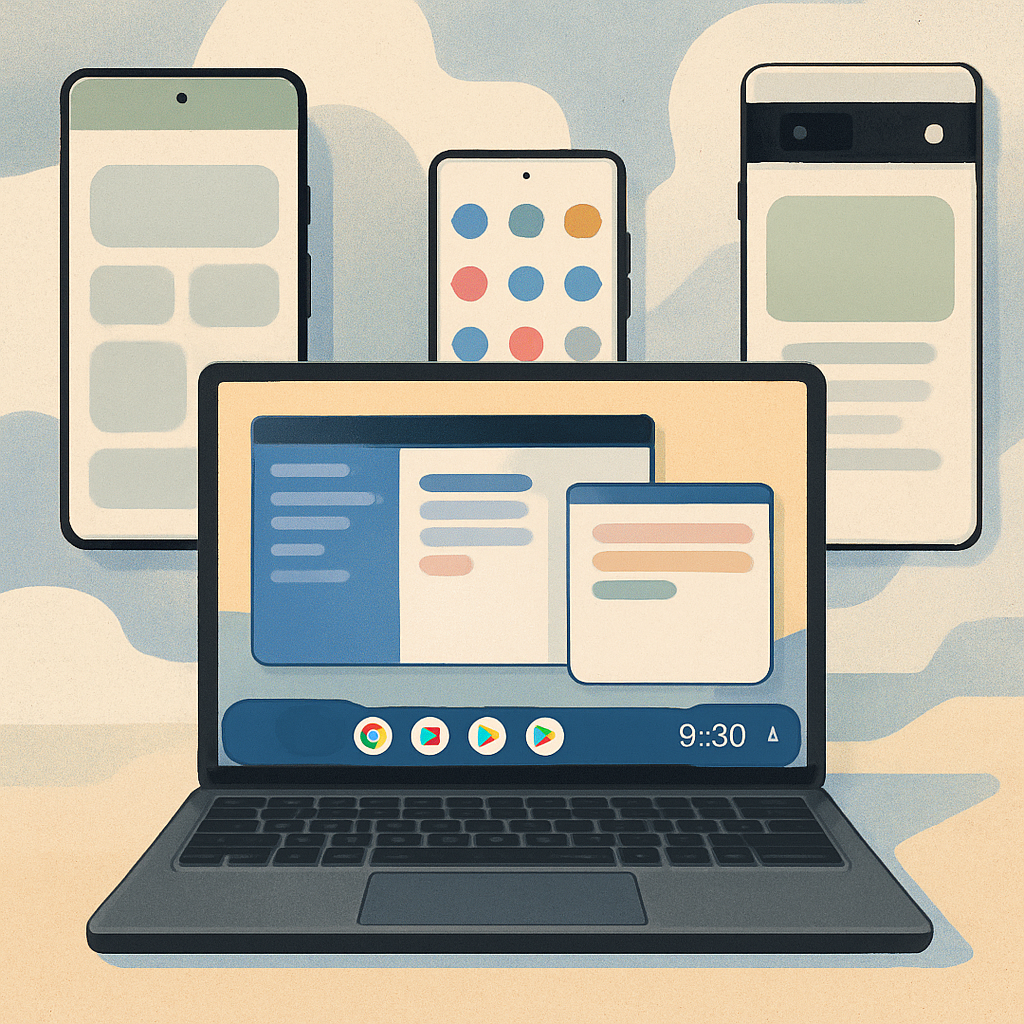
Also on the table is Googlebook—Google’s forthcoming Android-powered laptop family, positioned as the future of ChromeOS. Googlebook delivers Android’s desktop interface at its core, adapted for larger screens, keyboard and mouse input, and desktop-style work. You’ll see app windows with full title bars, floating panes, multi-pane layouts in apps like Gmail, and a centered launcher. While desktop mode on existing Pixel phones already shows these features when connected to external displays, Googlebook is expected to add polish, optimized windowing, folders placed directly on the desktop, and other customizations aimed at delivering the full laptop experience.
Google’s move toward adaptive-first design begins with Android 17—requiring apps to support large-screen resizability, foldables, tablets, and even laptop-class form factors. Tools like Jetpack Adaptive and Compose 1.11 enable developers to make UI elements shift dynamically between phone and large display layouts. And new input APIs—better trackpad/mouse support with native focus rings and gestures—show that Google is preparing Android not just for bigger screens, but for a shift in how users interact with their apps.
On this episode, hosts also touch on the intersection of Android QPR releases and Googlebook timing. With Feature Drops coming regularly and beta cycles moving faster, it’s clear Google is layering in desktop-class experience alongside mobile refinements, rather than waiting for hardware launches.
What this means: Android 17 QPR1 is more than just a minor update—it reveals Google’s vision of Android stretching beyond phones. As Googlebook nears launch, it will test Android’s ability to compete in the laptop space. Users should watch how partner brands adopt Googlebook, how app developers adapt UIs for large screens, and whether Googlebook’s hardware and software polish can match user expectations in a mature laptop market.