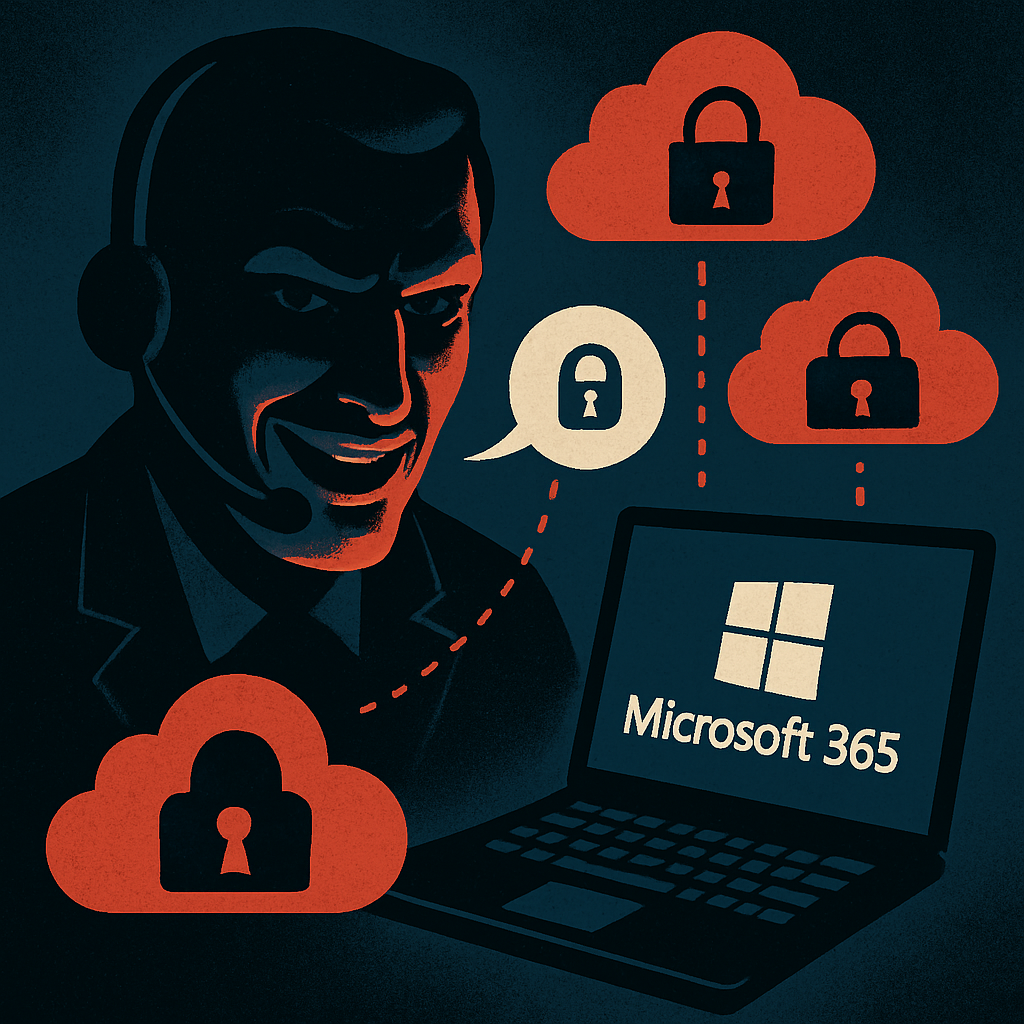
Cybersecurity researchers have uncovered a sophisticated phishing operation targeting Microsoft 365 users. Attackers are impersonating IT helpdesks, sending calls and texts claiming issues with passkeys, multi-factor authentication (MFA), or single sign-on (SSO), and steering victims to convincing fake login portals. Once users engage, these deceptive flows can bypass even MFA protections.
Starting around May 2026, Microsoft noted escalating incidents involving unusual sign-ins followed by unauthorized configuration of authentication methods. The attackers then likely access services via Microsoft Graph API, tapping into data stored in SharePoint, OneDrive, and email accounts.
How the Passkey Phishing Works
The “passkey” angle is just a ruse—attackers typically don’t try to enroll a real passkey. Instead, they lure users into adversary-in-the-middle flows: fake sites that relay login credentials or session tokens, or device-code sign-in prompts that fraudulently transfer control to attacker-controlled clients. Even when users successfully complete MFA, they may unknowingly hand over valid access sessions.
In observed cases, attackers signed in using unmanaged devices, registered new authentication methods, and treated those as legitimate access points. If sessions, refresh tokens, or rogue authenticators remain active, wiping credentials may not fully cut attackers off.
From Account Takeover to Data Harvesting
Once inside, attackers use Microsoft Graph to assess permissions—examining users, roles, applications, file shares, and mailboxes. After mapping, they begin extracting data: mass downloading from OneDrive and SharePoint, accessing email contents via REST APIs, and exfiltrating files and attachments.
Attackers maintain a low profile by keeping download rates modest—under 1,000 files or emails per hour—enough to evade automated detection while continuing the operation over hours or days.
Mitigation & Defense Strategies
Security teams are advised to watch for a series of telltale signals: suspicious sign-ins followed by MFA enrollments, large Microsoft Graph discovery requests, use of anonymous proxies, automated content downloads, and clustered mailbox or attachment searches.
When compromise is confirmed, thorough remediation steps are critical: revoke active sessions and refresh tokens; reset credentials; remove malicious authenticators or phone numbers; eliminate dangerous mailbox rules; restrict device-code sign-ins; enforce phishing-resistant MFA; review permissions and application consent.
Organizations should also institute stricter policies around verifying unexpected helpdesk outreach, always using known internal channels—not numbers or links provided in a call or text—and ensure employees are trained to recognize phishing attempts via voice, SMS, or Microsoft Teams.
This passkey-themed phishing campaign illustrates how attackers are adapting to security advances. The reliance on MFA or passkeys is no longer automatically safe; the human element remains a primary vulnerability. Close coordination between incident response teams, identity management, and cloud service monitoring will be essential to defend against these increasingly cunning attacks.